Best Rytr Alternatives in 2027
Compare Rytr alternatives when the text already exists and you want a named rewrite, not a new draft from a blank prompt.

Rephrase AI is the Rytr alternative to open first when the text is already written and you want one readable rewrite, with a style you can name, before you create an account. The public rewriter tool accepts up to 1,500 characters and does not require sign-up. The public AI rephraser accepts up to 1,200 characters and is free. The public paraphrasing tool accepts up to 1,200 characters and does not require sign-up. Rephrase AI's pricing includes public writing tools that are free to try without an account, each with its own input limit. Clearer, Professional, and Shorter are the styles on all three.
People look for a Rytr alternative when the draft exists and the job is to rewrite it, rephrase it, or improve the wording. Rytr can also start from a rough idea and produce an email, a post, or a page. That generation job is a different choice. The wider paraphraser list is best paraphrasing tools. The wider rewriter list is best AI rewriting tools. Use those when you are choosing from scratch. Use this comparison when you already use Rytr on text you have.
An automatic spinner is covered in Spinbot alternatives. A bulk article rewriter is covered in WordAI alternatives.
The order is Rephrase AI, QuillBot, Wordtune, ProWritingAid, LanguageTool, Grammarly, and Hemingway Editor.
Rytr alternatives at a glance
| Rank | Tool | Best for | Main tradeoff |
|---|---|---|---|
| 1 | Rephrase AI | Rewriting text you already have, with named styles, and no account | Public caps are 1,200 and 1,500 characters, and it does not draft a long piece from a blank prompt |
| 2 | QuillBot | Named paraphrase modes on a short passage | Unpaid use ends at a hundred words |
| 3 | Wordtune | Daily rewrites of a sentence or a paragraph, plus free grammar checks | Ten free rewrites a day, after sign-up |
| 4 | ProWritingAid | Style changes on one sentence inside a manuscript | Free suggestions cover 500 words |
| 5 | LanguageTool | Multilingual checking with a few free sentence rephrases | Three free sentence rephrases a day |
| 6 | Grammarly | Full-sentence rewrites once you are on Pro | Full-sentence rewrites are on Pro |
| 7 | Hemingway Editor | Seeing wordy and passive sentences before any rewrite | The free editor marks problems and leaves the sentence alone |
How we ranked these alternatives
Five questions set the ranks.
- A rewrite of text you already have. The tool should rewrite, rephrase, or improve an existing draft, and you should be able to name the change. Starting a long article from a blank prompt does not win.
- What you can try before paying, with the stop written down. No account beats a sign-up form when you only need to read one rewrite.
- A name for the change. Clearer, shorter, and more formal should be labels you pick.
- Price after that free path. What do you pay when the free limit is too small?
- A larger workspace does not outrank the rewrite. A relationship assistant, a grammar checker, or a manuscript editor can still be the right buy. Those features do not take the first rank when the text is already written.
We compared each tool using current official product pages and documentation, focusing on workflow, access, pricing, and everyday usefulness. Paid, login-only, and technical requirements are noted where they affect our recommendation.
The prices and plans below are as of October 30, 2026.
Rytr's free plan includes 10,000 characters a month, which is larger than either Rephrase AI public cap. That budget is not question one. Question one is a named rewrite of text you already have. The free start goes to sign-up. The rewrite also sits inside a product that drafts new emails, posts, and pages and tracks relationships.
Rephrase AI takes the top spot because the styles are named and two of the public tools skip the account. QuillBot is next. Its unpaid modes have names, and the free path still ends at a hundred words, so Formal, Shorten, and Simple are not part of the free plan. Wordtune follows because the rewrite starts with an account, even though it includes formal, casual, shorten, and expand and can take a paragraph.
What Rytr includes when you rewrite text you already have
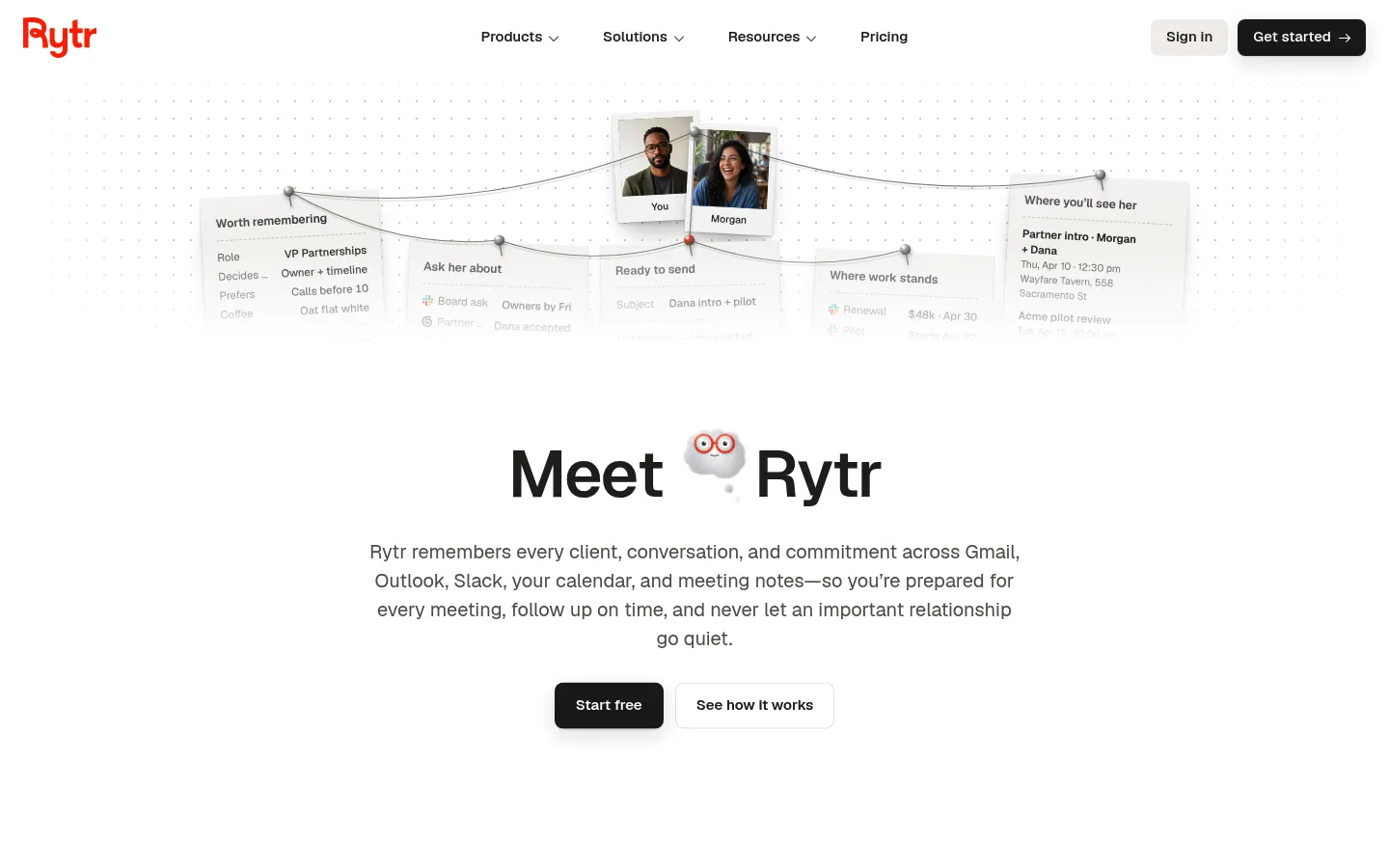
Rytr homepage, captured October 30, 2026.
Rytr's homepage calls the product an AI relationship manager and follow-up assistant. It remembers clients, conversations, and commitments across Gmail, Outlook, Slack, a calendar, and meeting notes. Engage is who needs a follow-up. Create is the writing. Create can turn a rough idea into an email, a post, or a page, and it can also rewrite until the draft sounds like you.
Rytr includes 40 use cases, from emails to ads, your own voice or one of 22 tones, and 38 languages, with up to three drafts at once. You can continue, expand, shorten, reword, or improve in your personal voice or one of those 22 tones, or give a direct instruction without rebuilding the draft. The browser extension can improve, shorten, expand, or continue text in any text box. You can select text in any editor and do the same. Nothing sends until you approve the message.
Rytr also includes a phone app and a morning and evening brief by iMessage or SMS, with email coming soon. That brief is the relationship product. It is not a separate rewrite cap.
Rytr pricing offers four monthly plans. Free is marked free forever. Its writing allowance is ten thousand characters each month, with 40 or more use cases and 30 or more languages. The same plan adds a single connected source, 25 active relationships, 25 Engage actions in the month, 3 person-research runs, and a daily briefing. Nine dollars a month, Lite, is what removes the character ceiling. Personal costs $19. Pro costs $49. Those two add sources, relationship counts, and Engage actions. Paying yearly saves 20% and bills once a year.
Rytr offers a free start with no credit card. The free start goes to sign-up.
The rewording use case offers over 30 languages and over 20 preset tones.
The rewrite page shortens, expands, sharpens, or translates existing writing. It can make that text clearer, shorter, or more on-voice without losing what you meant. The examples are a short email and a short post, not a long article from a blank prompt.
Expand, Shorten, and Improve sit on a ribbon after you select text. Improve is also a rephrase. Expand inserts words. Shorten keeps more or less the same meaning while cutting length. Improve rewords the text so it sounds different, and the meaning stays. The monthly quota resets, and unused credits do not roll over.
The rewrite of text you already have is real, and it is one control inside a product that also drafts new copy and tracks relationships. The free plan starts at sign-up.
1. Rephrase AI
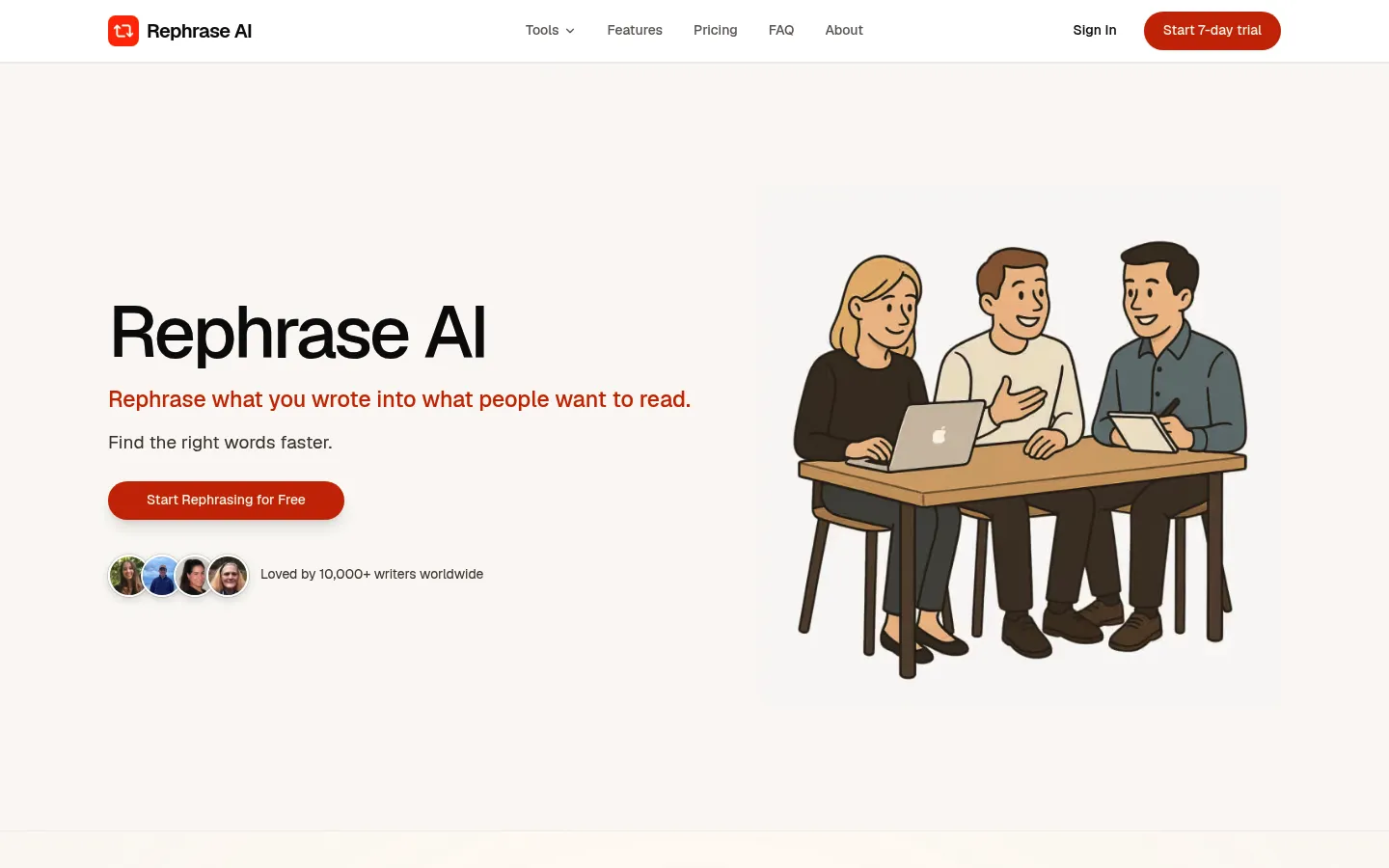
Rephrase AI homepage, captured October 30, 2026.
Rephrase AI is first because a short draft you already have can be rewritten with named styles and no account.
Character stops differ by tool. Paraphrasing and the AI rephraser each end at 1,200. The rewriter ends at 1,500. The style names on every one of them are Clearer, Professional, and Shorter. The paraphrasing tool and the rewriter tool are the ones marked no sign-up. The AI rephraser shares their preview. None of those public limits is the signed-in monthly allowance.
Signed-in Free is 3 standard rephrases a month, up to 3,000 characters each. Pro is $29/month month to month, or $17.42/month on the yearly plan. Billed $209 annually. Pro drops the monthly rephrase count, allows 10,000 characters on each rephrase, and includes SuperRephrase™ Mode. Profiles in the signed-in editor are Professional, Creative, Academic, and Casual. The editor opens on Custom, so none of those four is selected. After you choose one, formality, complexity, brevity, and creativity can move.
New customers get a 7-day free trial. Then $29 per month. If the draft you already have is the job, Start 7-day trial.
On text you already have. Clearer, Professional, and Shorter before an account. Four profiles after you sign in.
Free ceiling. 1,200 or 1,500 characters in public. Three signed-in rephrases a month after that, unless you move to Pro.
Stay with Rytr instead if you want the free 10,000-character month, you will create an account, and you also want the relationship brief or a draft that starts from a rough idea. Rephrase AI does not start a long article from a blank prompt, and it does not track relationships, meetings, or follow-ups. A long article does not fit one public pass. Rephrase AI's public tools cover wording and style. They are not a spelling, punctuation, or grammar checker.
Compare the rewrite with the original before you send it. A dated comparison with a general chat tool is in Rephrase AI vs ChatGPT for rewriting.
2. QuillBot
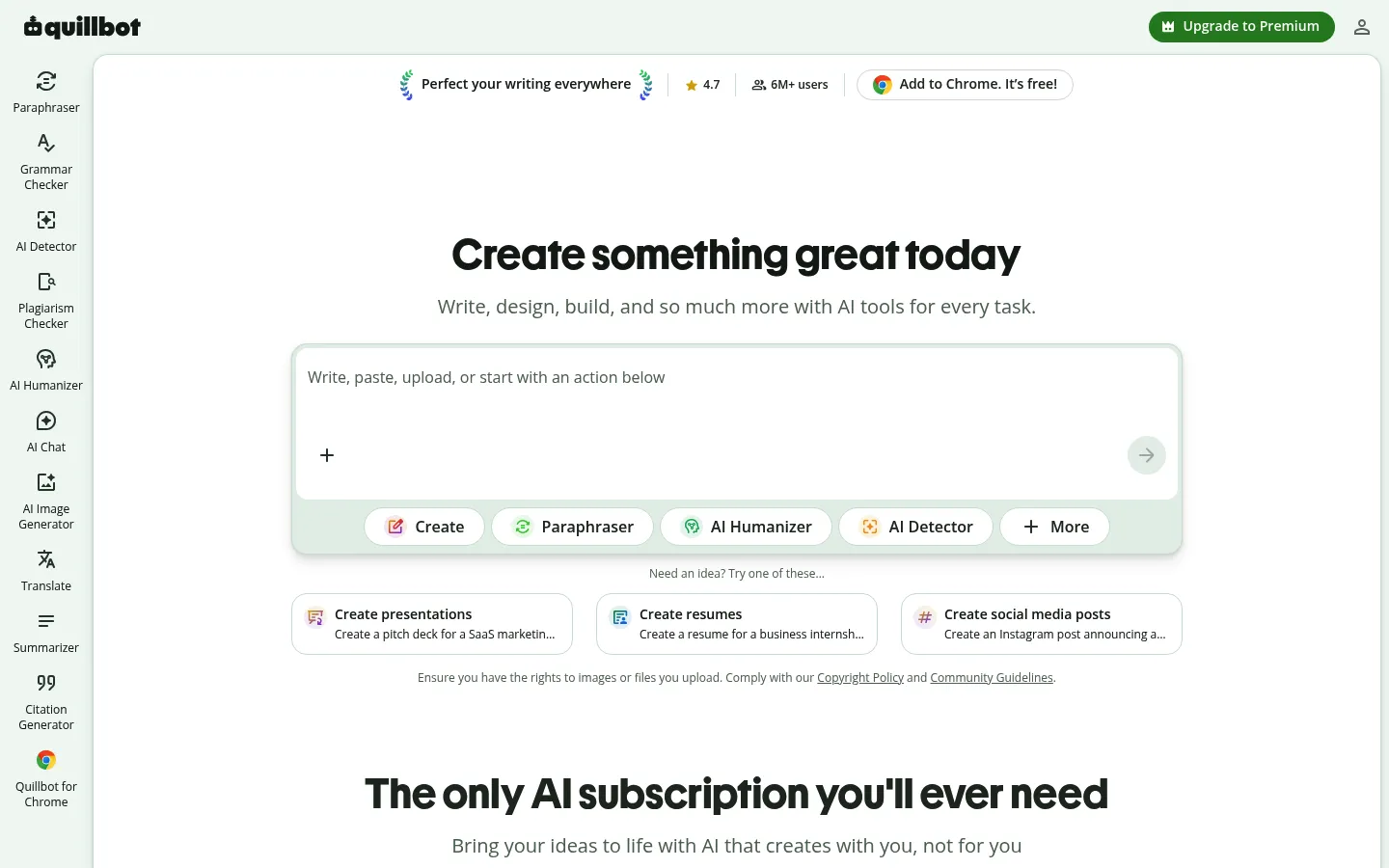
QuillBot homepage, captured October 30, 2026.
QuillBot is the named-mode paraphraser for a short passage you already wrote. The free-versus-Premium article, updated October 22, 2026, keeps free users inside Standard and Fluency and inside a hundred words. Premium lifts the word cap and unlocks the other modes. The synonym slider is partly free and fully paid. Premium history stores up to 50 paraphrases a month. Custom modes on Premium are unlimited.
The modes are Standard, Fluency, Humanizer, Formal, Academic, Simple, Creative, Expand, Shorten, and Custom. Free and limited are Standard and Fluency. The other modes are Premium. Limited daily paraphrases are available.
Creative may slightly change the meaning. Humanizer is a Premium mode that makes text sound less robotic. None of these tools is a way to conceal that a draft was written with AI.
The pricing FAQ prices a month at $19.95. Annual is $8.33 a month because $99.95 is billed every twelve months. The semi-annual plan is $13.31 a month, and that plan bills $39.95 every three months. The grammar checker and the paraphraser are free with limited access.
On text you already have. Standard or Fluency if the passage is under a hundred words. The other named modes if you pay.
Free ceiling. A hundred words, and a mode list that is mostly paid.
Stay with Rytr instead if the free monthly character budget matters and you will use the rest of Rytr. Use Rephrase AI when the passage is short and the first step should not be an account.
Leaving QuillBot starts at QuillBot alternatives.
3. Wordtune

Wordtune homepage, captured October 30, 2026.
Wordtune is a daily rewriter with free grammar checks, for text you highlight. The plans page prices Basic at $0. The free card includes 10 rewrites a day with AI suggestions, 3 AI summaries a month, and unlimited spelling and grammar checks. AI generations are under limited daily use.
Annual Advanced is $6.99 a month and includes 30 rewrites a day, 15 summaries a month, and unlimited AI recommendations, spelling, and grammar. Annual Unlimited is $9.99 a month and removes those rewrite and summary caps. Wordtune offers monthly and annual billing, with a 50% mark on annual. The monthly figures are $13.99 and $19.99.
Paid plans have a 3-day trial. Payment information is entered and not charged until the trial ends. Refunds are not offered. Cancel before the next cycle or before the trial ends. Students, educators, and nonprofits with a valid .edu address can ask support for 30% off.
The rewrite begins with sign-up, and a credit card is not required to start. Controls are formal, casual, Shorten, and Expand. You can rewrite a sentence or a whole paragraph. Wordtune works on a desktop, on a mobile device, in other apps, in a browser, and in Google Docs.
On text you already have. Highlight, then formal, casual, shorten, or expand, including a paragraph.
Free ceiling. Ten rewrites a day, after an account, plus 3 AI summaries a month.
Stay with Rytr instead if a monthly character budget matters more than a daily rewrite count. Use Rephrase AI when the first rewrite should not need an account.
4. ProWritingAid
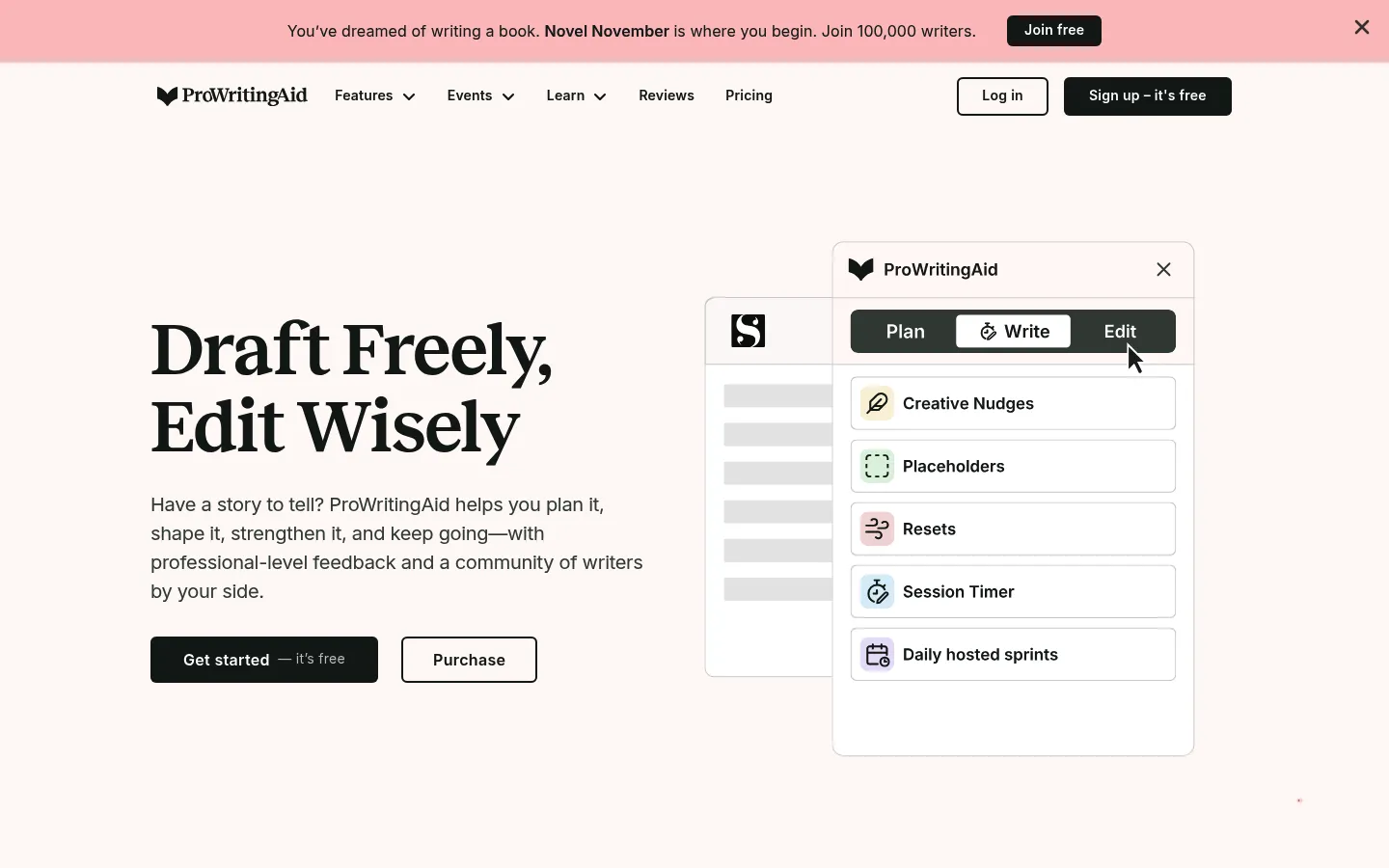
ProWritingAid homepage, captured October 30, 2026.
ProWritingAid checks a manuscript and rephrases a sentence. The pricing page includes 10 rephrases a day on Free, plus grammar, spelling, and punctuation, and 2 runs a day of each line-editing report on 500 words. A free account gets suggestions for 500 words at a time, and a paid license covers any length. English only, in General, British, US, Australian, and Canadian.
Premium is $30 if you pay monthly, or $10 a month when $120 is billed for the year. Premium Pro is $36 if you pay monthly, or $12 a month when $144 is billed for the year. Lifetime prices are $399 and $699. Yearly billing saves 67% compared with monthly. Ask for a refund within three days on a yearly or lifetime plan. Monthly plans cannot be refunded.
The rephrase page works on a sentence and can make writing more formal or informal, longer or shorter, more fluent, or more sensory. Free is 10 a day. Paid is unlimited. It runs in the Web Editor, Google Docs, Microsoft Office, and the Desktop Editor, plus ProWritingAid's other integrations.
On text you already have. One sentence, with a named style change, beside the reports.
Free ceiling. Ten sentences a day, and suggestions that stop at 500 words. A longer draft is many passes. English only. $30 a month is a high price if the only job is a rewrite.
Stay with Rytr instead if the free month of characters is the requirement and a sentence-by-sentence rephrase is too small. Use Rephrase AI for one pass on a short draft without a manuscript editor.
5. LanguageTool
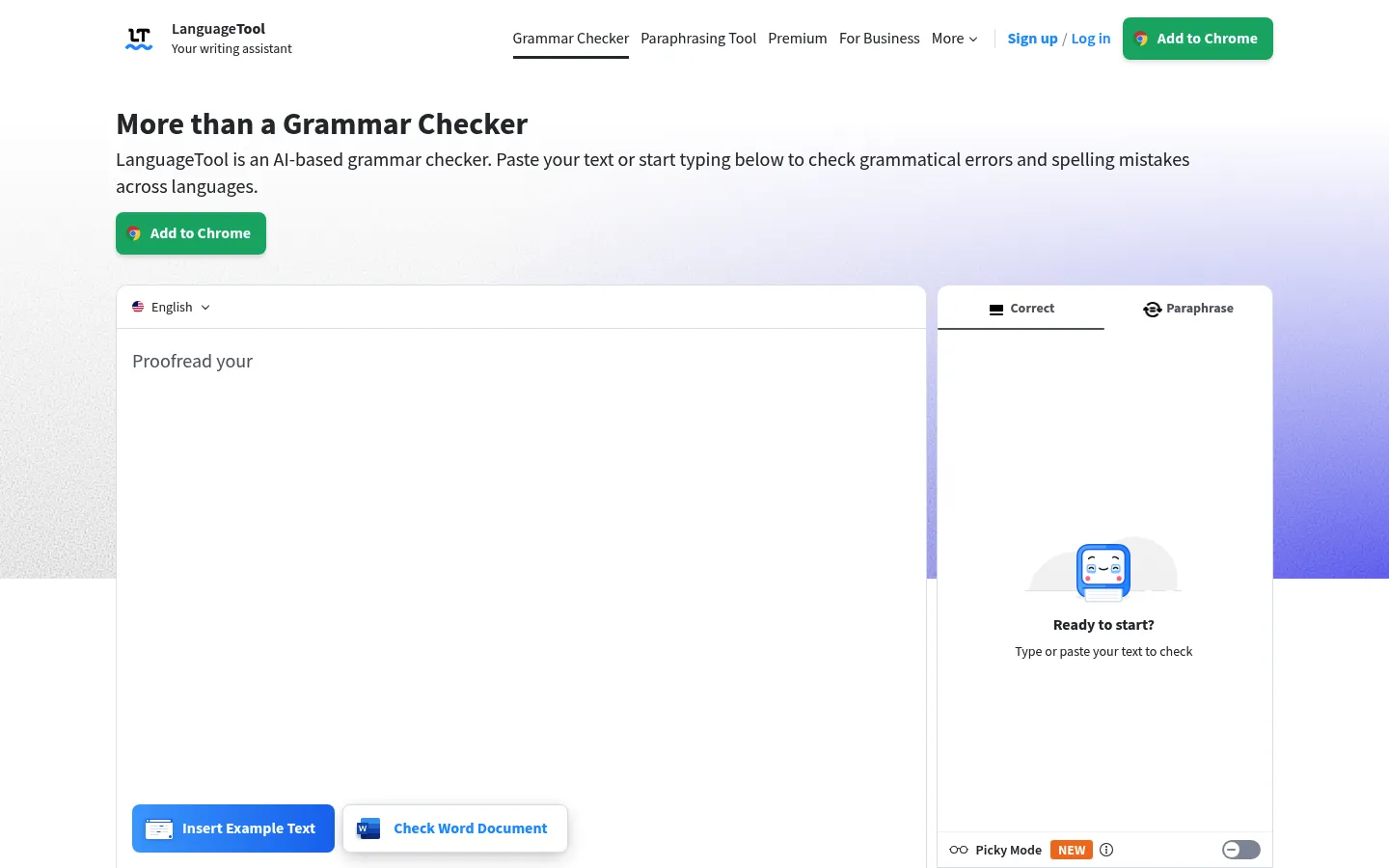
LanguageTool homepage, captured October 30, 2026.
LanguageTool is the checker when the existing draft needs corrections more than a long rewrite. On the premium comparison, a free field holds 2,000 characters and the free paraphrase budget is three sentences each day. The paid field holds 150,000 characters, and sentence paraphrases are unlimited there, with formal, fluid, and short as the directions. The language count is above 30. VAT is included.
You can use LanguageTool without an account in Chrome, Firefox, Edge, Safari, Word, and LibreOffice. Windows, macOS, and iOS apps come after a free account. Premium is not offered as a free trial. The offer is a 14-day money-back guarantee.
Euros are on the subscription article, dated March 24, 2026. Individual Premium is €19.90 a month, €39.90 a quarter, €59.89 a year, or €99.90 for two years. Those prices are in euros. VAT is included on the premium comparison.
On text you already have. A grammar pass in more than one language, plus three free sentence rephrases a day. Premium names formal, fluid, and shorter.
Free ceiling. Three sentences a day will not carry a rewriting habit. The price is in euros. LanguageTool's no-account access is the checker in a browser or an office app.
Stay with Rytr instead if you want a monthly character budget for existing text and you will sign up. Use Rephrase AI for one named rewrite of a short draft before an account.
6. Grammarly
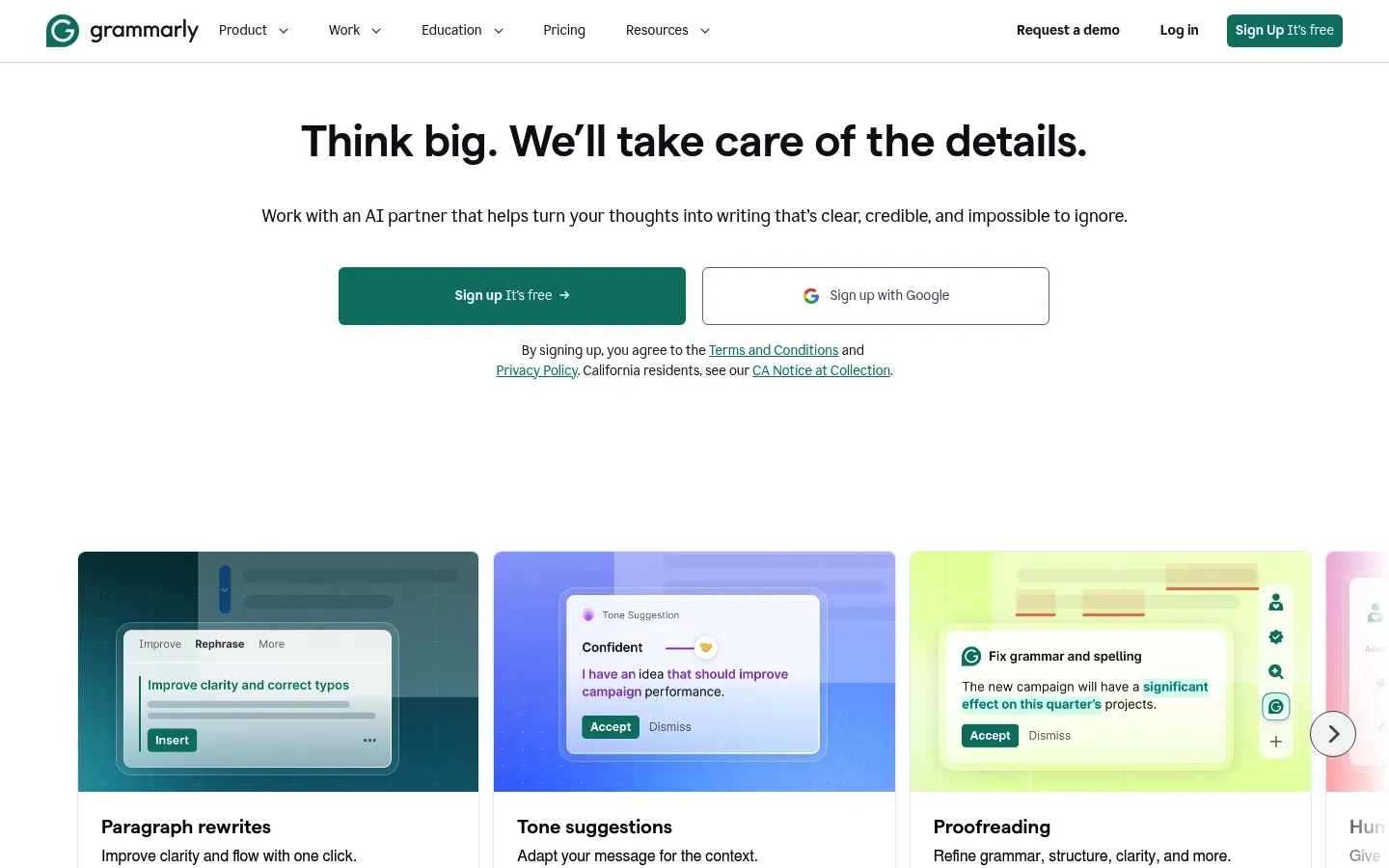
Grammarly homepage, captured October 30, 2026.
Grammarly is a checker first, and it holds full-sentence rewrites for Pro. Grammarly Free is $0 a month, with clean spelling and grammar, a look at tone, and 100 prompts a month for generated text. Full-sentence rewrites come with Pro, not with Free.
Everything else on Pro is tone adjustment, fluent English writing, unlimited personalized suggestions, plagiarism detection, AI-text detection, and a 2,000-prompt pool. Pro comes with $12 struck through, Try for free, nothing owed today, and a reminder email two days ahead of the trial's end. Enterprise is contact sales.
Grammarly's paraphraser opens with no sign-up step, and the rewrites need a free account. Six unnamed preset styles are included. English, Spanish, French, German, Portuguese, and Italian need that account. Full-sentence rewrites are a Pro feature.
On text you already have. A checker on the free plan. A full-sentence rewrite if you pay.
Free ceiling. 100 AI prompts a month on the free plan. Full-sentence rewrites are on Pro. The six styles are unnamed.
Stay with Rytr instead if the free path you want is a stated monthly character budget. Use Rephrase AI or Wordtune when a free rewrite limit has to be readable before checkout.
Leaving Grammarly starts at Grammarly alternatives.
7. Hemingway Editor
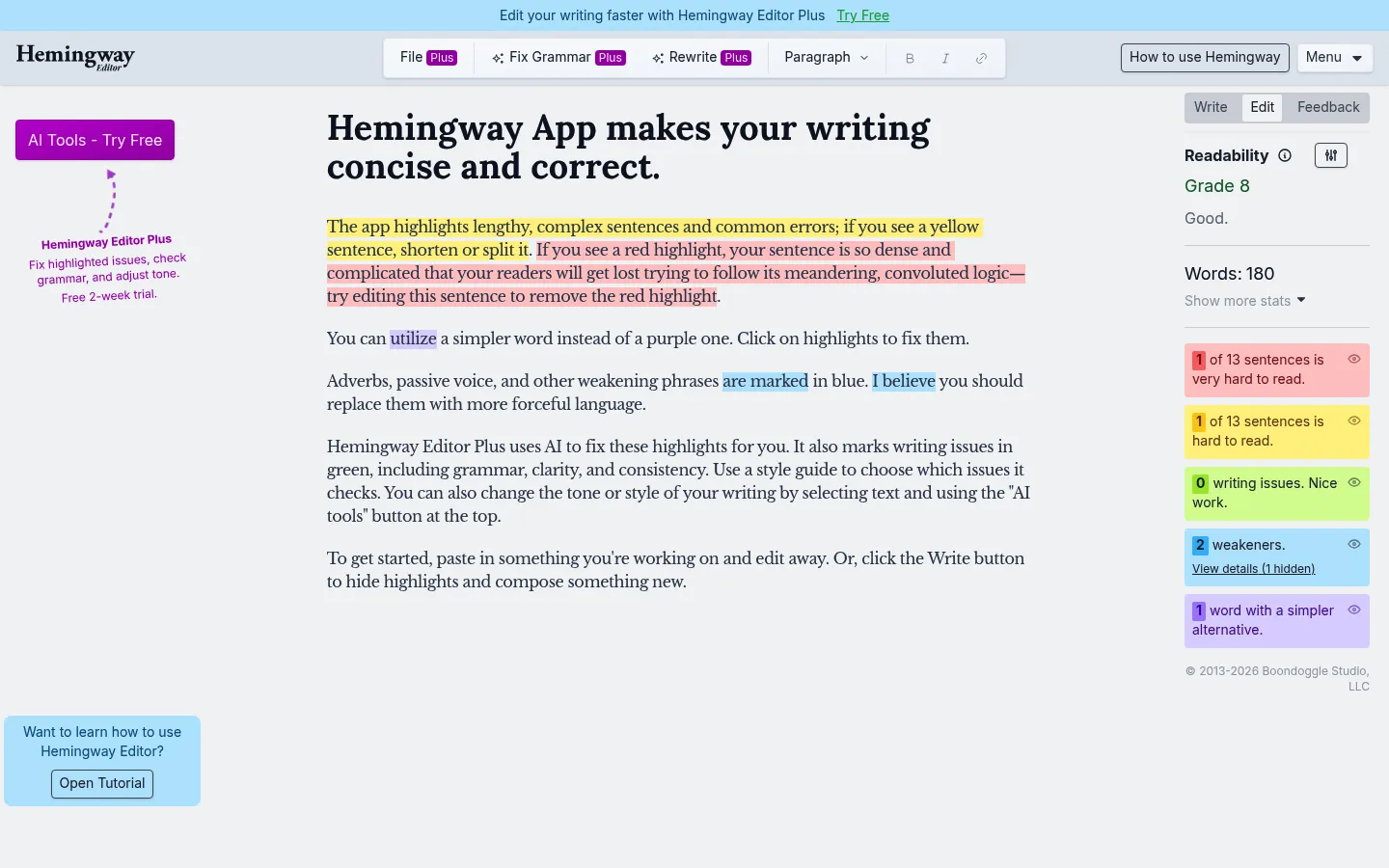
Hemingway Editor homepage, captured October 30, 2026.
Hemingway Editor marks a draft before it rewrites anything. The billing FAQ says the free editor can highlight text, score readability, and identify wordy sentences, passive voice, and words with simpler alternatives. Plus is the subscription that uses AI to fix those sentences and to change style and tone. The free editor does not rewrite the sentence.
Plus spends one AI credit per rewritten sentence. Hemingway Editor Plus bills annually. Individual 5K is $8.33 a month, $100 billed annually, for 5,000 AI sentences a month. Individual 10K is $12.50 a month, $150 billed annually, for 10,000 AI sentences a month. The annual offer is labeled save $200. The annual plan starts at $100 a year, described as $8.33 a month and 17% less than monthly, and the monthly plan is $10.
Eight styles can be applied. Examples include more confident, more friendly, more casual, more formal, and more persuasive, plus shorten and add detail. The trial is two weeks, no credit card is required, and it cancels automatically. You are charged only if you sign up for a paid plan and enter payment information.
On text you already have. Highlights while it is free. A proposed sentence rewrite on Plus, one credit each.
Free ceiling. No rewrite until you pay. A long draft spends many credits. The annual plan is labeled save $200.
Stay with Rytr instead if you want a free character budget that already includes a rewrite command. Use the free Hemingway Editor to see wordy and passive sentences and rewrite them yourself. Use Plus to spend credits on that rewrite. Use Rephrase AI when you want the rewrite itself, before an account, on a short draft.
Free Rytr alternatives
Rytr's free plan is 10,000 characters a month, the free start goes to sign-up, and Rytr says that start does not require a credit card. A free alternative has to cover the draft you actually have.
| Tool | What you can do to a draft that exists | The wall |
|---|---|---|
| Rephrase AI | Paraphrase or rewrite in Clearer, Professional, or Shorter. Public stops are 1,200 and 1,500 characters. The paraphrasing tool and the rewriter tool do not need an account. After sign-in, three rephrases a month reach 3,000 characters. | Not a grammar checker. Three is the signed-in month. A long article will not fit. |
| QuillBot | Standard or Fluency on a passage you paste. | One hundred words, then the paid modes. |
| Wordtune | A daily set of ten rewrites, three summaries in the month, and unlimited spelling and grammar checks. | The day count, and an account before the editor. |
| ProWritingAid | Ten sentence-level rephrases a day, with suggestions limited to 500 words. | The sentence, then the length. |
| LanguageTool | A 2,000-character field and three sentence rephrases in a day. | Both of those numbers. |
| Grammarly | Clean writing, a tone view, and 100 prompts a month. | Full-sentence rewrites are on Pro. |
| Hemingway Editor | Highlights on wordy lines, passive voice, and simpler words, plus a readability score. | Nothing is rewritten until you pay. |
| Rytr | Ten thousand characters across the month on the free-forever plan. A card is not required to start. | The month, sign-up, and credits that expire instead of rolling over. |
Use a Rephrase AI public tool when the rewrite should not wait on an account. Wordtune pairs a daily rewrite count with grammar checks. Rytr pairs a monthly character pile with a no-card start, after you sign up. ProWritingAid pairs a sentence count with a 500-word suggestion slice. Hemingway's free editor only marks what you will fix yourself.
A Rytr free alternative still has to name the kind of rewrite. A larger character allowance does not by itself make another tool a better fit.
Sites and apps like Rytr
These are websites. Some also publish apps. Searches for sites like Rytr and apps like Rytr land on the same products.
Rephrase AI's public tools and signed-in editor are websites. QuillBot's paraphraser runs in the browser. Wordtune works on a desktop, on a phone, in other apps, in a browser, and in Google Docs. ProWritingAid's rephraser runs in the Web Editor, Google Docs, Microsoft Office, and the Desktop Editor. LanguageTool includes browser add-ons and office apps, plus Windows, macOS, and iOS apps after a free account.
Grammarly offers the Go assistant on Chrome and Edge, and it also offers Grammarly for Windows, Mac, Chrome, Safari, Firefox, Edge, Microsoft Office, Google Docs, and iPhone.
Hemingway Editor runs on your computer. Plus adds the AI sentence rewrites inside that editor.
Rytr includes a website, a phone app for the brief, text briefs in iMessage or SMS, and an extension that can change text in any text box. The extension installs from the Chrome Web Store and can select text in Gmail, Slack, Notion, or any editor to improve, shorten, expand, or continue it.
Pick the job, then the platform, if you need a particular browser or a phone app.
How to choose
Match the job you have, then the free limit, then what you pay.
Pick Rephrase AI if the change is wording or tone, a public cap holds the draft, and you will check the result. Trying it needs no account. The signed-in free month is three. Pro is the later plan, the one with 10,000 characters on a rephrase, and it is still not a relationship product and still not a blank-prompt article writer.
Pick QuillBot under a hundred words, or if you will pay to lift that cap. Pick Wordtune for about ten rewrites each day with free spelling and grammar checks that are not capped. Pick ProWritingAid when one sentence inside an English manuscript is the unit. Pick LanguageTool when several languages need a checker and three sentence rephrases a day will do. Pick Grammarly if full-sentence rewrites can be a paid feature. Pick Hemingway's free editor to see the problems and rewrite them yourself, or Plus if you will spend sentence credits.
Keep Rytr if ten thousand free characters in a month, an account, and the surrounding product are what you wanted. Lite, at $9, is the card that drops the character ceiling. Personal at $19 and Pro at $49 are the cards that add relationship room. Move on if you want one named style on a short draft with no account, or if you do not want the relationship layer wrapped around the rewrite.
Read the result before you send it. Names, dates, and hedges can disappear in a rewrite. A checker can leave a false statement alone when the spelling is fine. For school or work, keep the source beside the draft. A mode sold as less robotic still needs your eyes on the paragraph.
FAQ
Try a readable rewrite on the draft you already have
Open Rephrase AI when Rytr has been your rewrite for text you already wrote and you want that pass with no account yet. Put the draft in, set it next to the original, and ship only the version that still matches your meaning.
New customers get a 7-day free trial. Then $29 per month. Start 7-day trial.