Best Paraphrasing Tools in 2026
Compare the best paraphrasing tools for meaning integrity, responsible use, useful controls, and practical writing workflows.

Rephrase AI is the best overall paraphrasing tool in 2026 because it lets you adjust how text is rewritten and review the result before using it. QuillBot is better when the largest set of named paraphrasing modes is the priority, and Grammarly provides broader grammar, tone, and voice review around a paraphrase.
Our overall order is: 1. Rephrase AI, 2. QuillBot, 3. Grammarly, 4. Wordtune, 5. LanguageTool, and 6. ProWritingAid. Meaning and key-detail accuracy come first, so every important paraphrase should be checked against its source.
The best paraphrasing tools at a glance
| Rank | Tool | Best for | Main tradeoff |
|---|---|---|---|
| 1 | Rephrase AI | Adjustable paraphrasing with responsible source review | No documented browser extension |
| 2 | QuillBot | Dedicated, mode-rich paraphrasing | High-change modes require careful fact review |
| 3 | Grammarly | Paraphrasing inside a broader editing review | Free users receive limited daily suggestions |
| 4 | Wordtune | Sentence alternatives in the browser | Not designed around long source passages |
| 5 | LanguageTool | Multilingual sentence paraphrasing | Three free uses per day |
| 6 | ProWritingAid | Style-conscious sentence variants | Sentence-focused rather than source-management focused |
How we tested and ranked paraphrasers
Our criteria, in priority order, were:
- Meaning and key-detail accuracy: preserve facts, important terms, uncertainty, and relationships between claims.
- Responsible-use fit: support revision without implying that paraphrasing replaces citation, attribution, or permission.
- Useful control: provide modes that correspond to audience, tone, complexity, or amount of change.
- Access and workflow: state limits clearly and make the expected input length practical.
We compared meaning preservation, terminology, useful controls, responsible-use fit, and the practicality of each workflow. Our assessment combines direct use where available with current official product and plan information.
One benchmark result illustrates why detail checks matter: Grammarly changed "client call" to "client meeting." The substitution was small, but it was still a reason to compare the result line by line.
1. Rephrase AI — best overall paraphrasing tool
Rephrase AI supports controlled wording changes with visible formality, complexity, brevity, and creativity controls. That makes it practical to return to a source-sensitive passage, compare versions, and make another revision when needed.
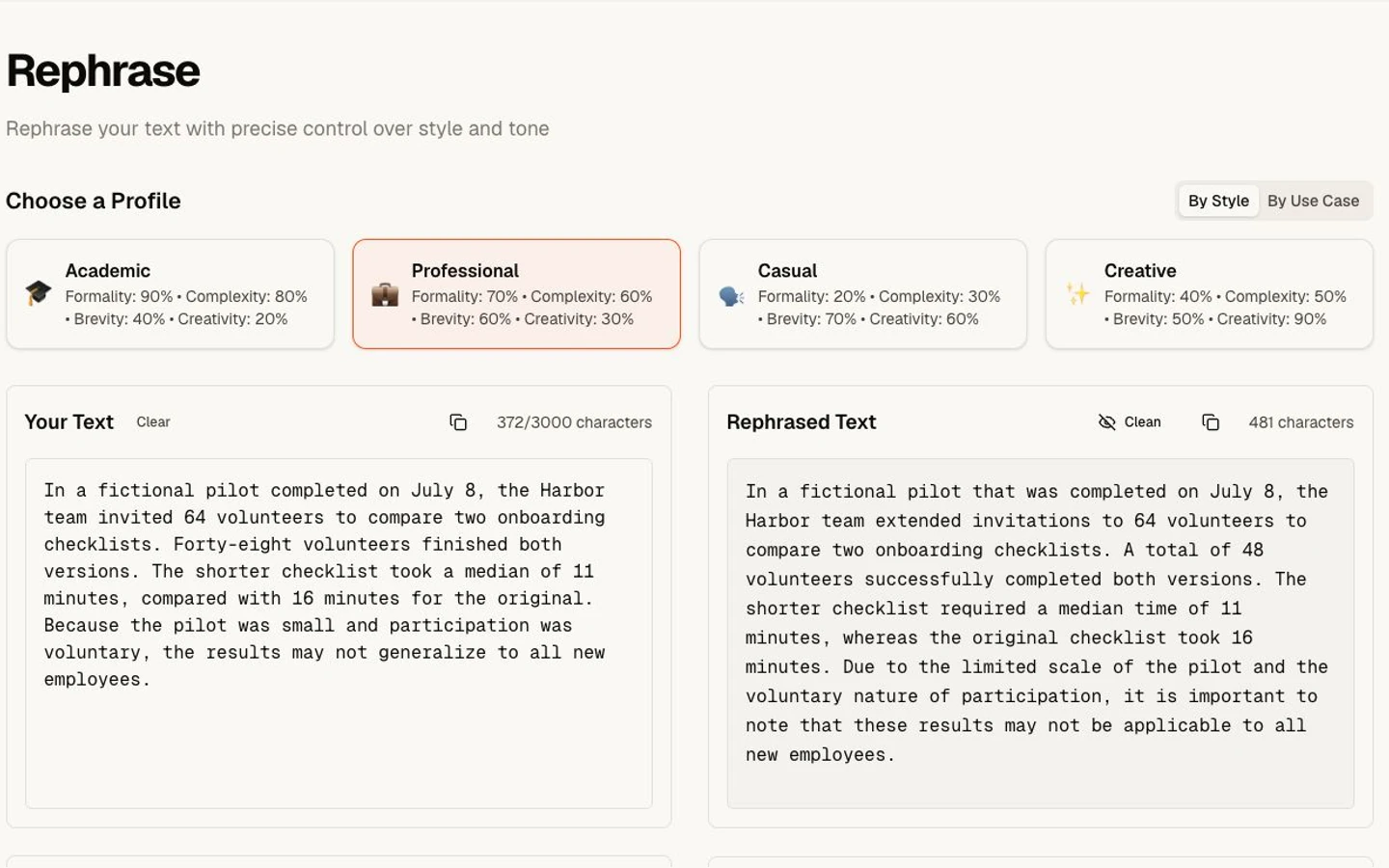
A meaning-preserving fictional paraphrase.
In the example above, Rephrase AI preserved the facts and caveat, but the rewrite grew from 372 to 481 characters. That result shows why profile and brevity choices matter: a faithful paraphrase is not automatically a shorter one. Across the broader test set, Rephrase AI preserved important details, although one result strengthened a tentative claim. Writers should compare important paraphrases with the source before using them.
Strengths
- Direct controls make the intended change easier to express.
- Saved revisions support repeat, source-sensitive edits.
Limitations
- No browser extension is documented.
- QuillBot offers more named, purpose-specific paraphrasing modes.
- Grammarly offers broader grammar, tone, voice, and correctness review around the result.
New customers get a 7-day free trial. Then $29 per month. If Rephrase AI fits your process, Start 7-day trial.
Verdict: Rephrase AI is the best overall choice for writers who want adjustable paraphrasing and easy repeat edits. Keep the original visible and approve every material change yourself.
2. QuillBot — best for mode-rich paraphrasing
QuillBot's Paraphraser is built specifically for restating text. Free users receive Standard and Fluency modes with a 125-word limit per run. Premium adds Formal, Academic, Simple, Creative, Expand, Shorten, and Custom modes and removes the paraphrasing word limit, according to the official Free-versus-Premium comparison.
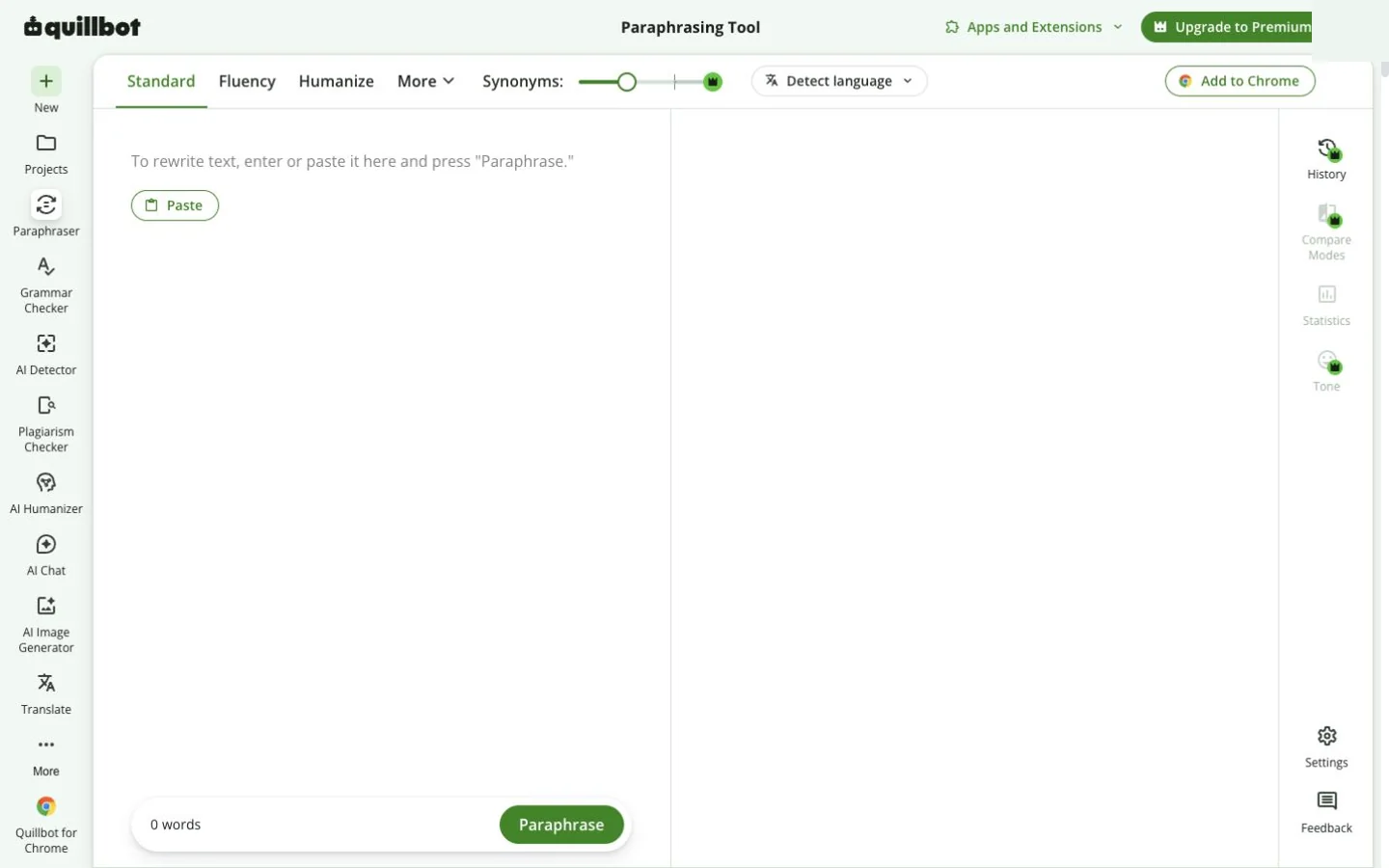
QuillBot's public paraphrasing workspace at capture time.
The Academic and Simple modes are useful because a responsible paraphrase should fit its audience without casually replacing technical terms. Creative mode is more dangerous for source-sensitive work: QuillBot's own mode documentation notes that it may change meaning.
Strengths
- The deepest dedicated mode set in this comparison.
- Standard and Fluency are available without paying.
- Multiple ways to control length and register.
Limitations
- Most specialized modes are paid.
- High-change modes increase the need for source comparison.
- The 125-word free limit makes longer source passages less convenient.
Verdict: Choose QuillBot when the broadest set of named paraphrasing modes matters more than Rephrase AI's visible controls and easy comparison.
3. Grammarly — best for paraphrasing with review context
Grammarly's current Paraphraser is an account-based agent with six preset styles and support for six languages. Free users receive a limited number of suggestions each day.
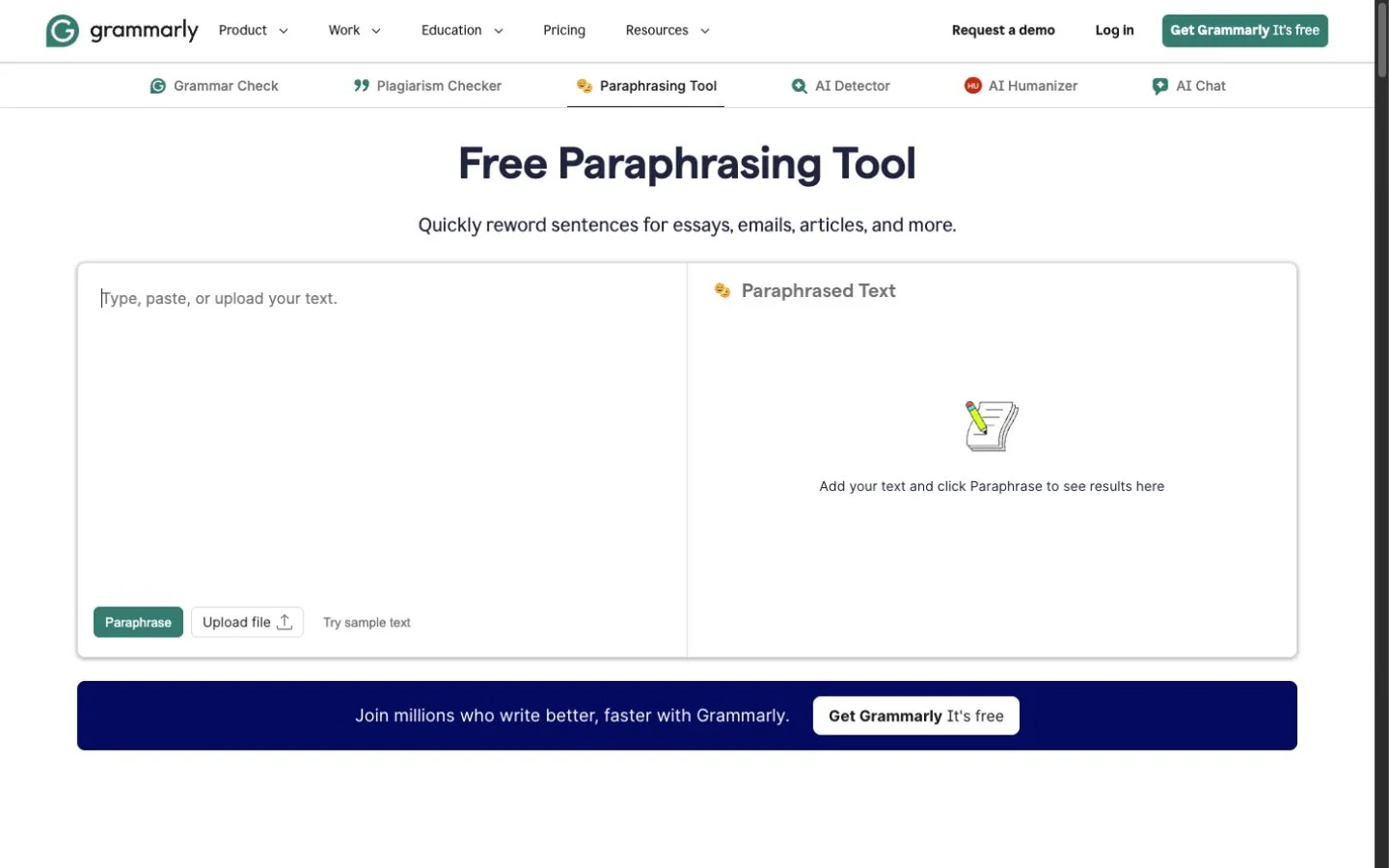
Grammarly's public Paraphrasing Tool at capture time.
In our July 29 email result, Grammarly preserved the important details but changed "client call" to "client meeting." The current product uses an account-based Paraphraser agent, so buyers should evaluate it as part of Grammarly's broader editing workflow.
Strengths
- Strong grammar, tone, and voice context around a paraphrase.
- Broad platform support.
- Six preset styles and six-language support.
Limitations
- An account is required for the current Paraphraser agent.
- Free users receive limited daily suggestions.
- The broader assistant is less focused than a dedicated paraphrasing workspace.
Verdict: Grammarly is best when a paraphrase needs to pass through grammar, voice, and tone review before it is used.
4. Wordtune — best for sentence-level alternatives
Wordtune treats paraphrasing as a choice among sentence alternatives. Its Rewrite page documents formal, casual, brief, and expanded options, while its browser extension works in Gmail and other common writing surfaces.
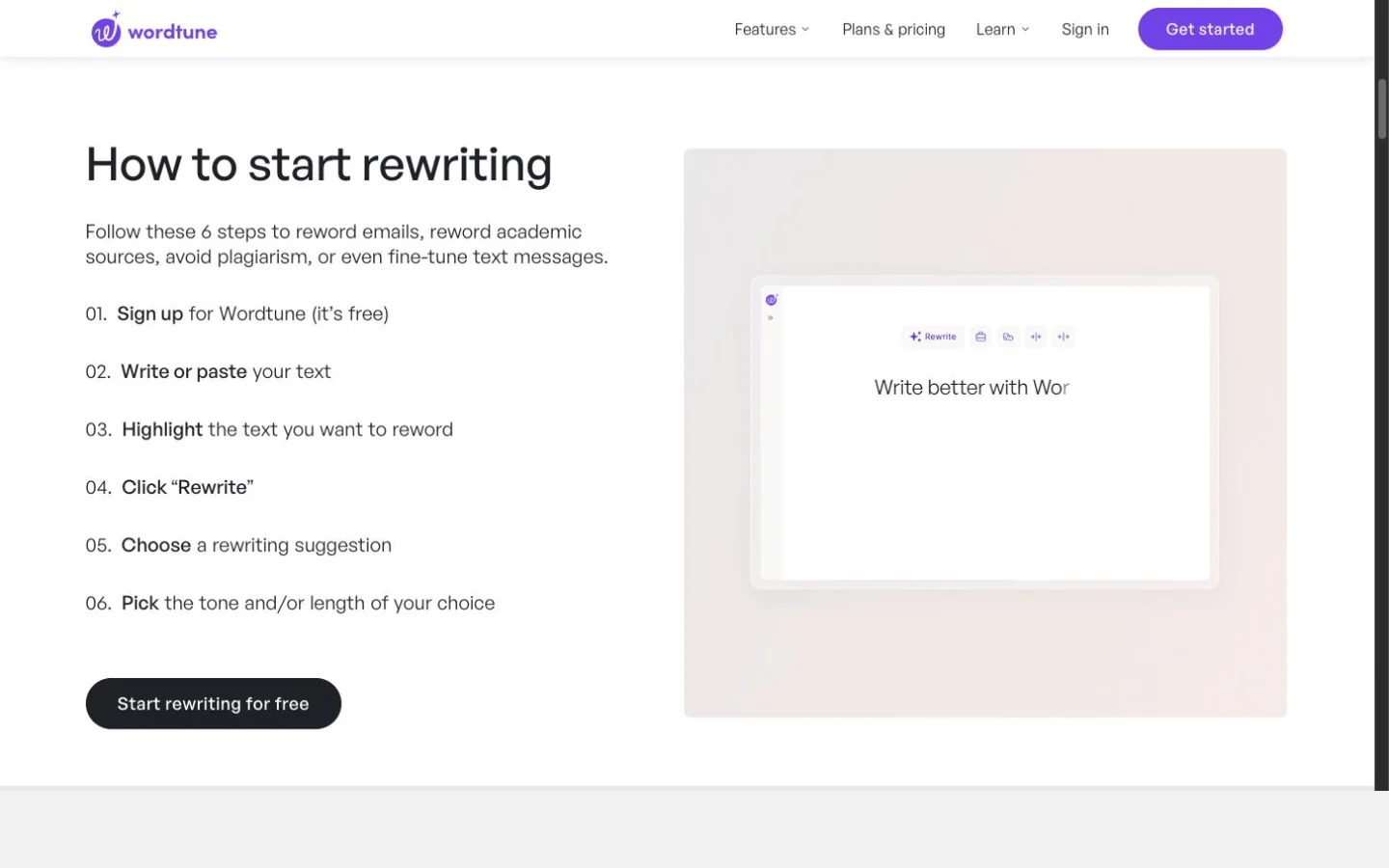
Wordtune's public Rewrite workflow at capture time.
That makes Wordtune practical when you are editing a sentence you wrote, not importing a long source passage. Seeing several alternatives can also be safer than accepting a single opaque transformation: the writer chooses which version best preserves the point.
Strengths
- Excellent in-context browser workflow.
- Formal, casual, shorten, and expand map to real editing decisions.
- Multiple alternatives support human selection.
Limitations
- Lower plans have daily rewrite caps documented on Wordtune's plans page.
- Long academic or technical passages are not its natural unit of work.
- The current rewriting workflow requires an account.
Verdict: Choose Wordtune when paraphrasing usually means improving one sentence without leaving the page where you are writing.
5. LanguageTool — best multilingual sentence paraphraser
LanguageTool provides General, Formal, Concise, Fluent, and Simple paraphrasing modes alongside its grammar checker. Its official paraphrasing page lists three free paraphrases per day and unlimited Premium paraphrasing in six languages.
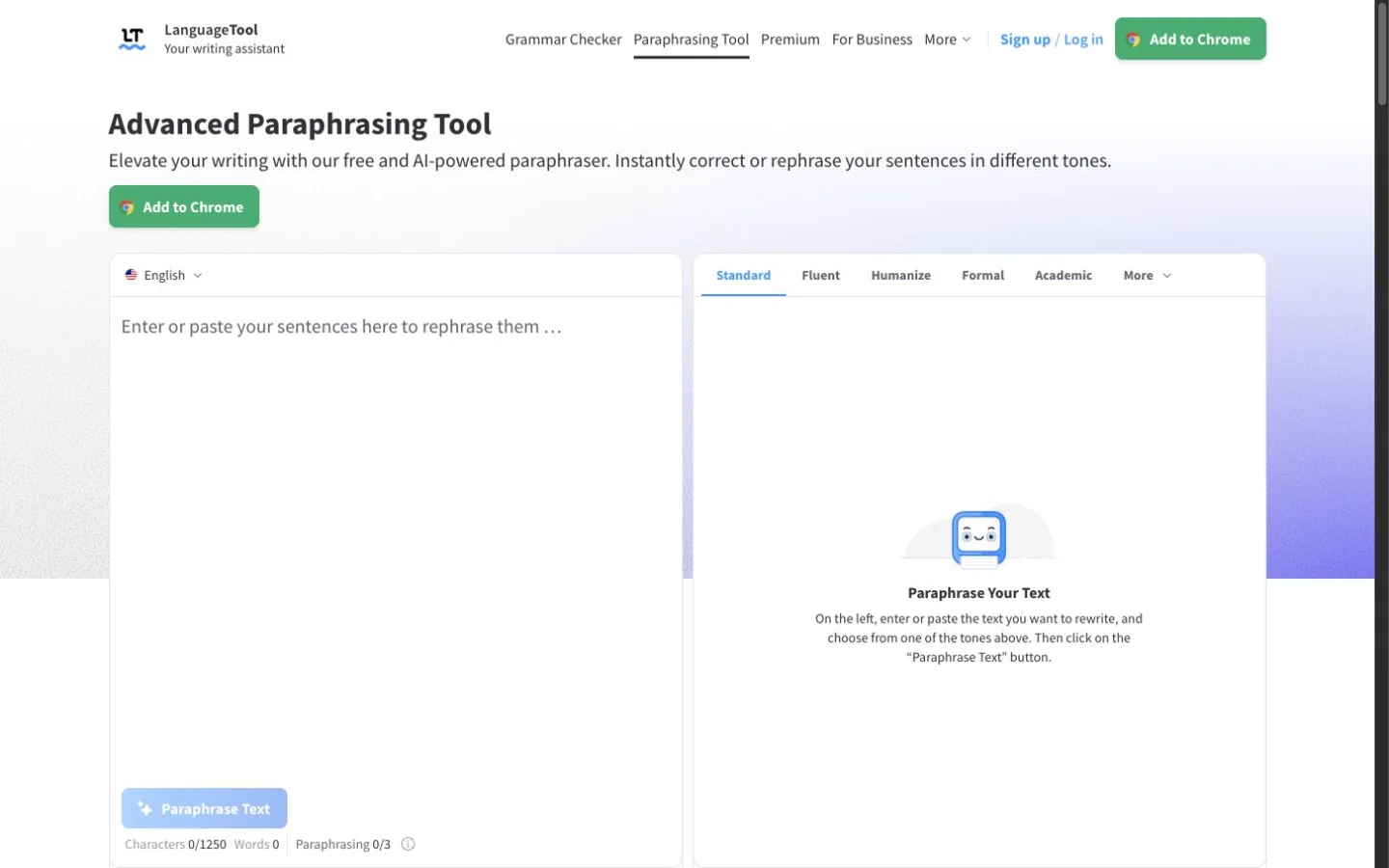
LanguageTool's public Paraphrasing Tool at capture time.
LanguageTool is most compelling for multilingual writers who already want grammar and spelling review. Its modes cover common goals such as making a sentence more formal, concise, fluent, or simple, but the tool does not manage citations or verify that important terms survived.
Strengths
- Paraphrasing and multilingual grammar review share one workflow.
- Formal, Concise, and Simple modes serve well-defined purposes.
- Browser and office integrations reduce context switching.
Limitations
- Three free uses per day is restrictive.
- The feature is sentence-oriented.
- It cannot determine whether a paraphrase is properly cited.
Verdict: Choose LanguageTool for short multilingual paraphrases when grammar correction is equally important.
6. ProWritingAid — best for stylistic sentence options
ProWritingAid offers Formal, Informal, Longer, Shorter, Fluent, and Sensory rephrases. The official feature page documents 10 free rephrases per day and unlimited rephrasing on paid plans.
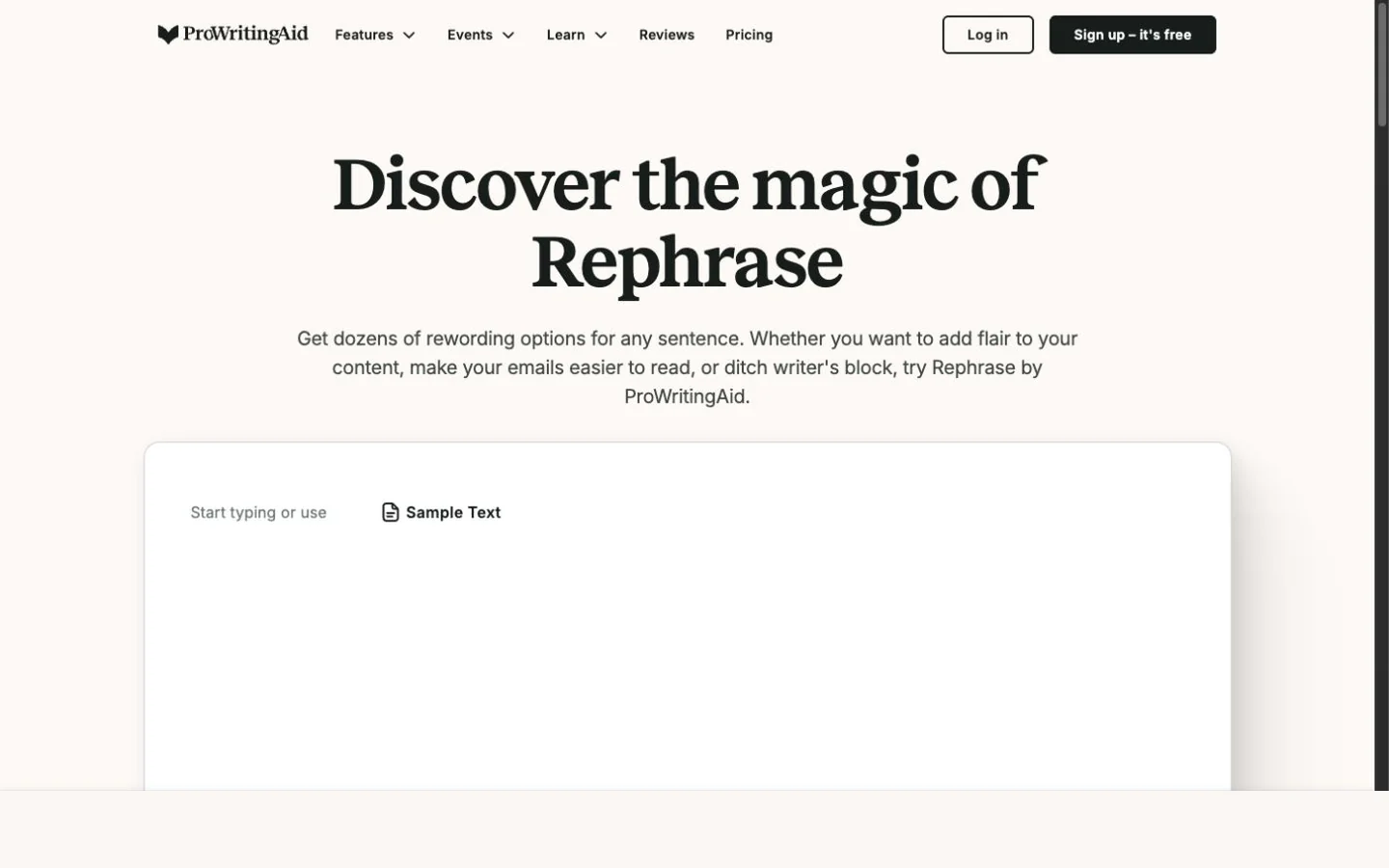
ProWritingAid's public Rephrase page at capture time.
Sensory and Fluent options are useful for prose craft, but they are not evidence-management tools. If you are paraphrasing a source, you still need the original passage, its citation, and a checklist of important terms beside the editor.
Strengths
- Distinct style variants for fiction and long-form writers.
- Fits into a broader suite of writing reports.
- Clear daily free allowance.
Limitations
- Primarily sentence-level.
- It does not solve citation or source-tracking requirements.
- The broader writing suite may be unnecessary for a quick paraphrase.
Verdict: Choose ProWritingAid when stylistic craft matters more than a dedicated source-paraphrasing workflow.
How to choose a paraphrasing tool
Start with Rephrase AI when you want visible controls, easy comparison, and repeat edits. Choose QuillBot when named modes for specific audiences and amounts of change matter most. Grammarly is the stronger fit when paraphrasing is one step in a broader correctness, tone, and voice review, while Wordtune is better for picking among alternatives to a sentence where you are already writing. LanguageTool stands out for short multilingual work, and ProWritingAid is the more craft-focused choice for stylistic sentence variants.
Whichever tool fits the workflow, test it with a passage that contains a proper noun, defined term, number, and qualification such as "may," "can," or "estimated." The best interface for you is still unsafe if it quietly replaces a term or turns uncertainty into certainty.
How to paraphrase responsibly
First, write down the idea and details that must survive: the claim, who made it, important terms, numbers, and qualifications. Generate a version, then compare it sentence by sentence with the source. Restore any term that became less precise.
If the source is not your own, paraphrases still require citation under the relevant style and policy. Changing the wording does not change ownership of the idea, create permission, or turn copied work into original research. For technique examples, see how to rephrase a sentence without changing its meaning.
Frequently asked questions
Try Rephrase AI
Use Rephrase AI for visible controls, comparison, and repeat controlled edits. Keep the source visible and make the final wording—and the citation decision—your own. Review the current plan details at pricing.