Best Grammarly Alternatives in 2027
Compare Grammarly alternatives when you need a rewrite or a tone change, and see which free checker still covers spelling.

Rephrase AI is the Grammarly alternative to open first when the draft is already understandable and you want the wording or the tone changed.
LanguageTool is the free grammar checker to open when the next job is spelling, punctuation, and grammar left in place. A rewriter does not replace that checker.
People leave Grammarly because the free plan stops before full-sentence rewrites and tone changes, or because Pro costs more than a wording change is worth. Rewriting and tone rank first here. A checker can still be the better buy, and the list says so when the draft needs mistakes found.
The order is Rephrase AI, Wordtune, QuillBot, LanguageTool, Hemingway Editor, ProWritingAid, and Ginger.
Grammarly alternatives at a glance
| Rank | Tool | Best for | Main tradeoff |
|---|---|---|---|
| 1 | Rephrase AI | Wording and tone on text you already wrote | No spelling or grammar flags |
| 2 | Wordtune | A few daily rewrites plus free spelling and grammar checks | The free rewrite count is 10 a day, after sign-up |
| 3 | QuillBot | Named paraphrase modes on a short passage | The free pass stops at 100 words |
| 4 | LanguageTool | Multilingual grammar checking with a published character cap | Free paraphrasing is three sentences a day |
| 5 | Hemingway Editor | Marking wordy and passive sentences before you pay | The free editor highlights problems and leaves the sentence for you |
| 6 | ProWritingAid | Style reports on a long English draft | Free suggestions cover 500 words at a time |
| 7 | Ginger | Another free grammar assistant with a paid rephraser | The free version has essential functions and some limitations |
How we ranked these alternatives
The criteria, in order, were these.
- Rewriting and tone. Can the tool rewrite existing text and change the tone, which is the gap on Grammarly's free plan?
- A free tier with a stated limit. What can you do before you pay, and where does that free tier stop?
- The price after the free tier. What does the paid plan cost once the free limit is too small?
- Grammar checking as its own job. A dedicated checker wins when the draft needs mistakes found. That job does not outrank a rewrite on this list, because the list is for people who also want new wording.
We compared each tool using current official product pages and documentation, focusing on workflow, access, pricing, and everyday usefulness. Paid, login-only, and technical requirements are noted where they affect our recommendation.
Prices and plans here are as of October 30, 2026.
What Grammarly's free plan includes
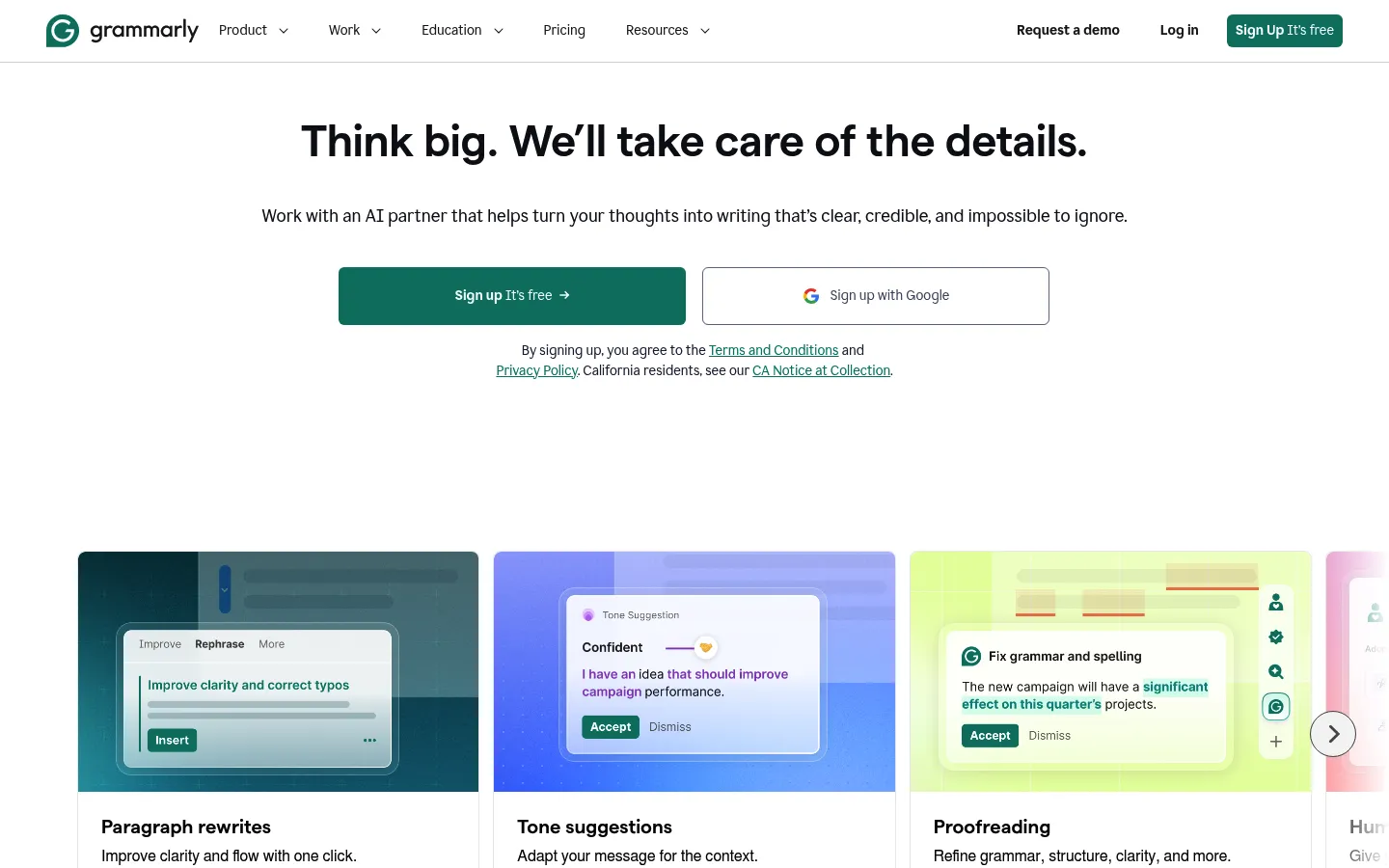
Grammarly homepage, captured October 30, 2026.
Grammarly Free is $0 a month. Free includes writing without mistakes, a view of your writing tone, and 100 AI prompts a month.
Pro adds full-sentence rewrites, tone adjustments, writing fluently in English, unlimited personalized suggestions, plagiarism and AI-text detection, and 2,000 AI prompts. Pro is offered with a crossed-out $12, Try for free, $0 due today, and an email two days before the trial ends.
That split is why a rewriter and a grammar checker belong on the same list. Grammarly's free plan is a checker with a view of tone. Full-sentence rewrites and tone changes are Pro features.
Grammarly's paraphraser opens without sign-up, and rewrites need a free account. That account includes six unnamed preset styles. English, Spanish, French, German, Portuguese, and Italian require the free account. Full-sentence rewrites are a Pro feature.
1. Rephrase AI
Rephrase AI homepage, captured October 30, 2026.
Rephrase AI is first because the product is the rewrite and the tone change, and the free path is a number you can read.
The public AI rephraser takes up to 1,200 characters. Its styles are Clearer, Professional, and Shorter. Public writing tools are free to try without an account, and each tool has its own input limit. Those tools are separate from the signed-in editor's monthly allowance.
After sign-in, Free is 3 standard rephrases a month, up to 3,000 characters each. Pro is $29/month, or $17.42/month on the yearly plan. Billed $209 annually. Pro drops the monthly rephrase cap, allows 10,000 characters per rephrase, and adds SuperRephrase™ Mode. The signed-in editor has four writing profiles, Professional, Creative, Academic, and Casual. It opens with none of those four selected. After you pick one, formality, complexity, brevity, and creativity can move.
New customers get a 7-day free trial. Then $29 per month. If that workflow fits, Start 7-day trial.
Worth leaving Grammarly for
- The rewrite and the tone controls are the product, rather than an extra on a grammar suite.
- You can try a public tool with no account, and the signed-in free cap is a count you can plan around.
- Pro pricing includes the yearly bill.
Where it will not replace Grammarly
- Rephrase AI does not flag spelling, punctuation, or grammar the way LanguageTool, Wordtune, or ProWritingAid do.
- Three signed-in rephrases a month is a small allowance once a draft is longer than the public character limit.
- A browser extension is not documented.
Leave Grammarly for Rephrase AI when the sentence is understandable and the wording or the tone is the problem. Read the rewrite next to the original before you send it. Stay with a grammar checker when the next job is finding mistakes.
A dated side-by-side on the same passages is in Rephrase AI vs Grammarly.
2. Wordtune

Wordtune homepage, captured October 30, 2026.
Wordtune is the nearest mix of a rewriter and a free grammar checker for someone leaving Grammarly. The plans page prices Basic at $0. Basic includes 10 rewrites and AI suggestions a day, 3 AI summarizations a month, and unlimited spelling corrections and grammar checks.
Advanced is $6.99 a month when billed annually, with 30 rewrites and AI suggestions a day, 15 AI summarizations a month, and unlimited AI recommendations, spelling corrections, and grammar checks. Unlimited is $9.99 a month when billed annually, with unlimited rewrites, summarizations, spelling checks, and grammar checks. Monthly billing is $13.99 for Advanced and $19.99 for Unlimited.
Paid plans include a 3-day trial. You enter payment information and are not charged until the trial ends. Students, educators, and nonprofits with a valid .edu address can ask support for a 30% discount.
Wordtune asks you to sign up, then paste text, highlight a passage, and pick a suggestion. Controls are formal and casual, plus Shorten and Expand. It works on desktop, on mobile, and in Google Docs.
Worth leaving Grammarly for
- Free spelling and grammar checks are unlimited, which is the Grammarly-shaped job, with rewrites beside them.
- Formal, casual, shorten, and expand are ordinary editing choices.
- The annual prices are $6.99 and $9.99 a month.
Where it will not replace Grammarly
- Ten free rewrites a day is the ceiling if you rewrite often.
- The rewrite flow starts with a sign-up step.
- Free summaries are 3 a month.
Leave Grammarly for Wordtune when you want a handful of sentence rewrites a day and spelling and grammar checks in the same account.
Wordtune vs Grammarly compares the rewrite controls and the plan limits in more detail.
3. QuillBot
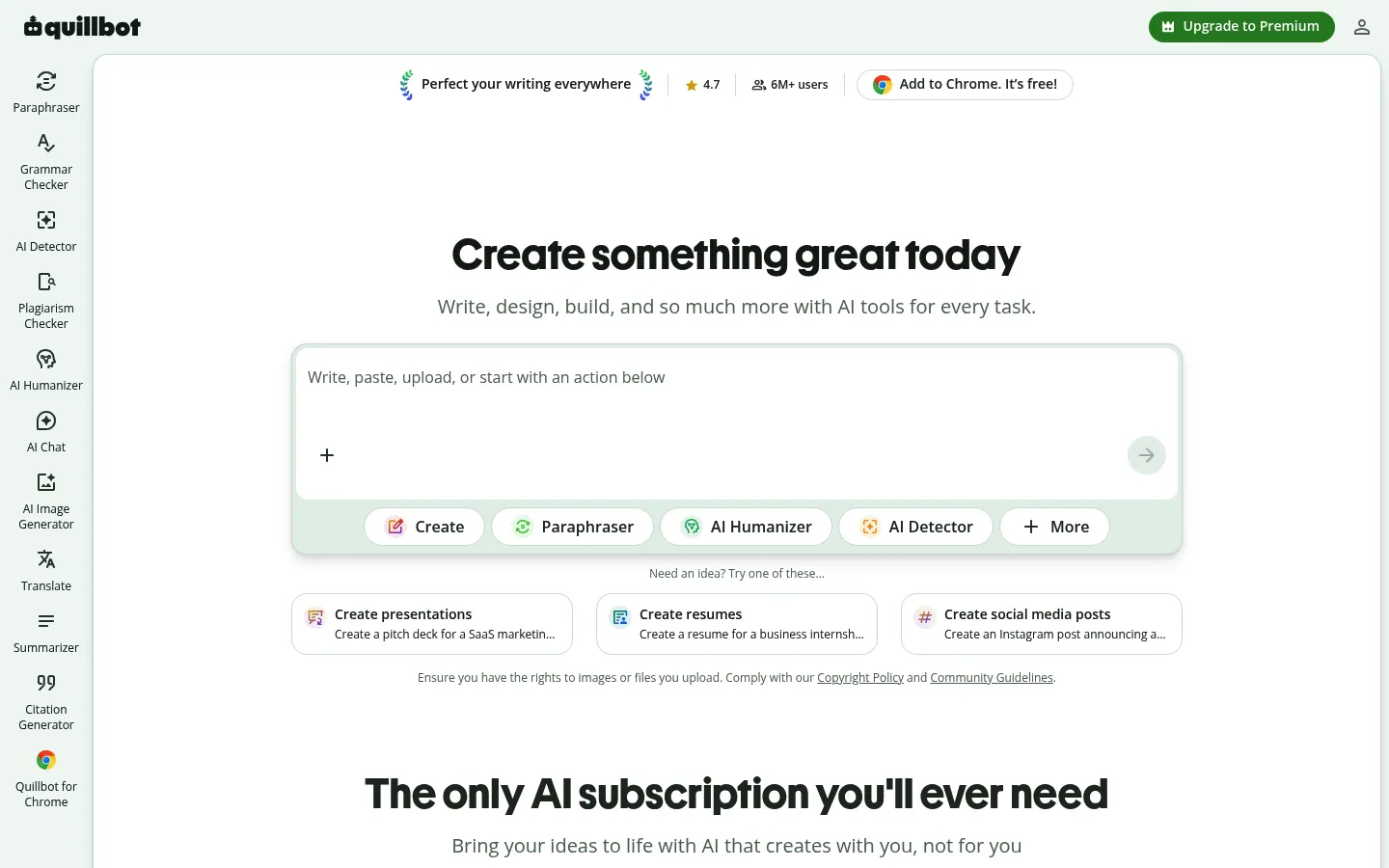
QuillBot homepage, captured October 30, 2026.
QuillBot is a paraphraser, which matters if you left Grammarly because you wanted new wording rather than another checker. The paraphraser help article, updated October 22, 2026, limits free users to 100 words at a time in Standard and Fluency only. Premium removes that word cap and unlocks all 9 modes. The synonym slider is partly available on the free plan and fully available on Premium. Premium can save up to 50 paraphrases a month in history.
QuillBot's pricing FAQ lists a monthly plan at $19.95, a plan it calls semi-annual at $13.31 a month with $39.95 billed every 3 months, and an annual plan at $8.33 a month with $99.95 billed every twelve months. The grammar checker and the paraphraser are free with limited access. The citation generator, AI detector, and translator are free.
Worth leaving Grammarly for
- Standard and Fluency are available before you pay, so you can see the paraphraser without a Grammarly Pro trial.
- Premium is organized as paraphrasing modes.
- The annual price is in dollars.
Where it will not replace Grammarly
- One hundred words stops a paragraph of any real length.
- The grammar checker is free with limited access.
- The synonym slider is only partly available before you pay.
Leave Grammarly for QuillBot when you want a paraphraser and the passage is under 100 words, or when you will pay for the rest of the modes.
QuillBot vs Grammarly compares paraphrasing modes and the free limits side by side.
4. LanguageTool
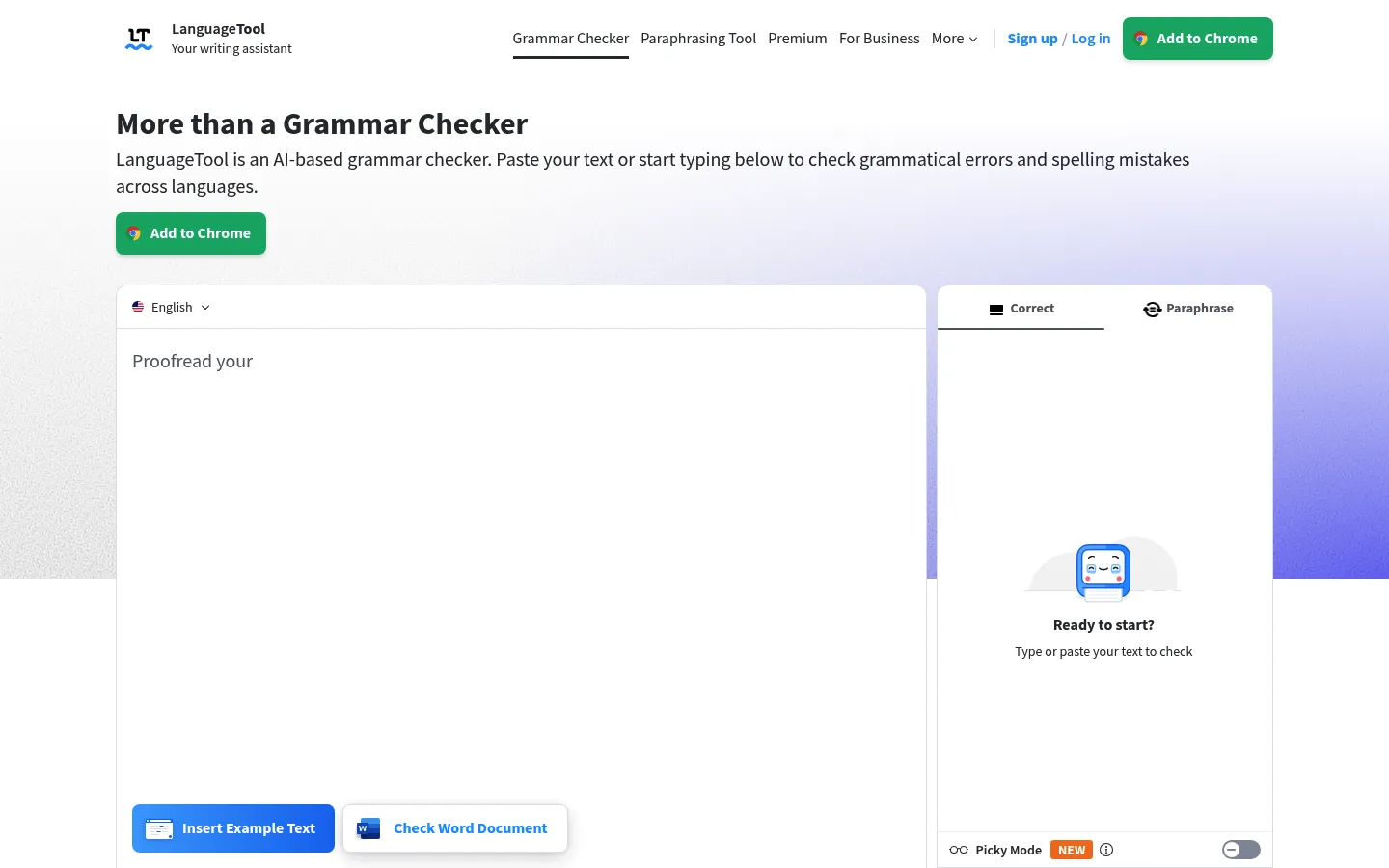
LanguageTool homepage, captured October 30, 2026.
LanguageTool is the grammar checker to pick when you are leaving Grammarly for corrections, not for a rewrite. The premium comparison puts the free side at 2,000 characters per text field and 3 AI sentence rephrases a day. Premium raises the character limit to 150,000 and includes unlimited sentence paraphrasing that can be more formal, more fluid, or shorter. LanguageTool comes in 30 or more languages. You can use the checker without an account in common browsers and in Word and LibreOffice.
LanguageTool includes browser add-ons for Chrome, Edge, Firefox, Safari, Opera, and Thunderbird, plus apps for Windows, macOS, and iOS. Premium is not offered as a free trial. The offer is a 14-day money-back guarantee, and you can cancel for a refund.
LanguageTool's subscription article, dated March 24, 2026, prices individual Premium at €19.90 a month, €39.90 a quarter, €59.89 a year, or €99.90 for two years. Those prices include VAT.
Worth leaving Grammarly for
- The free grammar checker has a stated character limit and works in more than one language.
- Browser and office apps are included.
- The yearly price is €59.89.
Where it will not replace Grammarly
- Three free sentence rephrases a day will not carry a rewriting habit.
- The price is in euros and includes VAT.
- Premium includes more than 20,000 additional checks for English, German, French, Spanish, Dutch, Polish, and Portuguese. The free plan does not include that set.
Leave Grammarly for LanguageTool when you want a free grammar checker and you only sometimes need a sentence rewritten. Do not pick LanguageTool over Rephrase AI when the job is a full tone pass on a paragraph.
LanguageTool vs Grammarly compares the grammar review, the paraphrasing controls, and the plan limits.
5. Hemingway Editor
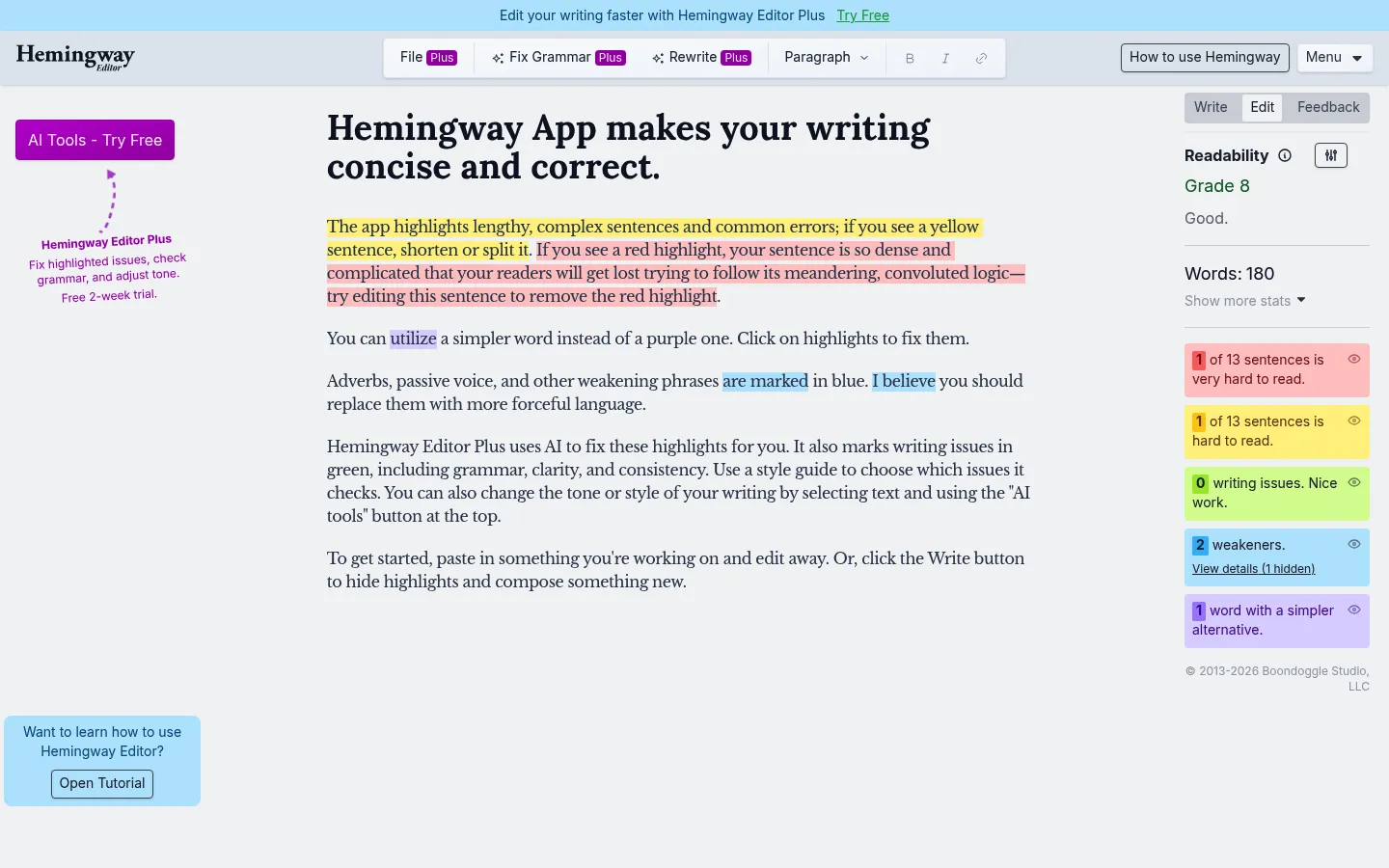
Hemingway Editor homepage, captured October 30, 2026.
Hemingway Editor's free version is a readability highlighter, useful if you left Grammarly because you wanted to see wordiness rather than accept a suggestion. The billing FAQ says the free version scores readability and identifies wordy sentences, passive voice, and words with simpler alternatives. Editor Plus adds AI that can fix wordy sentences, change style and tone, and run an advanced grammar checker.
AI sentence credits are spent when the AI rewrites a sentence. A paragraph of four sentences costs four credits if you rewrite the paragraph at once. Grammar fixes do not use those credits. Trials last two weeks and end without a charge. You are charged only if you choose a paid plan and enter payment information.
The annual plan starts at $100 a year, which the FAQ breaks down to $8.33 a month, and the monthly plan is $10 a month. The Editor Plus plan table lists an Individual 5K plan at $8.33 a month with $100 billed annually and 5,000 AI sentences a month. The Individual 10K plan is $12.50 a month with $150 billed annually and 10,000 AI sentences a month. You can apply one of eight styles. The style examples include shorten, add detail, more confident, more friendly, more casual, more formal, and more persuasive.
Worth leaving Grammarly for
- The free editor shows wordiness and passive voice before you pay.
- The two-week trial does not charge you unless you enter payment information.
- Grammar fixes on Plus are described as unlimited, separate from rewrite credits.
Where it will not replace Grammarly
- The free editor does not rewrite the sentence for you, so it is not a stand-in for Grammarly's Pro rewrites.
- Rewrite volume on Plus is a monthly sentence credit, not an open text box.
- Plus styles include shorten, add detail, more confident, more friendly, more casual, more formal, and more persuasive.
Leave Grammarly for the free Hemingway Editor when you want wordy or passive sentences marked. Choose Plus when you also want the app to propose a fix. Choose Rephrase AI when you want a rewrite without buying a readability editor.
Hemingway Editor vs Grammarly compares the highlighter with Grammarly's editor.
6. ProWritingAid
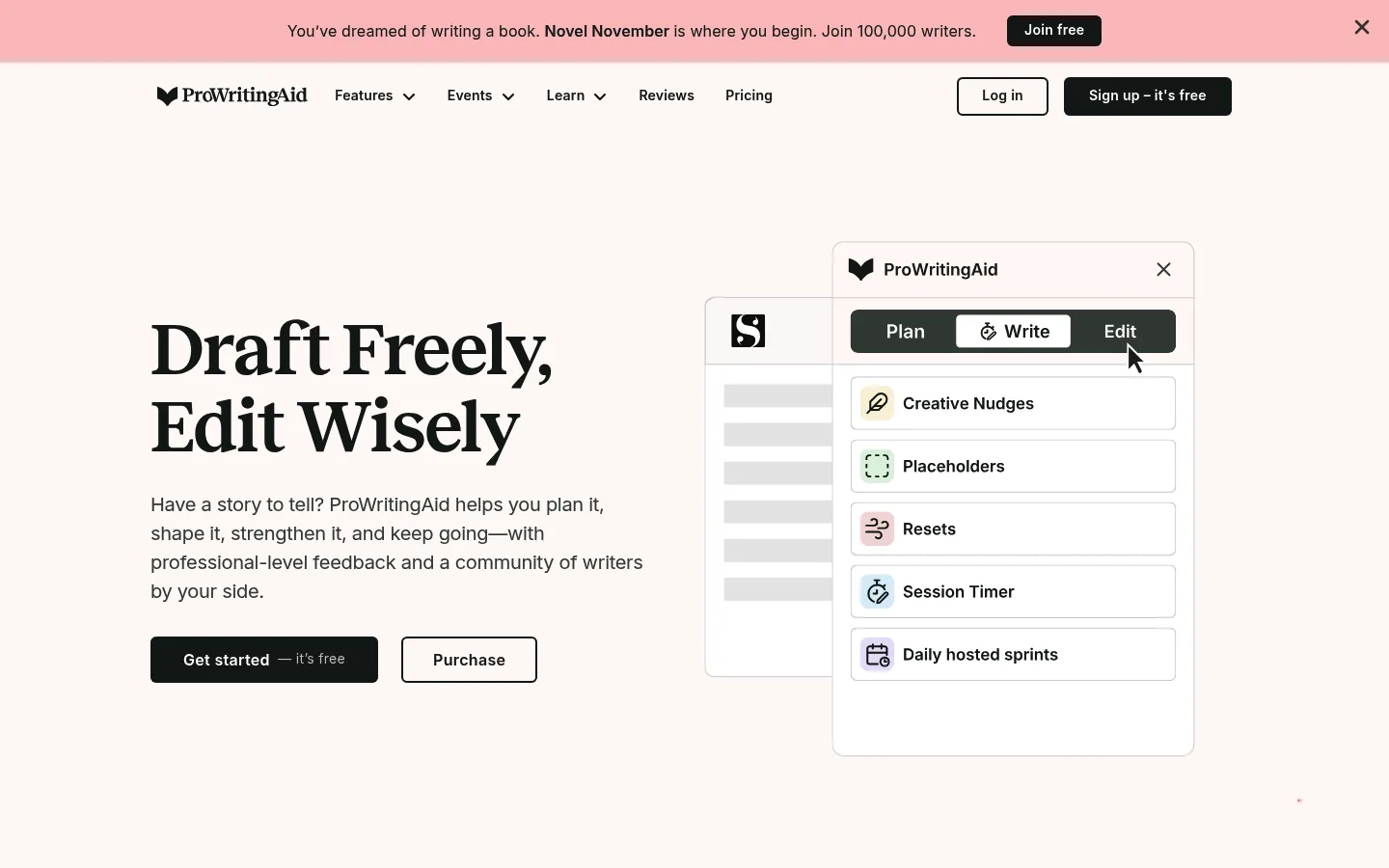
ProWritingAid homepage, captured October 30, 2026.
ProWritingAid is a grammar checker and a set of writing reports, with a sentence rephraser beside them, which is the closest manuscript-shaped alternative to Grammarly. The pricing page includes, on the Free plan, 10 rephrases a day, grammar and spelling and punctuation checks, and 2 runs of each line-editing report a day on up to 500 words. A free account receives suggestions for 500 words at a time, and a paid license can run on documents of any length. The product is available in English only, including General, British, US, Australian, and Canadian English. The pricing page also lists browser and app integrations.
Premium is $30 a month when billed monthly, or $10 a month when billed yearly, with $120 billed for the year. Premium Pro is $36 a month when billed monthly, or $12 a month when billed yearly, with $144 billed for the year. The yearly cards mention a 3-day money-back guarantee. Contact ProWritingAid within three days of buying a yearly or lifetime plan to request a refund. Monthly plans cannot be refunded.
A sentence can be made more formal or informal, longer or shorter, more fluent, or more sensory. The feature works on a sentence. Free use is 10 rephrases a day, and paid use is unlimited.
Worth leaving Grammarly for
- Grammar checking and named writing reports are the core, which is the job Grammarly is known for, with a stated free rephrase count beside them.
- Ten free rephrases a day is a number.
- The yearly Premium bill is $120.
Where it will not replace Grammarly
- Free reports stop at 500 words, so a long chapter does not fit the free plan.
- The rephrase feature is a sentence tool, not a passage tool.
- Premium at $30 a month is the expensive way to buy the product if you only need a rewrite.
Leave Grammarly for ProWritingAid when you are editing a manuscript and you will use the reports. Choose Rephrase AI or QuillBot when you only need the wording changed.
ProWritingAid vs Grammarly goes further on reports, rephrasing, and price.
7. Ginger
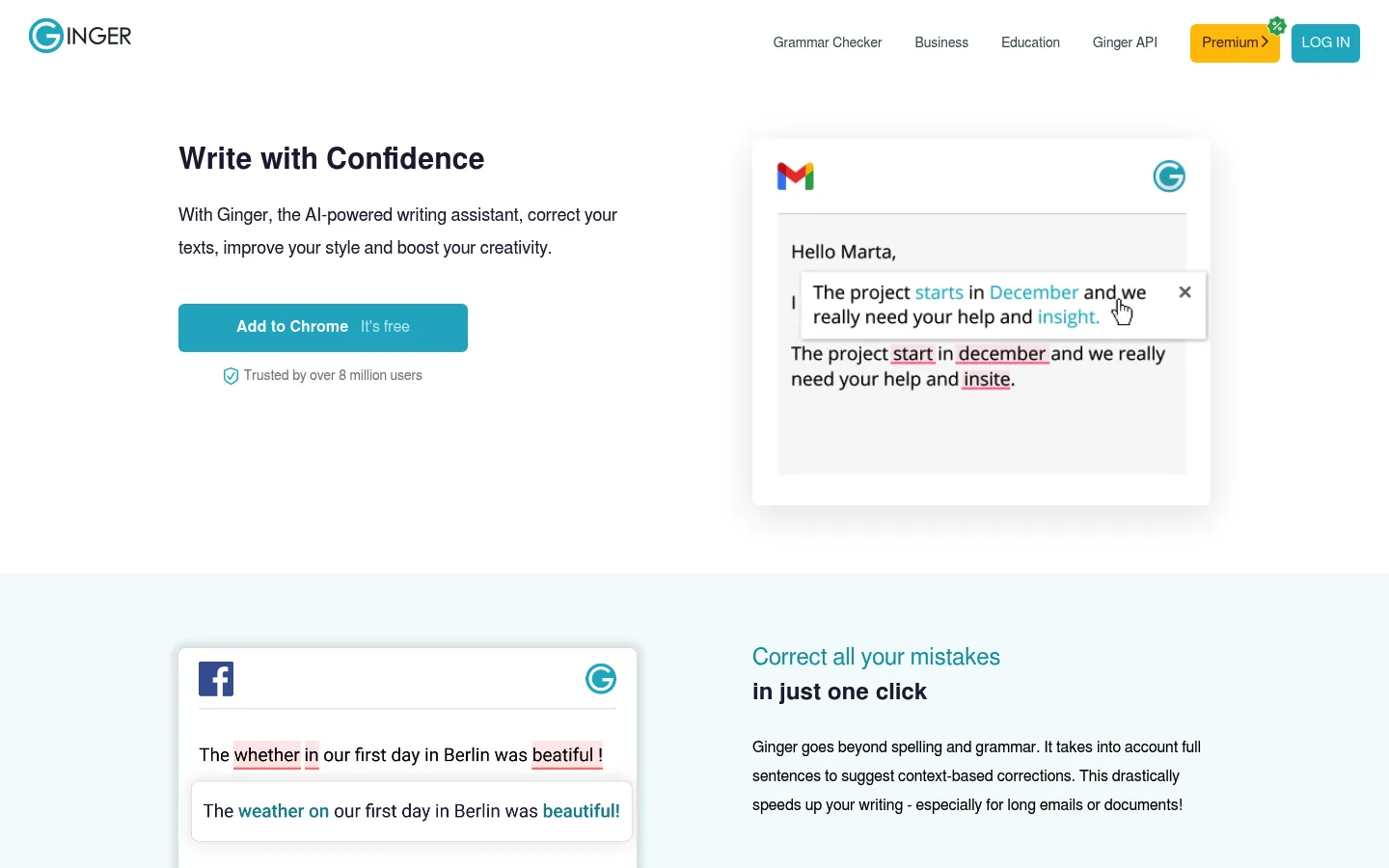
Ginger homepage, captured October 30, 2026.
Ginger is a grammar assistant with a paid rephraser. The free-plan help gives the free version essential functions and some limitations. Premium adds unlimited corrections, unlimited sentence rephrasing, translation, a synonyms dictionary, and a text reader.
Worth leaving Grammarly for
- A free grammar assistant exists, so Ginger is a real alternative to try before paying.
- Premium includes unlimited sentence rephrasing.
Where it will not replace Grammarly
- The free version keeps some limitations.
- Unlimited sentence rephrasing, translation, a synonyms dictionary, and a text reader are on Premium.
Leave Grammarly for Ginger if you want another grammar checker with a free version and a Premium rephraser. LanguageTool and Wordtune are the clearer picks when you want a free ceiling you can read first.
Ginger vs Grammarly is the longer comparison.
Free Grammarly alternatives
A free Grammarly alternative is useful only when the free tier covers the job you actually have. These are the free limits.
| Tool | Free rewrite or check | Where it stops |
|---|---|---|
| Rephrase AI | Public AI rephraser, no account, up to 1,200 characters. Signed-in Free adds 3 standard rephrases a month at 3,000 characters. | No grammar checking. Signed-in Free stops at 3 a month. |
| Wordtune | 10 rewrites a day, 3 AI summarizations a month, unlimited spelling and grammar checks. | The daily rewrite count, not the grammar checks. |
| QuillBot | Standard and Fluency, up to 100 words. Grammar checking is free with limited access. | The word cap, and the modes that are not Standard or Fluency. |
| LanguageTool | Grammar checking to 2,000 characters, plus 3 sentence rephrases a day. | The character cap, and nearly all paraphrasing. |
| Hemingway Editor | Readability score, wordiness, passive voice, and simpler-word highlights. | No AI rewrite on the free editor. |
| ProWritingAid | 10 rephrases a day and two report runs a day on 500 words. | Document length. |
| Ginger | Essential functions, with some limitations. | Premium is where sentence rephrasing is unlimited. |
If you want a grammar checker and you do not want to pay, LanguageTool is the one with a clear free ceiling. If you want rewrites and you do not want an account, start with the Rephrase AI public tool. If you want a handful of rewrites plus grammar checks, Wordtune's free plan states both.
Websites and apps like Grammarly
These tools are websites you can open in a browser. Several also publish apps.
LanguageTool includes browser add-ons and apps for Windows, macOS, and iOS, and the checker also runs in Word and LibreOffice. Wordtune works on desktop, on mobile, and in Google Docs. ProWritingAid includes browser and app integrations. Hemingway Editor's free version is the website editor. QuillBot's paraphraser runs in the browser. Ginger offers a free version and a Premium rephraser.
Apps like Grammarly and websites like Grammarly point at the same products. Pick the job, then the platform, if you need a specific browser or a phone app.
A general chatbot is a different kind of alternative. Grammarly vs ChatGPT for rewriting covers that choice. This list stays with writing tools that include a grammar checker, a rewriter, or both.
How to choose
Match the job, then the free limit, then the price.
Rephrase AI fits when you want the wording or the tone changed and you will review the result. The public tool is the trial with no account. Signed-in Free is the small monthly allowance. Pro is the plan when 3 rephrases a month is not enough.
Wordtune fits when you want about 10 rewrites a day and unlimited free spelling and grammar checks. QuillBot fits a short passage and paraphrasing modes. LanguageTool fits grammar fixes in more than one language when a rewrite is occasional. The free Hemingway Editor fits when you want wordiness and passive voice marked and you will edit the sentence yourself. ProWritingAid fits when you will pay for reports on a long English document. Ginger fits when you want another free grammar assistant and unlimited sentence rephrasing on Premium.
Read the result. A rewrite can drop a name, a date, or a hedge. A grammar checker can miss a wrong fact that is spelled correctly. For school or work, keep the citation and the source next to the draft.
FAQ
Try a rewrite on the wording you already have
Rephrase AI is the right first stop when Grammarly's free plan fixed the spelling and the sentence still sounds wrong. Paste the draft, read the rewrite against the original, and keep the version that still says what you meant.
New customers get a 7-day free trial. Then $29 per month. Start 7-day trial.