Wordtune vs Grammarly: Which Tool Is Better for Rewriting?
Compare Wordtune and Grammarly for rewrite controls, editing scope, access, plan limits, and workflow fit.

Wordtune is a better fit when the job is choosing sentence or paragraph alternatives with dedicated rewrite controls. Grammarly is a better fit when the rewrite should sit inside a broader grammar, punctuation, clarity, and style review. Neither product is a universal prose-quality winner, so choose by the editing workflow you need.
The same criteria apply to both: rewrite controls, the scope of the editing layer, access, and the plan limits that affect regular use.
Wordtune vs Grammarly at a glance
| Decision point | Wordtune | Grammarly |
|---|---|---|
| Main workflow | Sentence and paragraph alternatives with contextual suggestions | Paraphrasing plus grammar, punctuation, clarity, and style review |
| Rewrite controls | Rewrite, formal, casual, shorten, expand, and smart synonyms | Preset paraphraser styles and full-sentence rewrites by plan |
| Free boundary | Daily rewrites and AI suggestions | Free account plus plan-based AI prompt allowances |
| Best fit | Selecting an alternate expression or reshaping a passage | Revising text while inspecting broader editing feedback |
Wordtune for focused alternatives and rewrite controls
Wordtune's Rewrite page presents a focused rewriting workflow. Its editor documentation says the product supports sentence and paragraph alternatives, contextual suggestions, and smart synonyms. It also lists Rewrite, Formal, Casual, Shorten, and Expand controls; paid Ask AI supports custom tone, style, and structure requests. That makes it useful when the writer wants to work through alternatives rather than only receive corrections.
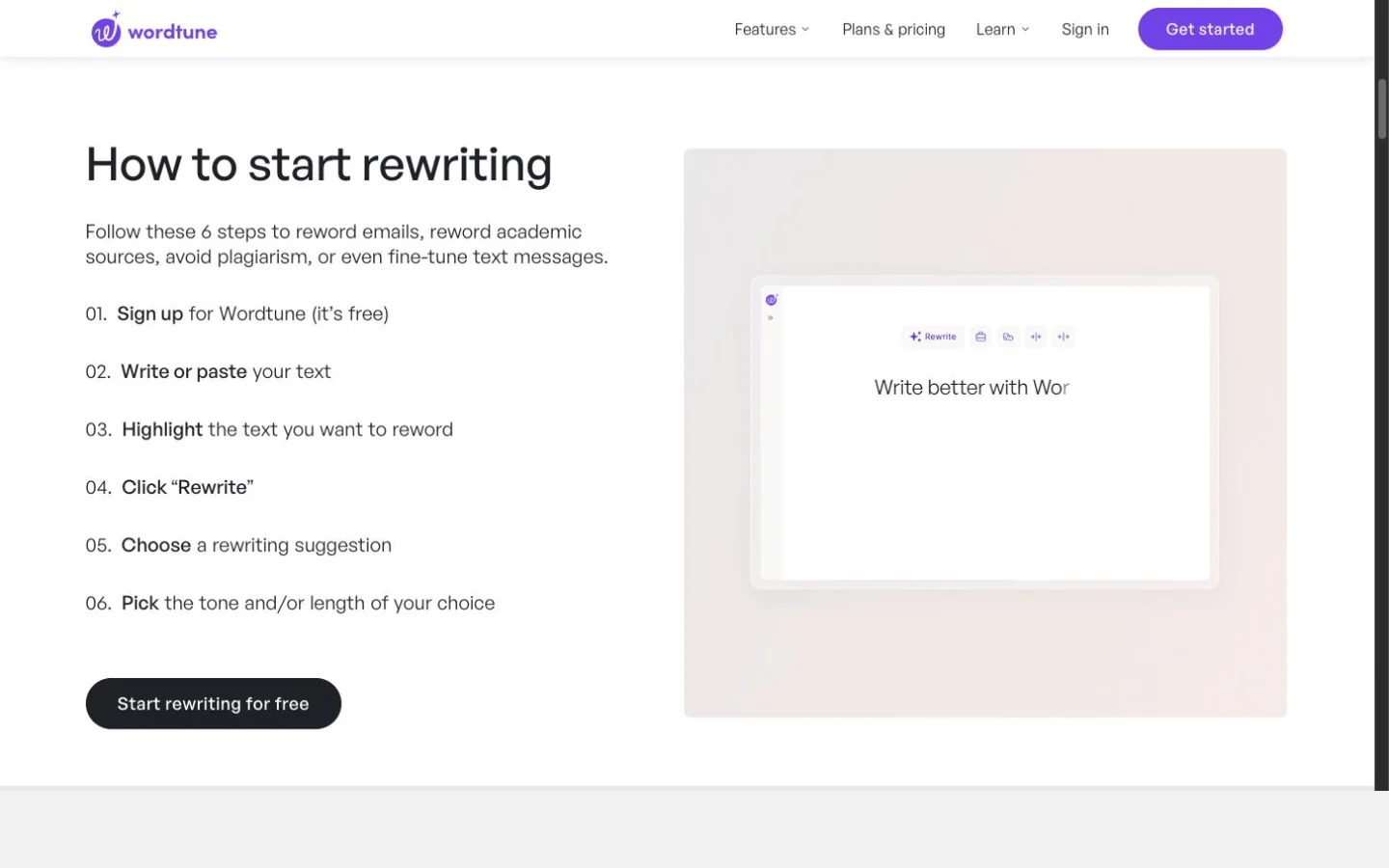
Wordtune's public Rewrite page showing its rewriting workflow.
Wordtune documents paragraph rewriting on all plans, with 10 daily AI generations for rewrite and contextual suggestions on Free. Its plans page lists Basic at $0, Advanced at $6.99 per month billed annually with 30 daily rewrites, and Unlimited at $9.99 per month billed annually. Choose Wordtune when selecting and refining alternatives is the central task, while confirming the daily allowance and paid controls you need.
Grammarly for rewriting with editing feedback
Grammarly approaches rewriting as one part of a larger editing pass. Its Paraphrasing Tool documents six preset styles and six supported languages through a free account. Its Grammar Checker separately reports grammar, spelling, punctuation, clarity, and style issues without a purchase.
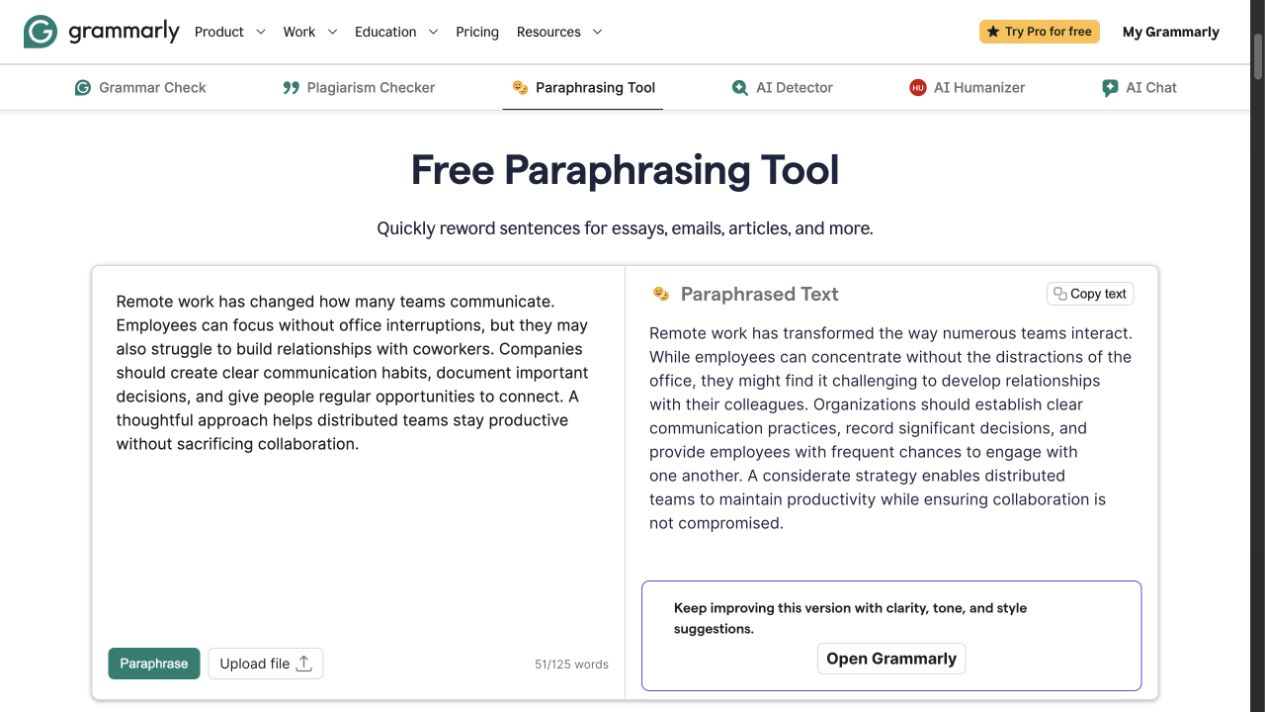
Grammarly's public Paraphrasing Tool showing source and rewritten text side by side.
That distinction matters: a full alternate version and a set of editing signals are useful for related but different decisions. Grammarly's plans page lists Free at $0 with 100 AI prompts per month and Pro at $12 per month billed annually with full-sentence rewrites, tone adjustment, and 2,000 AI prompts per month. Choose it when you want the rewrite and the editing review in the same workflow, while checking current account availability for the features you use.
Which rewrite workflow should you use?
Choose Wordtune if you primarily need to generate alternatives, adjust length or tone, and reshape a sentence or paragraph. Its daily limits are important when the work involves a steady volume of revisions.
Choose Grammarly if a rewrite is only one step in a larger grammar and style pass. Its review layer can help focus attention, but each suggested change still needs context and editorial judgment.
For either product, compare the revision with the source and retain names, numbers, dates, qualifications, and technical meaning.
If you mostly rewrite short drafts, read Rephrase AI vs Wordtune and Rephrase AI vs Grammarly.
FAQ
Refine one more draft with care
When you have a short passage that needs a meaning-preserving wording pass, use Rephrase AI's AI rephraser and review the result before sending or publishing it.