ProWritingAid vs Grammarly: Full Feature Comparison
Compare ProWritingAid and Grammarly for rephrasing, grammar review, style guidance, free access, and paid-plan limits.

ProWritingAid is the better fit when detailed reports, terminology controls, and a style-oriented editor matter most. Grammarly is the better fit when you want paraphrasing and grammar suggestions in a broad everyday writing layer. That is a workflow verdict, not a universal output-quality claim: compare both tools by rewrite controls, review depth, access, and the limits attached to your plan.
At a glance
| Product | Best fit |
|---|---|
| ProWritingAid | Writers who want sentence alternatives alongside reports, style guidance, and paid-editor controls. |
| Grammarly | Writers who want paraphrasing, grammar feedback, and tone-oriented suggestions across a wider writing workflow. |
ProWritingAid: detailed editing and sentence alternatives
ProWritingAid's Rephrase tool is positioned as a sentence-level way to explore alternative wording without changing the intended meaning. Its listed options include formal, informal, longer, shorter, fluent, and sensory-detail directions, which makes it useful when a sentence needs a deliberate stylistic adjustment rather than a blank-page draft.
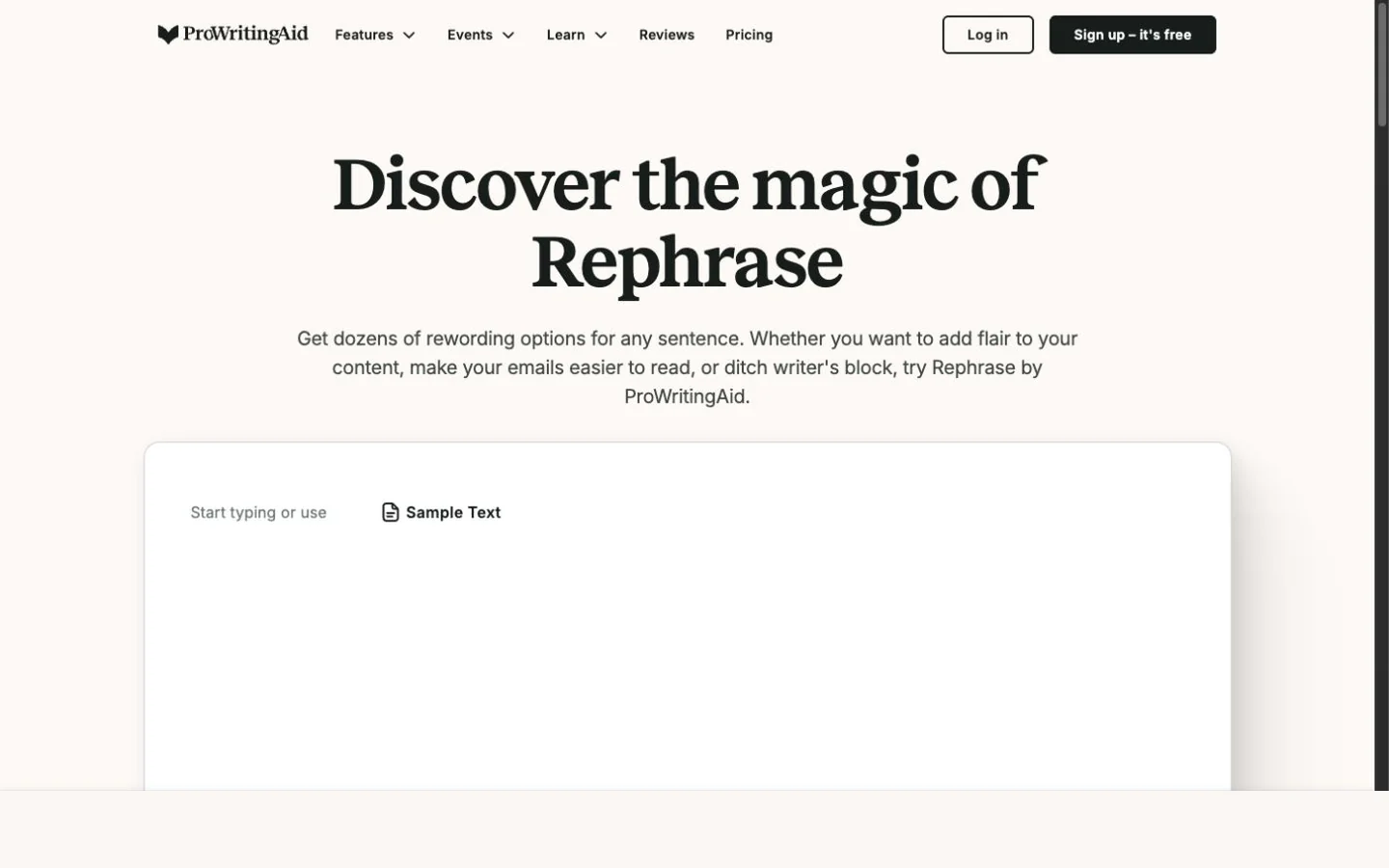
ProWritingAid's public Rephrase page with a sample-text control and blank editor.
The larger product is built around editing reports. Its pricing page says the Free plan has a 500-word editing limit and two daily runs per report, while Premium removes those limits and adds more reports, a custom style guide, terminology management, and collaboration. The free-versus-paid guide also says free accounts receive 10 Rephrases per day and paid plans include unlimited rephrases.
That makes ProWritingAid compelling for a writer who expects to spend time diagnosing a draft. Its public Grammar Checker is a demonstration surface, so evaluate the signed-in editor and the plan you intend to use before building a recurring workflow around it. The feature list does not guarantee a better edit for every passage.
Grammarly: broad review plus paraphrasing
Grammarly is designed around an always-available review layer. Its Paraphrasing Tool documents six preset styles and support for six languages through a free account, while its Grammar Checker offers grammar, spelling, punctuation, clarity, and style feedback without a purchase.
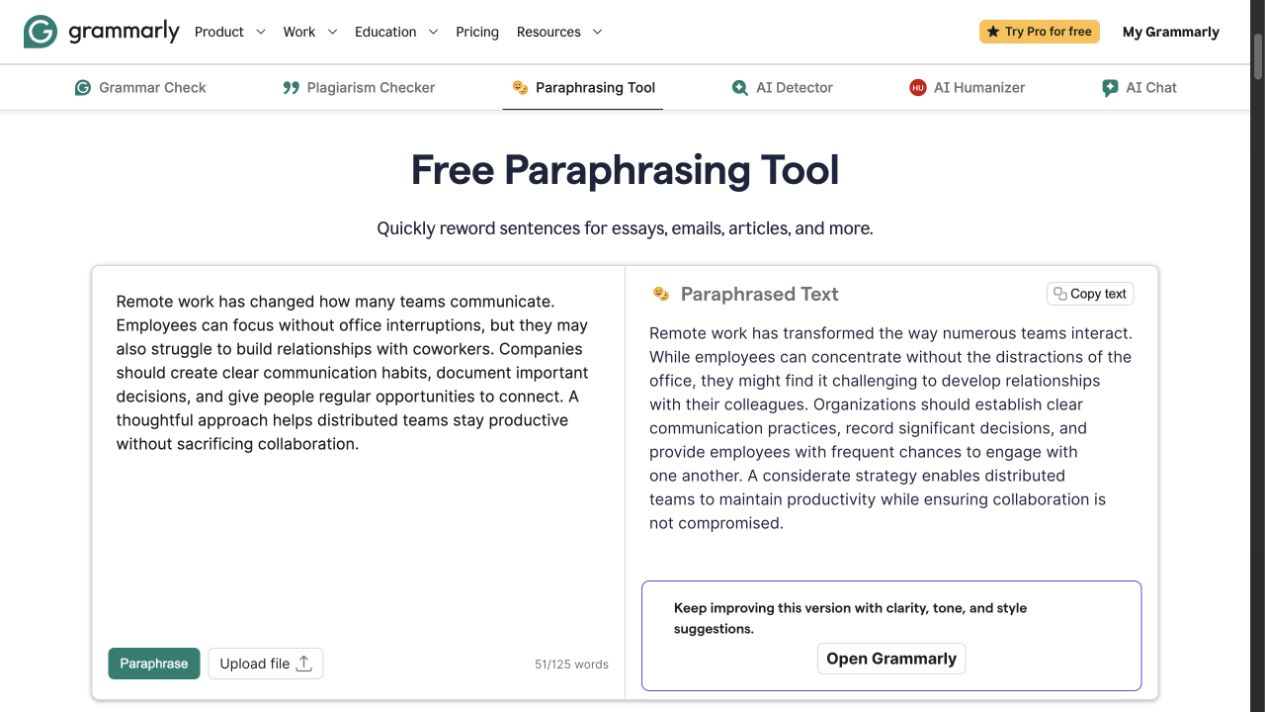
Grammarly's public Paraphrasing Tool showing source and rewritten text side by side.
Grammarly's paraphraser generates a full-passage alternative, while its grammar checker separates grammar, spelling, punctuation, clarity, and style feedback. Review every substitution against the intended audience and terminology; the presence of suggestions does not establish that every proposed change is correct.
For plan decisions, Grammarly's Plans page lists Free at $0 with 100 AI prompts per month and Pro at $12 per month when billed annually, with full-sentence rewrites, tone adjustment, and 2,000 AI prompts per month. The six-style paraphrasing workflow requires a free account, and prompt availability remains plan-limited.
Which one should you choose?
Choose ProWritingAid if you want to investigate a draft with reports and style rules, or if terminology management and sentence-level options are central to your process. It is especially practical for long-form writers who will use its editor rather than only an occasional public tool.
Choose Grammarly if your priority is grammar feedback and paraphrasing inside a familiar, broad writing-assistance workflow. It has a clearer public starting point for grammar checking, but check the current plan page before relying on a particular rewrite or prompt allowance.
FAQ
A focused next step
If you already have a short draft and need a cleaner alternative before your final review, try Rephrase AI's paraphrasing tool.