Ginger vs Grammarly: Which Catches More?
Compare Ginger and Grammarly for grammar review, sentence rephrasing, free access, language features, and plan limits.

There is no responsible catches-more winner between Ginger and Grammarly. Ginger is a strong fit for writers who want Correct and Rephrase actions plus Premium synonyms and translation. Grammarly is a strong fit for writers who want paraphrasing alongside a broad grammar, spelling, punctuation, clarity, and style review layer.
Use the same criteria for both products: grammar and style scope, sentence-rephrasing workflow, free access, and the plan limits that change regular use.
Ginger vs Grammarly at a glance
| Decision point | Ginger | Grammarly |
|---|---|---|
| Review workflow | Correct and Rephrase actions with US and UK English controls | Grammar, spelling, punctuation, clarity, and style review |
| Rephrasing | Limited on Free and unlimited on Premium | Six preset styles through a free account; full-sentence rewrites on Pro |
| Additional language feature | Premium translation | Six documented paraphraser languages |
| Plan boundary | Free use is limited; Premium unlocks unlimited corrections and rephrasing | Free and annually billed Pro plans have monthly AI-prompt allowances |
| Best fit | Correction, rephrasing, synonyms, and translation in one product | Broad everyday review plus style-led paraphrasing |
Ginger for correction, rephrasing, and translation
Ginger's public grammar checker supports US and UK English checks and presents Correct and Rephrase actions. That makes the product relevant when the writer wants sentence correction and alternative wording close together rather than a separate paraphrasing workflow.
The Free-versus-Premium guide describes limited corrections and sentence rephrasing on Free. Premium includes unlimited corrections, sentence rephrasing, synonyms, and translation. Check the current Premium price before purchasing.
Ginger's Premium guide further describes unlimited grammar corrections and rephrasing, synonyms, and translation. Translation is a Ginger capability, not proof that it catches more English grammar issues than another editor.
Choose Ginger when correction and rephrasing are the main tasks and its Premium synonym and translation features are useful additions. Review proposed changes carefully, especially when a sentence contains specialized terms, names, dates, numbers, or a deliberate voice.
Grammarly for broad review plus paraphrasing
Grammarly's public grammar checker reports grammar, spelling, punctuation, clarity, and style issues without requiring a purchase. Its Paraphrasing Tool documents six preset styles and support for English, Spanish, French, German, Portuguese, and Italian through a free account.
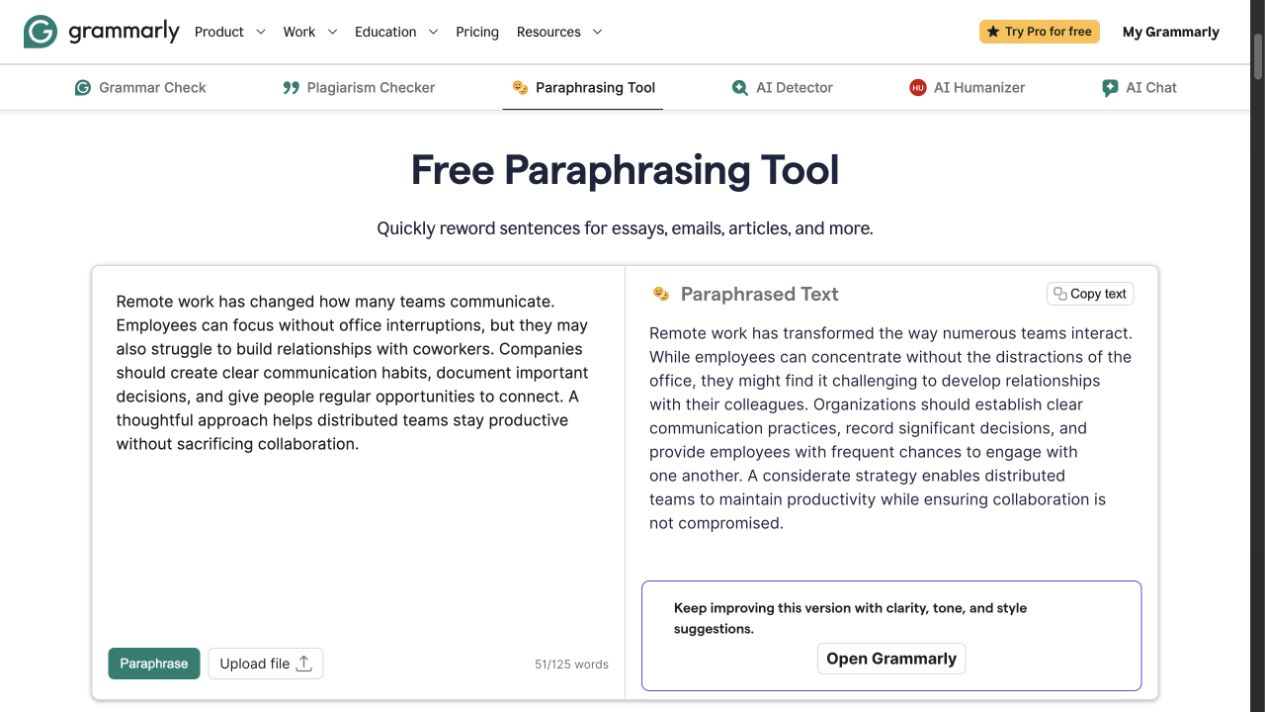
Grammarly's public Paraphrasing Tool showing source and rewritten text side by side.
That broader review layer suits writers who want to move from issue identification to alternative phrasing in the same product family. A visible suggestion or fluent paraphrase still needs a meaning check; neither one establishes that every edit is correct.
Grammarly's plans page lists Free at $0 with 100 AI prompts per month. Pro is $12 per month when billed annually and includes full-sentence rewrites, tone adjustment, and 2,000 AI prompts per month. The $12 amount is tied to annual billing rather than a month-to-month subscription.
Choose Grammarly when grammar, punctuation, clarity, style, and paraphrasing need to work as parts of a broad daily editing pass. Its range is useful, but the writer remains responsible for deciding which suggestions fit the draft.
Which one should you choose?
Choose Ginger when Correct and Rephrase are the central actions and Premium synonyms or translation matter to the workflow. Confirm current Premium terms before committing to regular use.
Choose Grammarly when you want a public grammar-checking starting point, a six-style account-based paraphraser, and a broad review layer. Check its monthly AI-prompt allowance against the annually billed plan you intend to use.
Do not choose either product from a claim that it catches more mistakes in every document. Compare them with representative writing, then review meaning, terminology, tone, and factual details yourself.
FAQ
Review the wording after the correction pass
When the issues are identified and an existing sentence still needs a focused clarity or tone revision, use Rephrase AI's AI rephraser, then verify meaning and factual details.