ProWritingAid vs QuillBot: Editor or Paraphraser?
Compare ProWritingAid and QuillBot by rewrite controls, editing scope, access, free limits, and annually billed plan terms.

ProWritingAid is the better fit when rephrasing is one part of a broader grammar, style, and report-based editing process. QuillBot is the better fit when dedicated paraphrasing modes and synonym control are the main job. Neither is a universal output-quality winner, so choose by rewrite scope, editing workflow, access, and the limits attached to each plan.
The same criteria apply to both products: what they rewrite, which controls shape the result, what review surrounds the rewrite, and how free and paid limits affect regular use.
ProWritingAid vs QuillBot at a glance
| Decision point | ProWritingAid | QuillBot |
|---|---|---|
| Main workflow | Sentence alternatives inside a broader editing ecosystem | Dedicated paraphrasing with modes and synonym control |
| Rewrite controls | Sentence-level Rephrase alternatives | Standard and Fluency on Free; additional modes, comparison, custom modes, and synonym control on Premium |
| Review around the rewrite | Grammar, spelling, style suggestions, reports, and paid style controls | Mode comparison and history on Premium |
| Free boundary | 10 Rephrases per day; editor and report limits also apply | Up to 125 words in Standard and Fluency |
| Best fit | Writers who want rephrasing plus deeper editing guidance | Writers who want a focused, configurable paraphrasing workflow |
ProWritingAid for broader writing review
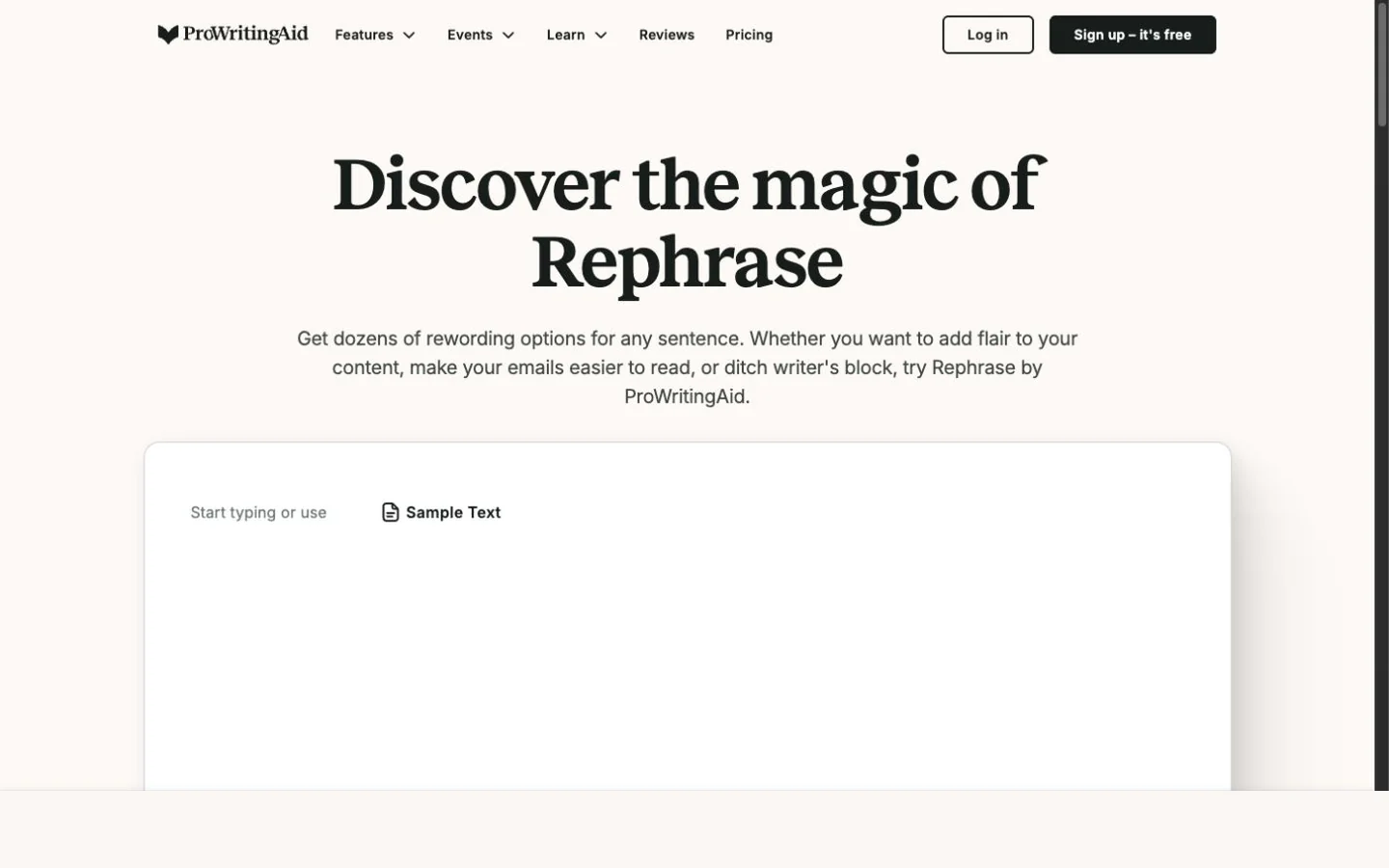
ProWritingAid's public Rephrase page with a sample-text control and blank editor.
ProWritingAid describes Rephrase as a sentence-level brainstorming tool for generating alternative wording without intending to change the sentence's meaning or intent. That makes it useful when a writer wants another direction for one sentence before reviewing it in a broader editor.
The product's public Grammar Checker accepts pasted text and presents grammar, spelling, and style suggestions. That surface is a demonstration and does not recognize paid licenses, so buyers should judge the broader editor by the plan features they will actually use.
ProWritingAid's plan comparison gives Free accounts 10 Rephrases per day and includes unlimited Rephrases with Premium and Premium Pro. Its pricing page lists a 500-word editing limit and two daily runs per report on Free. Premium removes those limits and adds more than 25 reports, a custom style guide, terminology management, and collaboration. Choose it when those editing and consistency tools matter beyond the paraphrase itself.
QuillBot for dedicated paraphrasing
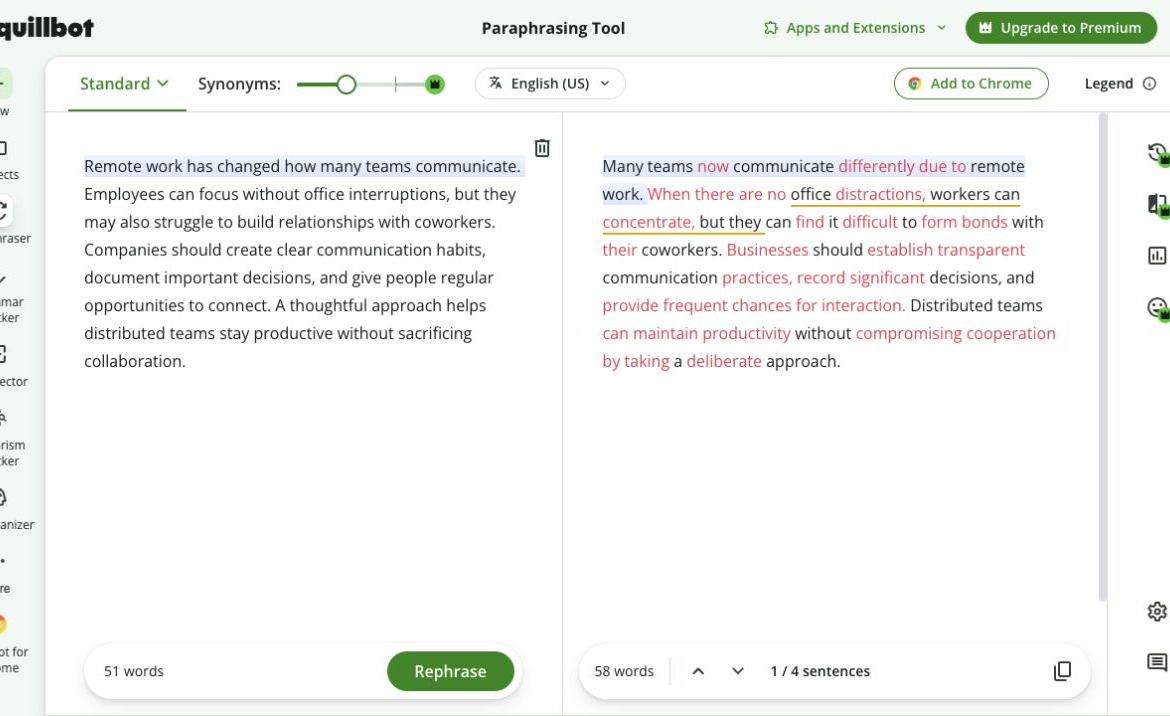
QuillBot's paraphrasing interface showing source and rewritten text side by side.
QuillBot's Paraphrasing Tool centers the workflow on producing an alternate version of a passage. The visible mode and synonym controls make it easier to decide how far the wording should move while keeping the source close for review.
The Free plan paraphrases up to 125 words in Standard and Fluency modes. QuillBot Premium lists unlimited paraphrasing, nine built-in modes, custom modes, mode comparison, history, synonym control, and paraphrasing in 23 languages. Those controls make QuillBot the stronger fit when paraphrasing depth matters more than a report-based editing system.
Premium is listed at $8.33 per month billed annually. That cadence matters: compare the annual commitment with the amount and type of text you expect to paraphrase rather than reading the displayed monthly equivalent as a flexible month-to-month price.
Which writing workflow should you choose?
Choose ProWritingAid if you want sentence alternatives to feed into a larger grammar, style, report, or team-consistency pass. Its Free boundaries matter for occasional use, while its broader editing controls sit on paid plans.
Choose QuillBot if your priority is a dedicated paraphraser with modes, synonym control, and a clear Free request boundary. Premium expands that focused workflow, but its price and feature set should be evaluated with the annual billing cadence attached.
Whichever product you choose, compare the rewrite with the original. Check names, numbers, dates, qualifications, requested actions, and technical meaning before using the revision.
FAQ
Try a focused paraphrase
When a short passage needs cleaner wording before a larger edit, use Rephrase AI's paraphrasing tool and compare the result with your source.