Sapling vs Grammarly for Teams
Compare Sapling and Grammarly for team writing, including review workflows, Microsoft Teams support, public evaluation paths, and plan boundaries.

Sapling is a strong fit for teams that need a documented Microsoft Teams browser integration alongside grammar, fluency, autocomplete, and snippets. Grammarly is a strong fit for teams that want a broad grammar and style review layer plus a free-account paraphrasing workflow. Neither product has an established universal correction-quality or productivity advantage, so the practical choice depends on the writing surface and plan boundary that matters to the team.
Use the same criteria for both: editing and rewriting scope, team-facing writing surfaces, low-friction evaluation, and the terms that shape regular use.
Sapling vs Grammarly at a glance
| Decision point | Sapling | Grammarly |
|---|---|---|
| Team workflow | Microsoft Teams browser integration with grammar and fluency suggestions, autocomplete, and snippets | Broad grammar, spelling, punctuation, clarity, and style review for everyday writing |
| Review scope | Spelling, grammar, punctuation, fluency, concision, and style | Grammar, spelling, punctuation, clarity, and style |
| Rewriting support | Autocomplete and reusable snippets | Six preset paraphrasing styles through a free account; tone adjustment on Pro |
| Access | Public grammar checker; Free, Pro, and Enterprise plans | Public grammar checker and free-account Paraphraser |
| Plan boundary | Enterprise starts at 10 seats | Free and annually billed Pro plans include monthly AI-prompt allowances |
| Best fit | Teams that need the documented Microsoft Teams browser workflow and snippets | Teams that want broad review plus style-led paraphrasing |
Sapling for a Microsoft Teams browser workflow
Sapling's public grammar checker covers spelling, grammar, punctuation, fluency, concision, and style review. It gives a team a straightforward place to assess the product's general writing-review scope before deciding whether its wider workflow fits.
Sapling's Microsoft Teams integration page documents browser-based grammar and fluency suggestions, autocomplete, and snippets in the browser version of Microsoft Teams. That is a focused fit when teammates spend substantial time composing replies and updates in that surface.
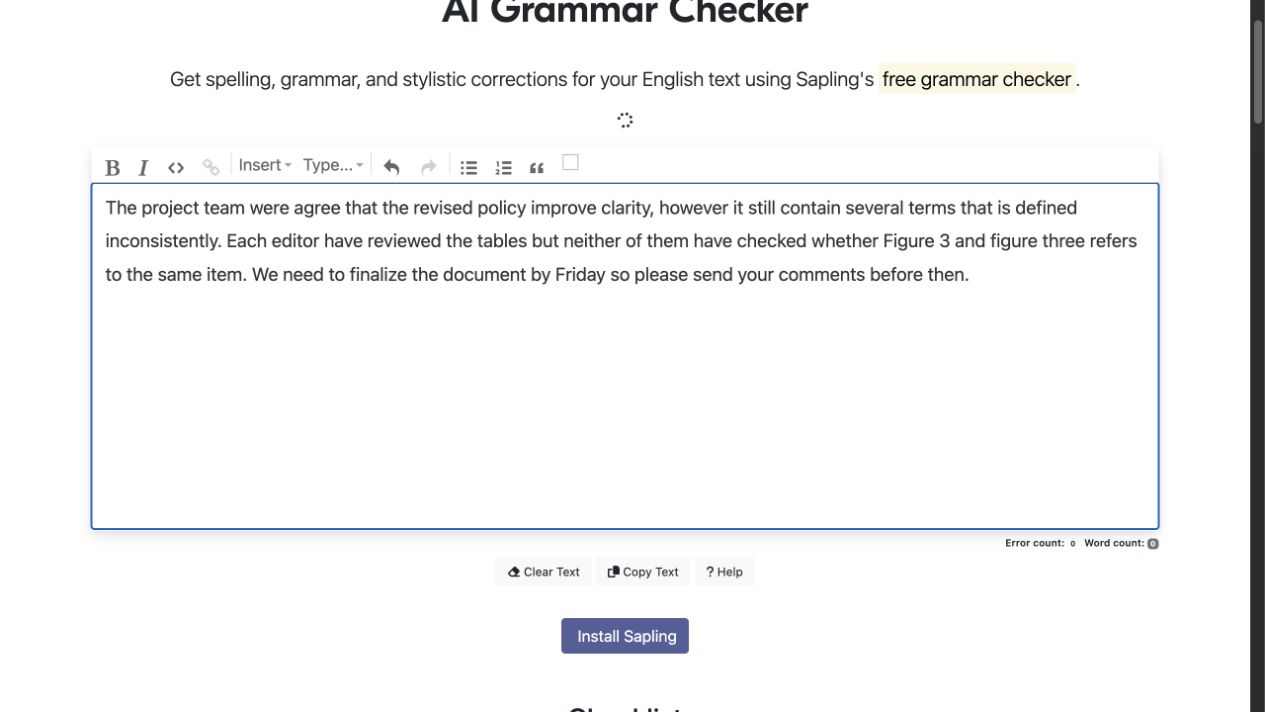
Sapling's public grammar checker showing text in its editing field.
Sapling's pricing page lists Free at $0, Pro at $25 monthly or $12 per month annually, and Enterprise starting at 10 seats and $15 per seat per month. Pro includes a one-month no-card trial. The annual Pro figure and the Enterprise seat minimum are useful details to confirm against a team's budget and size.
Choose Sapling when the documented Microsoft Teams browser integration, autocomplete, and snippets are central to how the team writes. Review every suggested wording change for meaning, terminology, tone, and the audience that will receive it.
Grammarly for broad review plus paraphrasing
Grammarly's public grammar checker reports grammar, spelling, punctuation, clarity, and style issues without requiring a purchase. Its Paraphrasing Tool documents six preset styles and support for English, Spanish, French, German, Portuguese, and Italian through a free account.
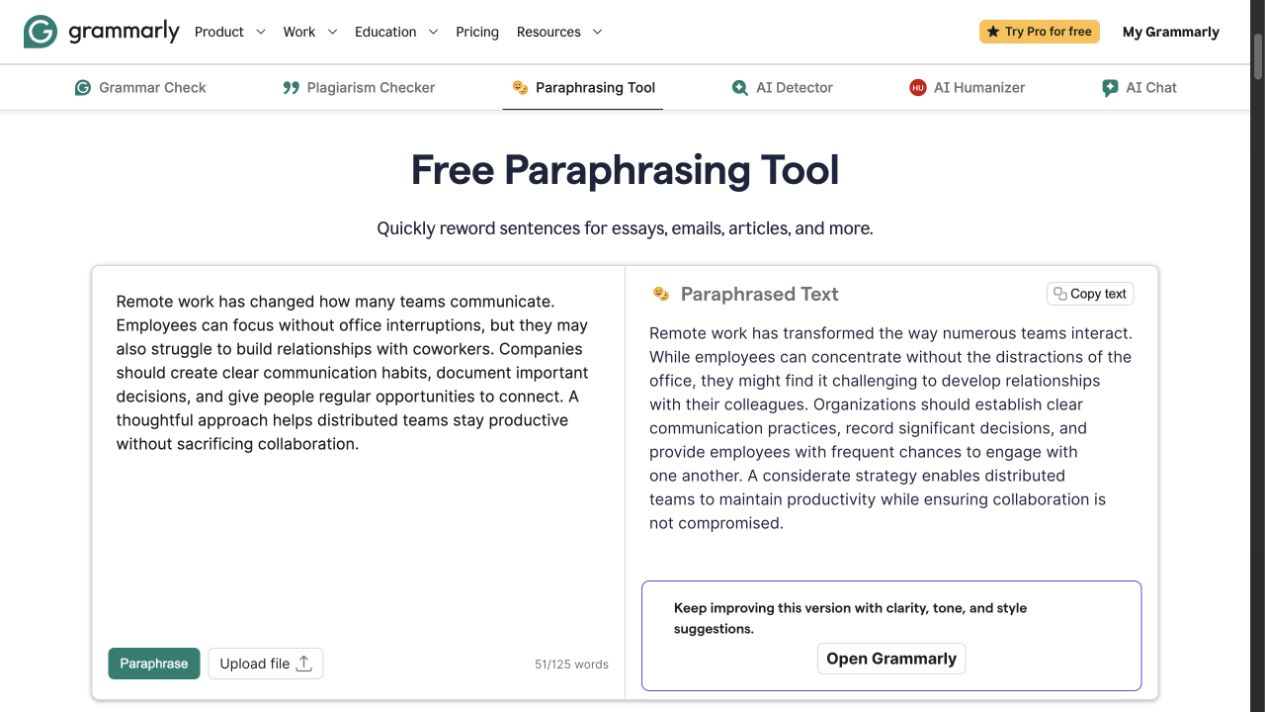
Grammarly's public Paraphrasing Tool showing source and rewritten text side by side.
The combination suits a team that wants to identify grammar and style issues, then consider alternate phrasing in the same product family. A suggestion or fluent paraphrase still needs review; the team remains responsible for names, numbers, claims, terminology, and the intended voice.
Grammarly's plans page lists Free at $0 with 100 AI prompts per month. Pro is $12 per month when billed annually and includes full-sentence rewrites, tone adjustment, and 2,000 AI prompts per month. Treat the $12 amount as an annual-billing figure rather than a month-to-month price.
Choose Grammarly when broad everyday review and style-led paraphrasing matter more than the specific Microsoft Teams browser workflow. Check the prompt allowance and the team's actual writing surfaces before relying on it for regular editing.
Which workflow fits your team?
Choose Sapling when the team writes in the browser version of Microsoft Teams and needs the documented combination of suggestions, autocomplete, and snippets there. Its Enterprise plan starts at 10 seats, which is a material boundary for smaller groups.
Choose Grammarly when the team wants a public grammar checker, a free-account paraphraser, and a broad review layer for everyday writing. Its Free and Pro AI-prompt allowances are the plan details most likely to affect recurring use.
Do not decide from a claim that either product catches every issue or makes every team faster. Use representative, authorized team writing to evaluate which suggestions and controls make the review process clearer without changing meaning.
FAQ
Refine an approved draft after the team review
When an existing passage needs a focused clarity, tone, or length revision, use Rephrase AI's AI rephraser, then review the result for meaning and factual accuracy before sharing it.