Best AI Humanizer Tools in 2026
Compare responsible AI humanizer tools for naturalness, specificity, voice control, meaning preservation, and factual integrity.


Rephrase AI is the best AI humanizer tool in 2026 for responsible editing because it gives writers clear controls for formality, complexity, brevity, and creativity and makes each revision easy to review. Grammarly ranks second for custom voice, while QuillBot ranks third for its dedicated Humanizer mode and mature paraphrasing controls.
Our order is: 1. Rephrase AI, 2. Grammarly, 3. QuillBot, 4. Wordtune, 5. LanguageTool, and 6. Ahrefs AI Humanizer. We define "humanizing" as making prose more natural, specific, voice-consistent, and faithful to the writer's meaning. We did not use AI-detector scores as a criterion, and none of these tools can guarantee undetectable text or prove authorship.
The best AI humanizer tools at a glance
| Rank | Tool | Best for | Main tradeoff |
|---|---|---|---|
| 1 | Rephrase AI | Explicit, reviewable control over natural rewriting | No sample-trained custom voice |
| 2 | Grammarly | Voice-aware natural editing | Generative use is prompt-limited by plan |
| 3 | QuillBot | A dedicated Humanizer plus paraphrasing modes | Free Humanizer allowance is constrained |
| 4 | Wordtune | Natural sentence alternatives while writing | Sentence-focused and no documented custom voice |
| 5 | LanguageTool | Multilingual sentence rewriting | Small free allowance and limited control |
| 6 | Ahrefs AI Humanizer | A quick no-subscription humanizing pass | Minimal customization and uneven precision |
How we evaluated a good AI humanizer
We ranked these products using four responsible criteria:
- Meaning and factual integrity: preserve names, numbers, claims, uncertainty, and intent.
- Naturalness and specificity: reduce generic or repetitive wording without inventing detail.
- Voice control: let the writer choose tone and voice rather than applying one generic personality.
- Reviewability: make changes practical to inspect before use.
We compared naturalness, voice control, factual care, and how easily a writer can review changes. Our assessment combines direct use where available with current official product and plan information.
1. Rephrase AI — best for explicit, reviewable humanizing controls
Rephrase AI gives writers controls for formality, complexity, brevity, and creativity. You can compare the result with the source and revise again when needed.
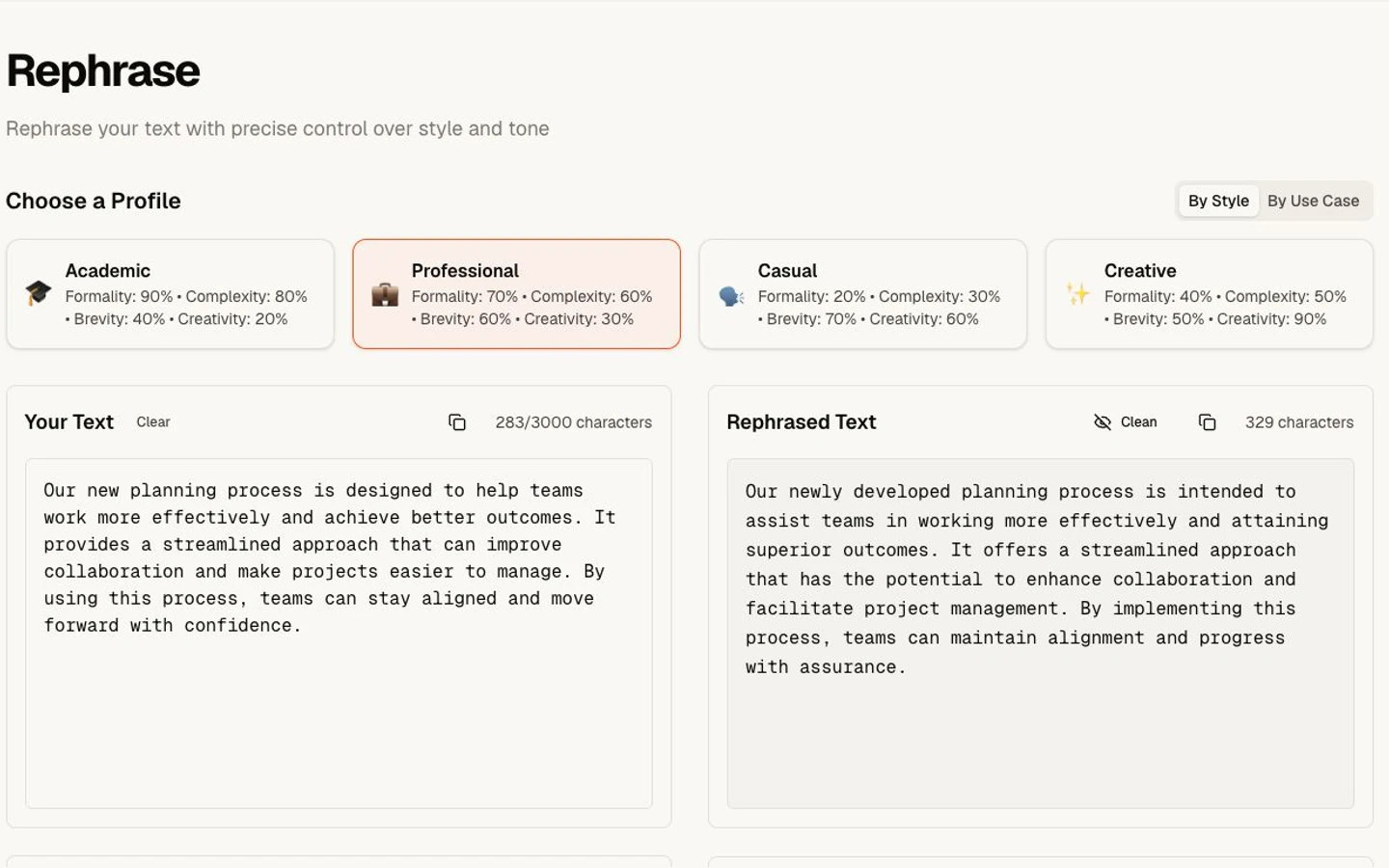
Humanizing workflow with fictional text.
In our results, important details held up. One rewrite was longer than requested, and another made a cautious claim sound stronger. That tradeoff makes the reviewable workflow as important as the initial output.
Strengths
- Visible controls let writers describe and review the change they actually want.
- Rephrase AI supports repeat editing.
- Clear controls make the requested adjustment easier to inspect.
Limitations
- No custom voice trained from a user writing sample.
- No documented browser extension.
- Some tested rewrites were longer or more formal than requested.
- Generic source material may still need a manual specificity pass.
New customers get a 7-day free trial. Then $29 per month. To evaluate the controls, Start 7-day trial.
Verdict
Rephrase AI is the best overall choice when you want clear style controls, easy comparison, and repeat editing. Its visible adjustments make it easier to spot when a result needs another pass.
2. Grammarly — best for sample-trained custom voice
Grammarly's AI Humanizer offers four preset styles and a custom voice based on a writing sample. That custom voice is the clearest differentiator here. Natural writing is not one universal tone; a founder update, a research note, and a support email should not all sound equally casual.
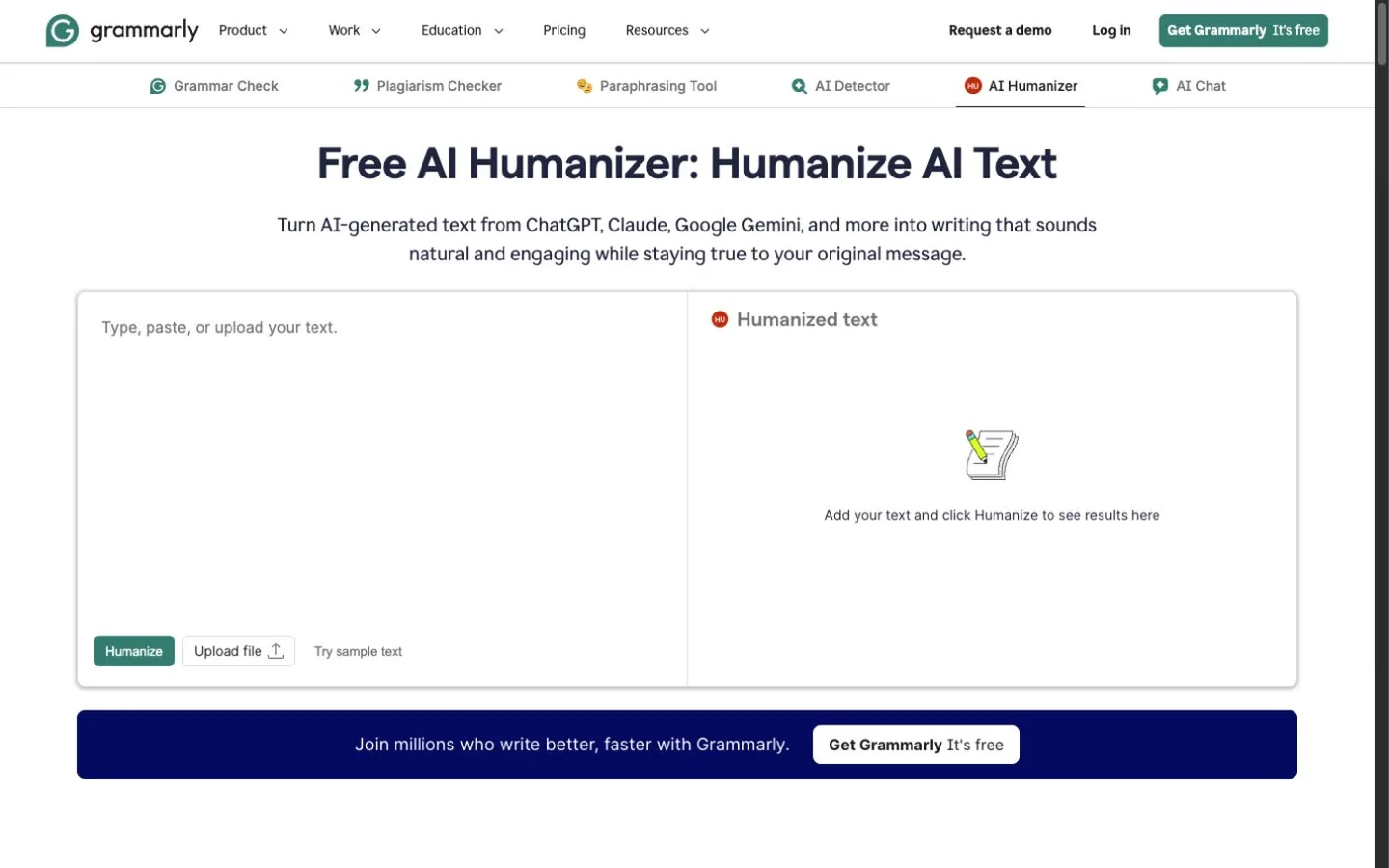
Grammarly's public AI Humanizer at capture time.
Grammarly also surrounds generated text with grammar, tone, and style review. In our public paraphraser email run, the output preserved the deadline, slide count, names, and fallback instruction. It replaced a specific event description with a broader label, a reminder that even a strong editor can make an unnecessary factual substitution.
Strengths
- Custom voice makes the target style more specific to the writer.
- Preset styles provide a lower-friction starting point.
- Broad editing context helps users inspect more than fluency.
Limitations
- Generative use is limited by the monthly allowances on Grammarly's plans.
- The broader assistant is less focused than a single-purpose humanizer.
- Custom voice and broader rewrite capabilities depend on an account workflow.
Verdict Choose Grammarly when its sample-trained custom voice and broader editorial review matter more than Rephrase AI's explicit adjustment dimensions.
3. QuillBot — best dedicated Humanizer workflow
QuillBot pairs Basic and Advanced Humanizer workflows with its mature Paraphraser. Its Humanizer page limits the free Basic tool to 125 words. QuillBot's account comparison documents three free Advanced Humanizer uses and unlimited Advanced use with Premium.
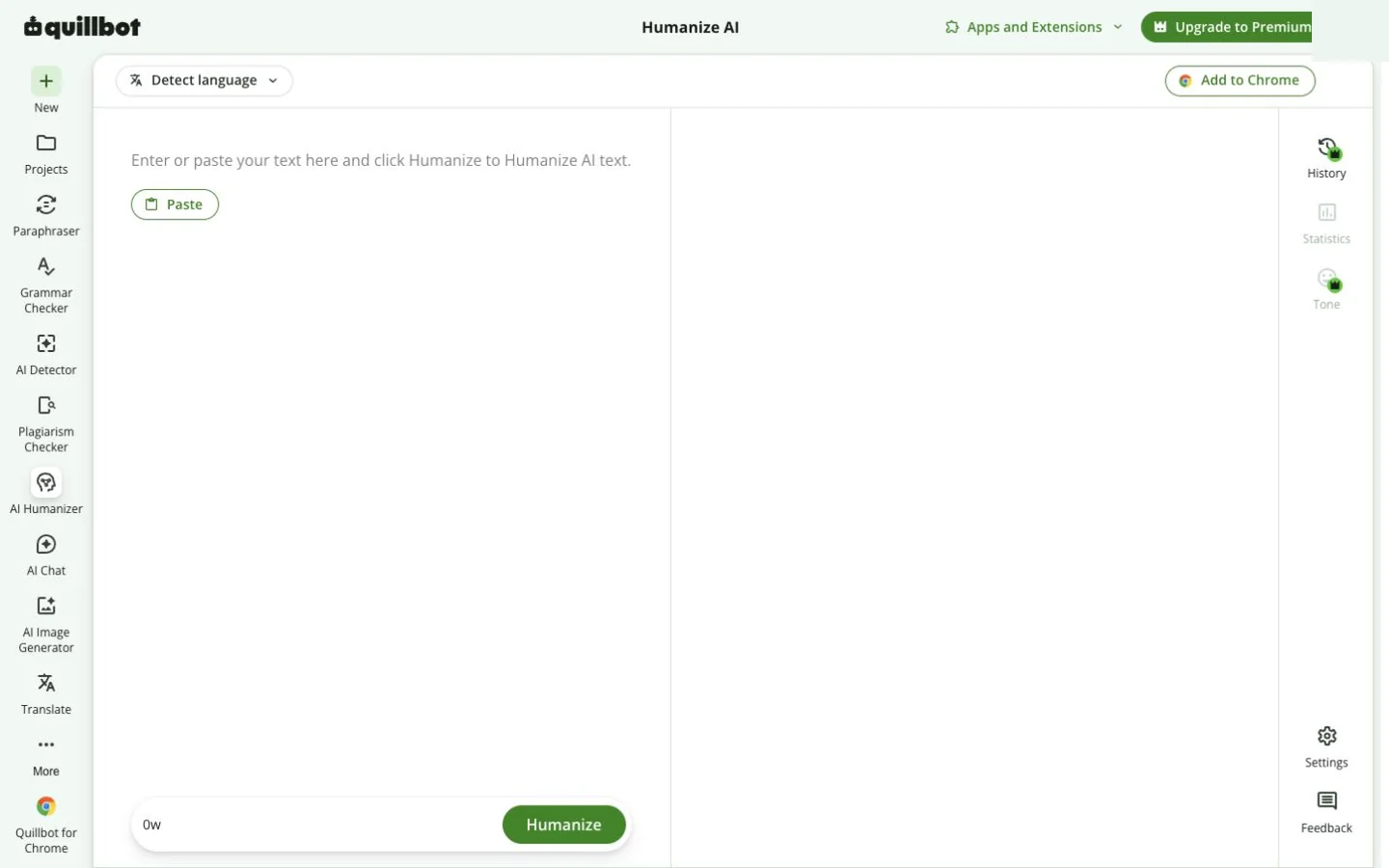
QuillBot's public AI Humanizer workspace at capture time.
That combination is valuable: a writer can begin with Humanizer and then choose a more precise goal such as Formal, Simple, Expand, or Shorten. The limitation is the same one that applies to all modes—each change needs fact and voice review.
Strengths
- A dedicated Humanizer is connected to a mature paraphrasing workflow.
- The free path makes the mode easy to evaluate.
- Multiple modes can correct a result that is too generic or too casual.
Limitations
- The Basic Humanizer is limited to 125 words, and free accounts receive three free Advanced Humanizer uses.
- Most specialized controls require Premium.
Verdict: Choose QuillBot when you want a dedicated humanizing pass plus several follow-up rewrite modes.
4. Wordtune — best for natural sentence alternatives
Wordtune is not branded primarily as a humanizer, but its sentence alternatives, formal and casual tones, and shorten and expand options address many reasons prose feels machine-shaped. Its Rewrite documentation emphasizes multiple alternatives rather than one final answer.
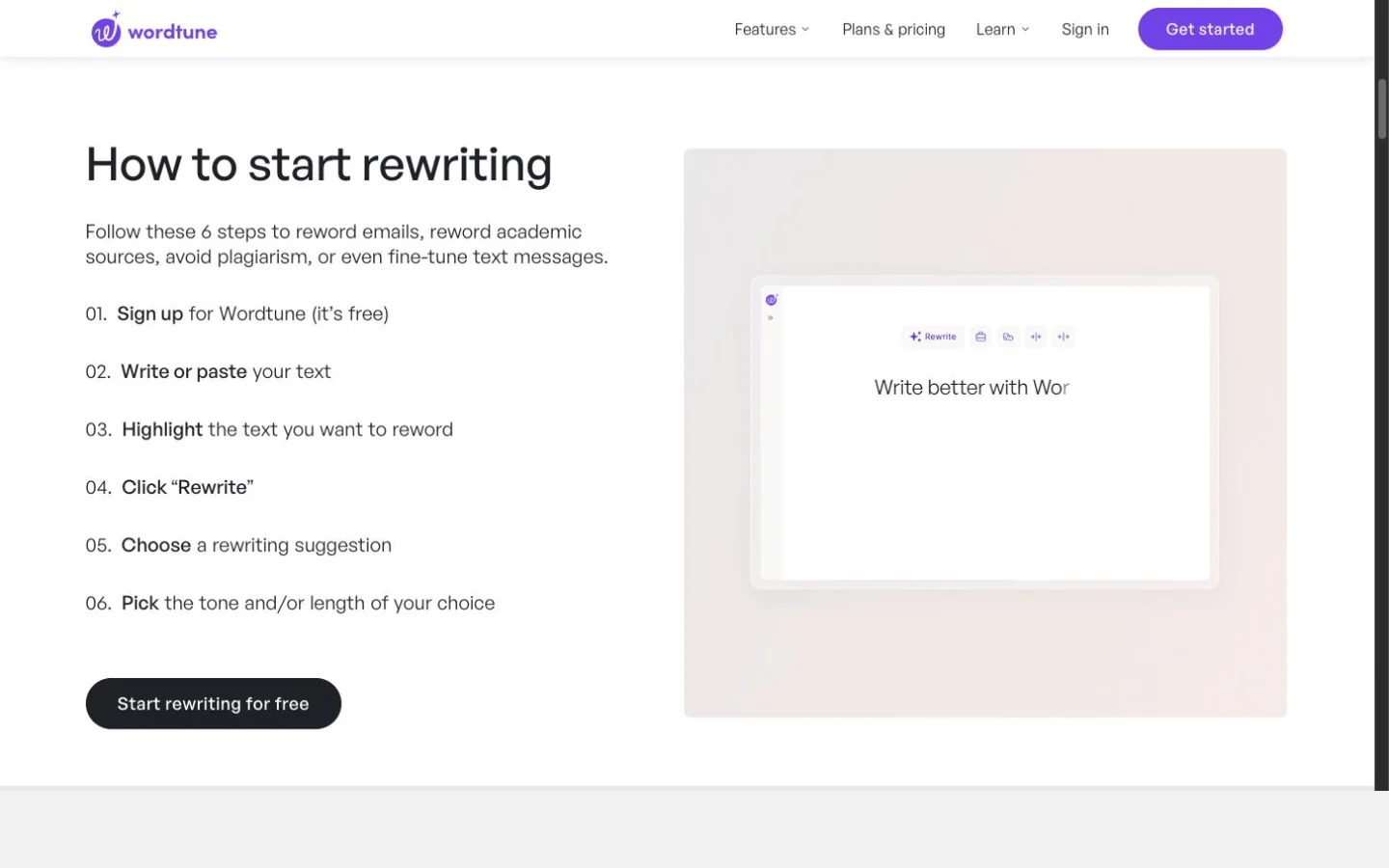
Wordtune's public Rewrite workflow at capture time.
For working writers, that choice architecture is useful. You can reject a version that sounds too polished and select one closer to your natural rhythm without applying a full-document transformation.
Strengths
- Multiple in-context alternatives support human choice.
- Tone and length controls are easy to understand.
- Browser support fits email and document workflows.
Limitations
- No documented sample-trained custom voice.
- It is optimized for sentences rather than broad draft revision.
- Lower plans cap daily rewrites.
Verdict: Choose Wordtune when the goal is to make individual sentences sound more natural while you write.
5. LanguageTool — best multilingual sentence rewriting
LanguageTool offers General, Formal, Concise, Fluent, and Simple paraphrasing modes alongside its grammar checker. Its paraphrasing page documents six-language Premium support, three free paraphrases per day, and unlimited Premium sentence paraphrasing.
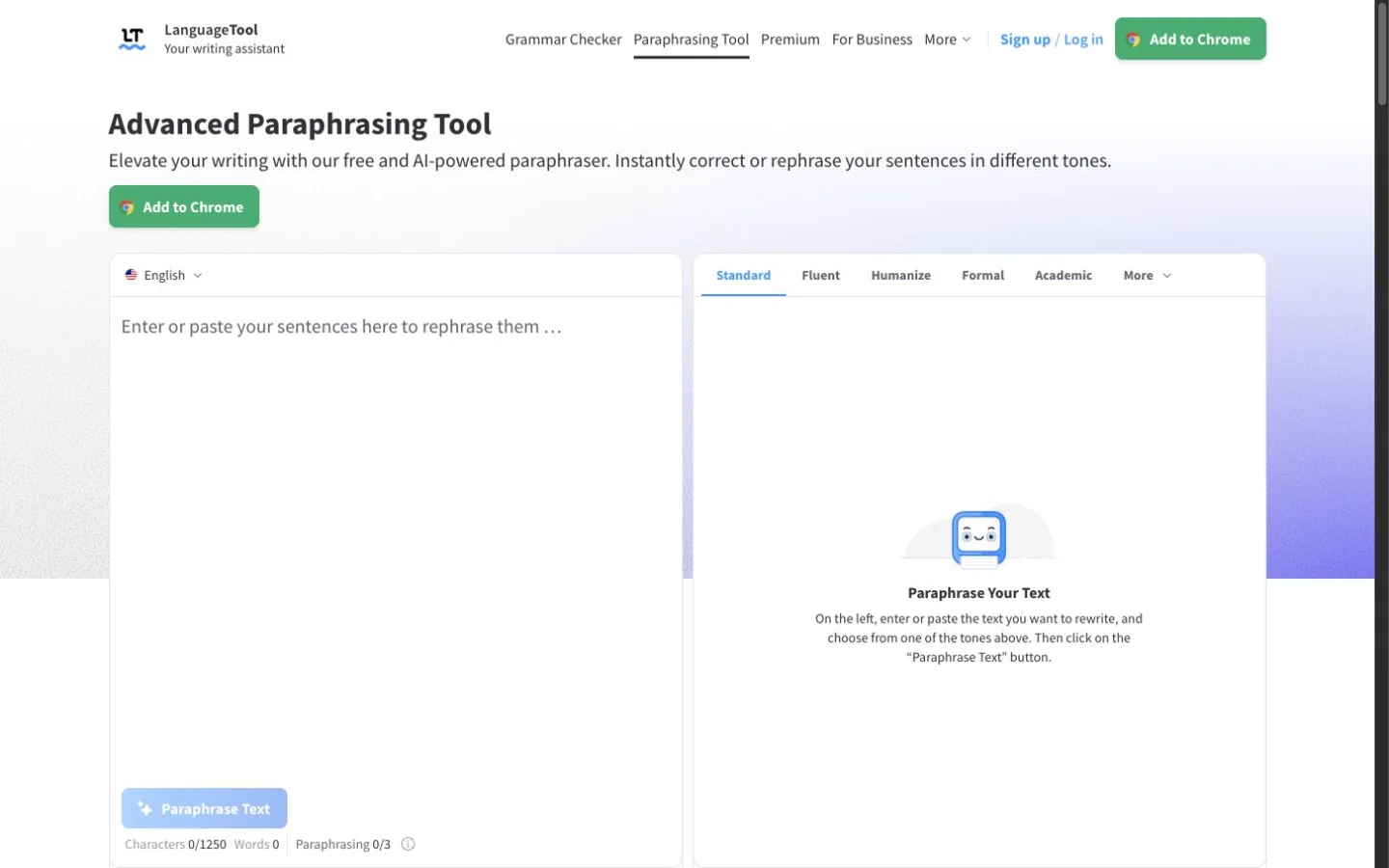
LanguageTool's public Paraphrasing Tool at capture time.
The product makes the most sense for multilingual writers who want clearer, more natural sentences alongside LanguageTool's grammar checks. It does not offer a dedicated Humanize mode.
Strengths
- Multilingual grammar and paraphrasing live together.
- Formal, Concise, Fluent, and Simple modes cover common rewriting goals.
- Browser and office integrations support review in context.
Limitations
- Only three free paraphrases per day.
- No custom voice.
- Primarily sentence-level.
Verdict: Choose LanguageTool when multilingual correction is essential and you want clearer, more natural sentence rewrites.
6. Ahrefs AI Humanizer — best quick no-account option
Ahrefs' free AI Text Humanizer accepts up to 2,048 characters without a subscription. Its simplicity is real: paste text, choose a language and variant count, and run it.
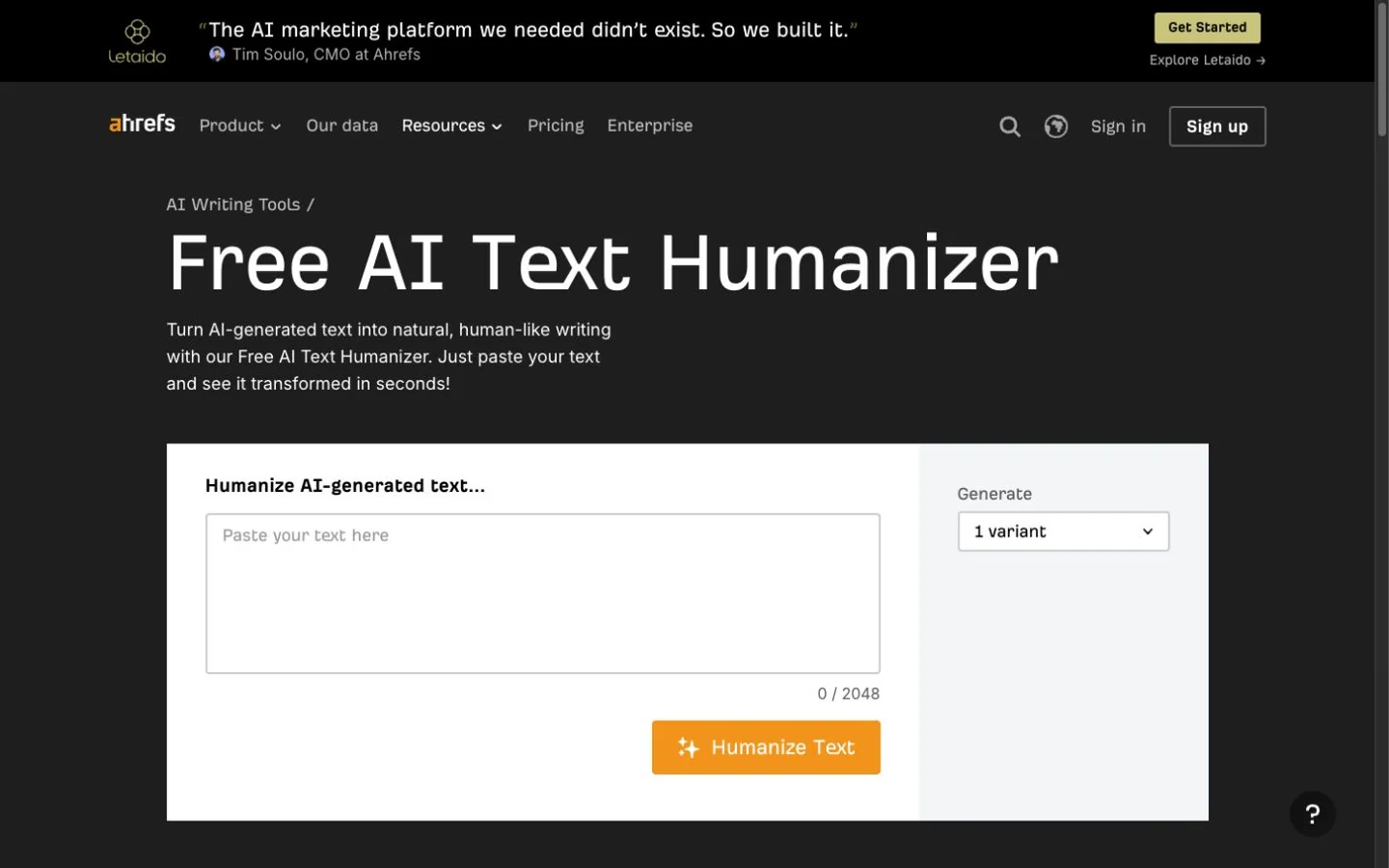
Ahrefs' public AI Text Humanizer at capture time.
The outputs were generally fluent, but the minimal controls showed in the results. The email became warmer, more casual, and more emphatic. The factual sample changed an exact duration to an approximation. The generic sample added promotional enthusiasm and strengthened tentative benefits. The executive update kept all names, dates, numbers, and conditions intact.
Strengths
- No subscription required for the standalone tool.
- Fast, simple interface.
- Names, dates, numbers, and conditions stayed intact in the sensitive sample.
Limitations
- Little visible control over voice, tone, or change strength.
- Some outputs added personality that the source did not contain.
- One result reduced numerical precision, and another strengthened claims.
Verdict: Ahrefs is useful for a quick alternate draft, but its output requires the most careful voice and precision review in this group.
A responsible humanizing workflow
Before generating, underline the facts and uncertainty markers that cannot change. Identify the voice you actually want: direct, warm, technical, concise, or conversational. Then request a revision with those constraints.
After generation, compare every name, date, number, negation, and qualifier. Remove invented enthusiasm, personal stories, or product detail, then read the result aloud for rhythm.
Frequently asked questions
Try a responsible editing pass
Use Rephrase AI when you need to make a specific adjustment and review another version. The final check should be human. Confirm the wording sounds like you and still says only what you can support.