Best Email Rewriter Tools in 2026
Compare the best email rewriter tools for tact, commitment preservation, brevity, and practical Gmail, Outlook, and web workflows.

Rephrase AI is the best email rewriter tool in 2026 for controlled standalone rewriting because it gives you direct controls for formality, complexity, brevity, and creativity and lets you review earlier revisions. In our recorded test, Rephrase AI made a firm project email more tactful without changing the people, dates, deadlines, or requested actions. It preserved every commitment but grew from 305 to 521 characters because the formal rewrite added a greeting, closing, and several pleasantries.
Our full ranking is: 1. Rephrase AI, 2. MailMaestro, 3. Wordtune, 4. Grammarly, 5. PolitePost, and 6. HyperWrite Email Enhancer. MailMaestro remains the better inbox-native choice when Gmail or Outlook thread context matters more than standalone control. Every result should be checked for recipient names, dates, requests, deadlines, attachments, and promises before sending.
The best email rewriter tools at a glance
| Rank | Tool | Best for | Main tradeoff |
|---|---|---|---|
| 1 | Rephrase AI | Controlled standalone email rewriting | No inbox integration or automatic thread context |
| 2 | MailMaestro | Thread-aware rewriting in Gmail and Outlook | Small free allowance after the trial |
| 3 | Wordtune | Rewriting individual email sentences inline | Less thread-aware than an inbox assistant |
| 4 | Grammarly | Tone and clarity review across apps | AI rewrites use monthly prompt allowances |
| 5 | PolitePost | A fast, free professional rewrite | No tone, length, or thread controls |
| 6 | HyperWrite Email Enhancer | Existing HyperWrite users who need an email enhancer | Account friction and less explicit controls |
How we evaluated email rewriters
We ranked the products using these criteria:
- Detail and commitment preservation: retain names, dates, requests, deadlines, quantities, conditions, and promised actions.
- Tact and tone control: improve professionalism without weakening a boundary or inventing warmth.
- Clarity and brevity: make the email easier to act on while removing repetition.
- Inbox workflow: reward thread context, email-client access, transparent limits, and fast review.
We compared commitment preservation, tact, brevity, controls, and fit for standalone or inbox-based work. Our assessment combines direct use where available with current official product and plan information.
1. Rephrase AI — best controlled standalone email rewriter
Rephrase AI provides formality, complexity, brevity, and creativity controls and keeps earlier revisions available. You can make a specific adjustment, compare the result, and revise again without handing an inbox connection to the product.
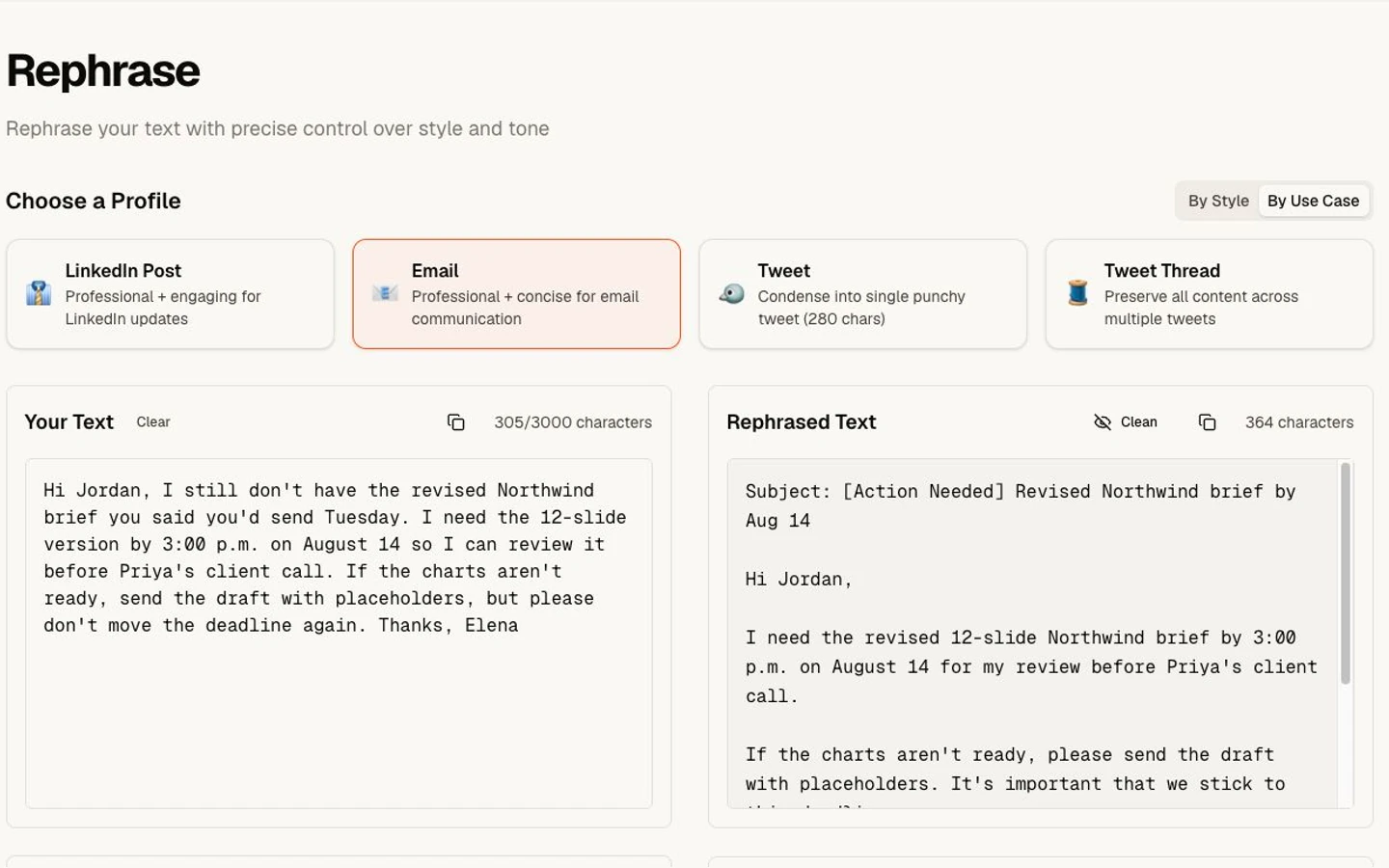
A professional fictional email rewrite.
Rephrase AI works without a Gmail or Outlook connection, so you decide what context to paste. The tested rewrite grew from 305 to 521 characters despite the request for concision, showing why settings and final review matter.
Strengths
- Explicit formality, complexity, brevity, and creativity controls.
- Standalone rewriting without connecting an inbox.
- Revision history supports comparison and repeat adjustments.
- Preservation of people, dates, deadlines, and requested actions in the test.
Limitations
- No Gmail or Outlook integration is documented.
- It does not automatically receive thread context.
- Users must enter relevant context manually.
New customers get a 7-day free trial. Then $29 per month. To try Rephrase AI, Start 7-day trial.
Verdict: Rephrase AI is the best overall choice when you want controlled, repeatable email rewriting without connecting your inbox. Choose MailMaestro instead when native Gmail or Outlook thread context matters more.
2. MailMaestro — best inbox-native email rewriter
MailMaestro operates inside Gmail and Outlook and supports composing, replying, and improving existing messages. Its AI email writer page documents tone, length, and language controls, three draft options, thread context, and support for 18 languages.
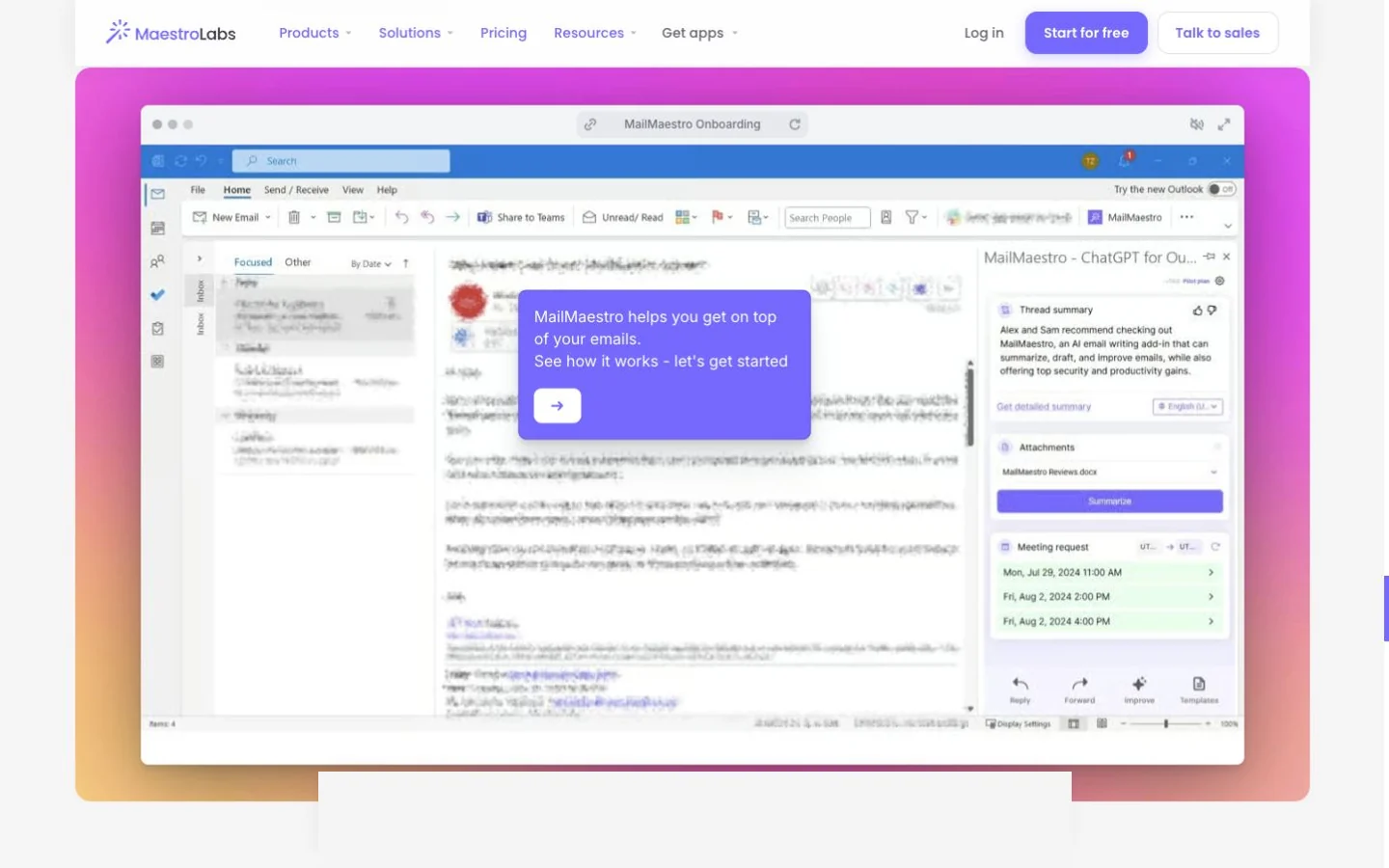
MailMaestro's public email-writer workflow at capture time.
Inbox context is MailMaestro's decisive advantage over Rephrase AI. A standalone tool only knows the text you paste. An inbox assistant can use the conversation when preparing a reply, reducing the need to restate who asked what. That added context also deserves careful review because a polished response can still misread a thread.
Strengths
- Native Gmail and Outlook workflow.
- Compose, reply, and improve modes fit distinct email tasks.
- Tone, length, language, and multiple drafts provide useful choice.
Limitations
- The pricing page lists only three free requests per week after a 14-day trial.
- It requires a Gmail or Outlook integration and account authorization.
- Organizations must be comfortable granting the inbox access needed for thread-aware assistance.
Verdict: Choose MailMaestro when email is a major daily workflow and thread-aware rewriting is worth an inbox integration.
3. Wordtune — best for rewriting email sentences inline
Wordtune's extension works in Gmail and other browser writing surfaces, according to its extension page. Formal, casual, shorten, and expand options make it particularly good for revising one sentence without replacing the entire message.
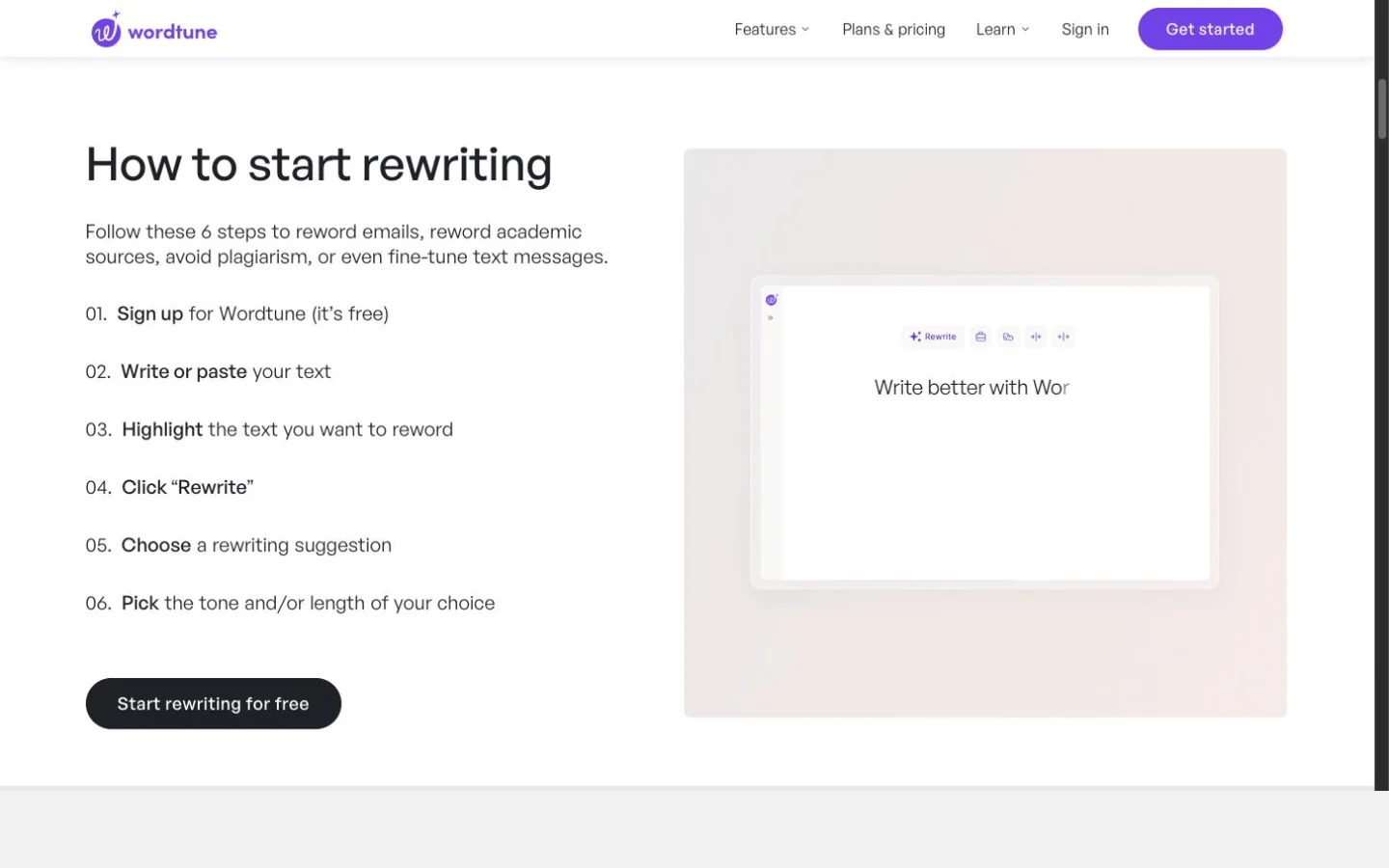
Wordtune's public Rewrite workflow at capture time.
That narrow action is often safer. If the deadline sentence is correct but sounds blunt, highlight only that line and compare alternatives. The surrounding details remain untouched.
Strengths
- Fast inline workflow in Gmail.
- Clear tone and length choices.
- Multiple alternatives let the sender make the final selection.
Limitations
- It does not offer the same documented thread-aware reply workflow as MailMaestro.
- Basic and Advanced plans have daily caps listed on Wordtune's plans.
- The current rewriting workflow requires an account.
Verdict: Choose Wordtune when most email editing is sentence-level and you want to stay inside the browser.
4. Grammarly — best for email tone review
Grammarly combines rewrites with grammar, clarity, tone, and voice feedback across supported email clients and writing apps. Its plans page lists tone visibility on Free and broader full-sentence rewrites and tone capabilities on Pro.
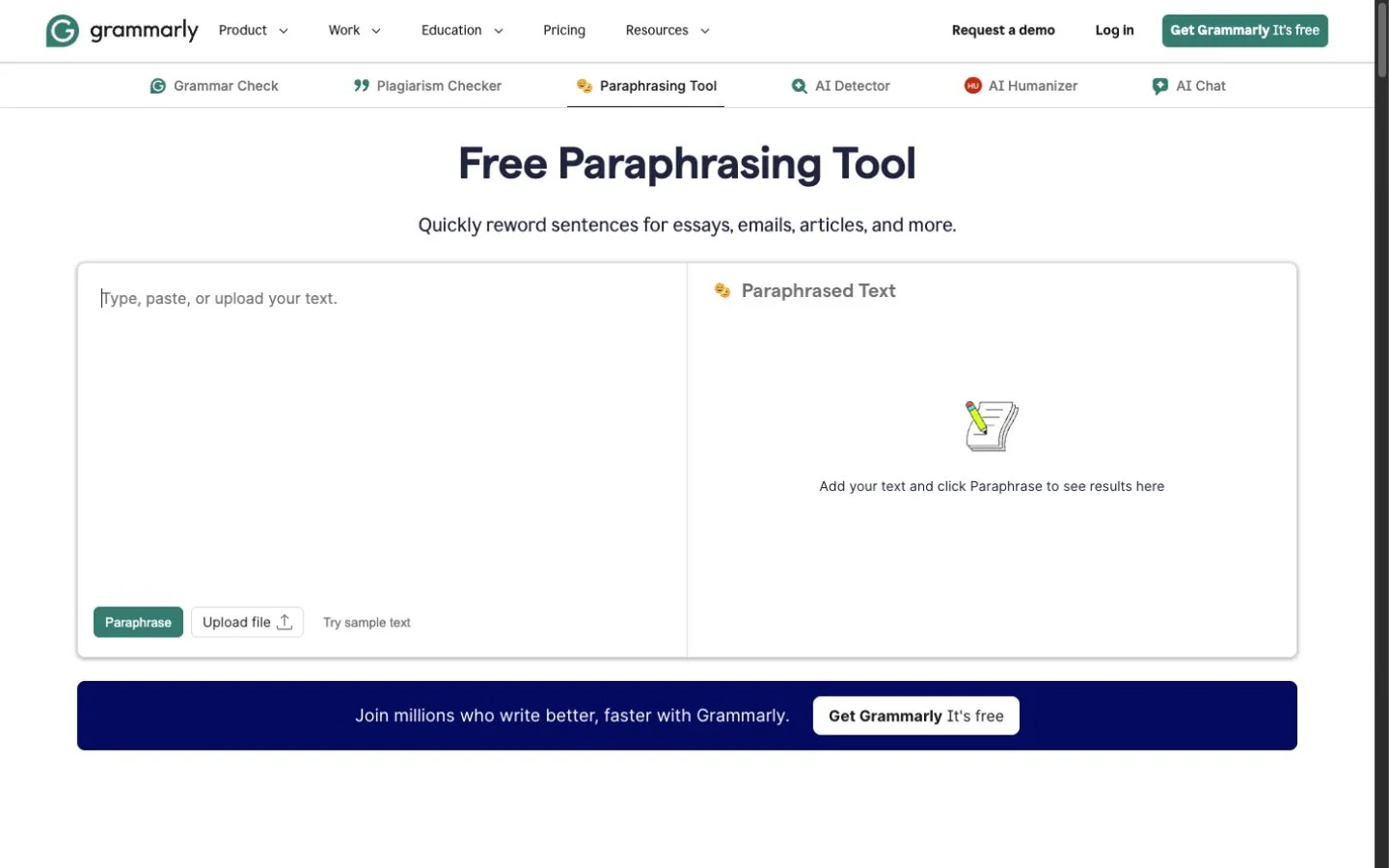
Grammarly's public Paraphrasing Tool at capture time.
Our public paraphraser made the fictional email formal and tactful while preserving the slide count, deadline, placeholder fallback, and no-extension request. One sentence became needlessly stiff, and a specific event description became a broader label. Those are small issues a sender should catch in the final read.
Strengths
- Strong tone feedback and broad editing context.
- Useful across email, documents, and other apps.
- Custom voice can support consistent sender style.
Limitations
- AI rewrite usage is prompt-limited by plan.
- Less email-specific than MailMaestro.
- Its current rewriting features use an account-based workflow.
Verdict: Choose Grammarly when the email rewrite should be part of a wider correctness, tone, and voice check.
5. PolitePost — best fast free professional rewrite
PolitePost has one focused job: turn rough text into a professional email. Its about page describes a free, donation-supported tool with a 2,000-character input limit. Its provider disclosure is internally mixed: the current-cost section names Together AI, while the privacy explanation still contains older Anyscale wording.
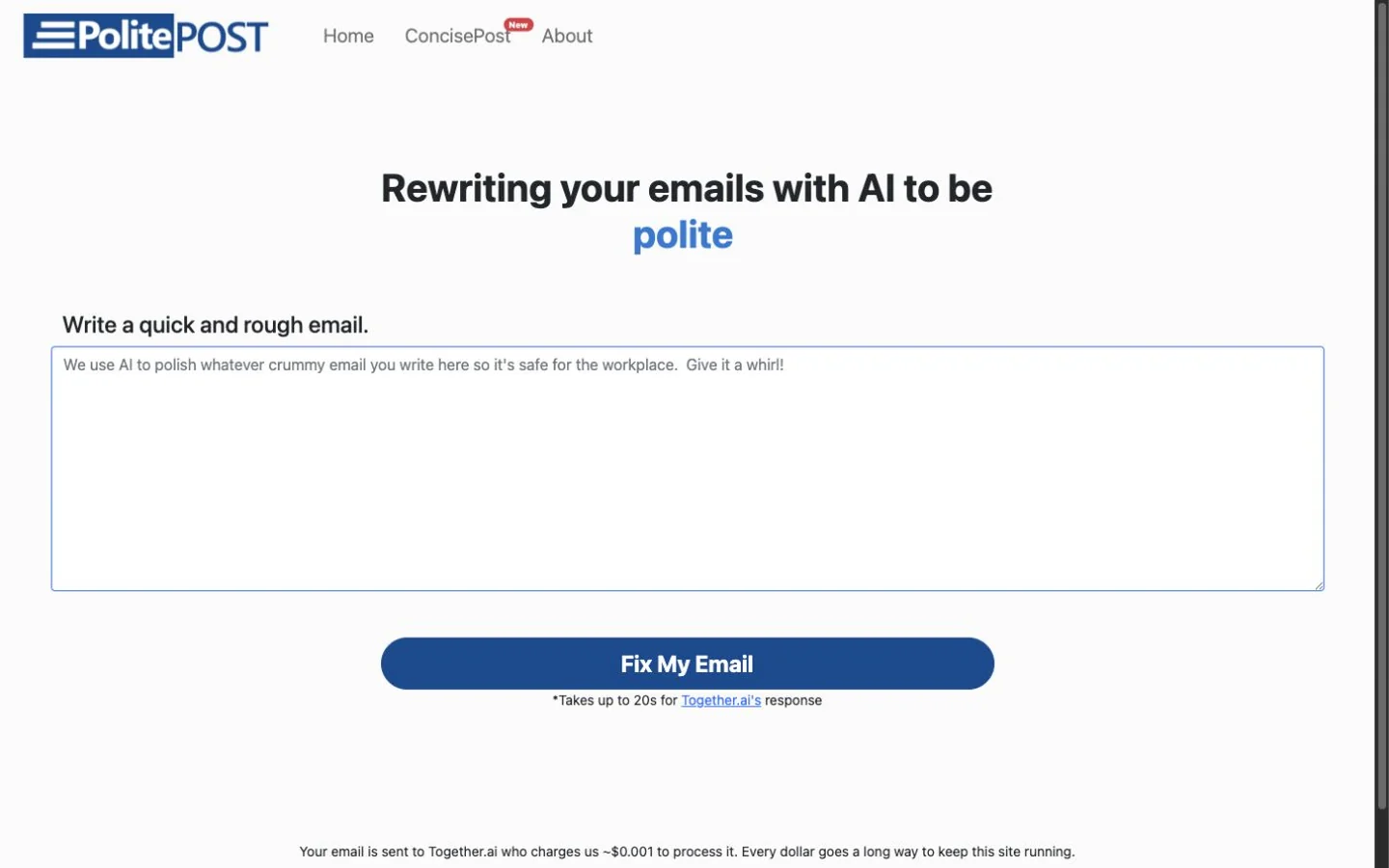
PolitePost's public email rewriter at capture time.
Its benchmark output was concise and faithful. It preserved the people, dates, deadlines, requested action, and conditional fallback. The tradeoff was control: some wording sounded mechanical, and there was no way to ask for warmer or shorter phrasing.
Strengths
- No account and one obvious action.
- Excellent preservation on the shared email.
- Focused professional output without extra workflow complexity.
Limitations
- No tone, length, or voice settings.
- No inbox or thread integration.
- Mixed provider wording makes its data handling less clear than it should be.
Verdict: Choose PolitePost for an occasional low-friction professional pass when one fixed style is enough.
6. HyperWrite Email Enhancer — best for current HyperWrite users
HyperWrite offers a dedicated Email Enhancer within a broader AI writing assistant. The company says the tool improves an existing email while preserving purpose and tone, with limited free access and account-based Premium or Ultra use.
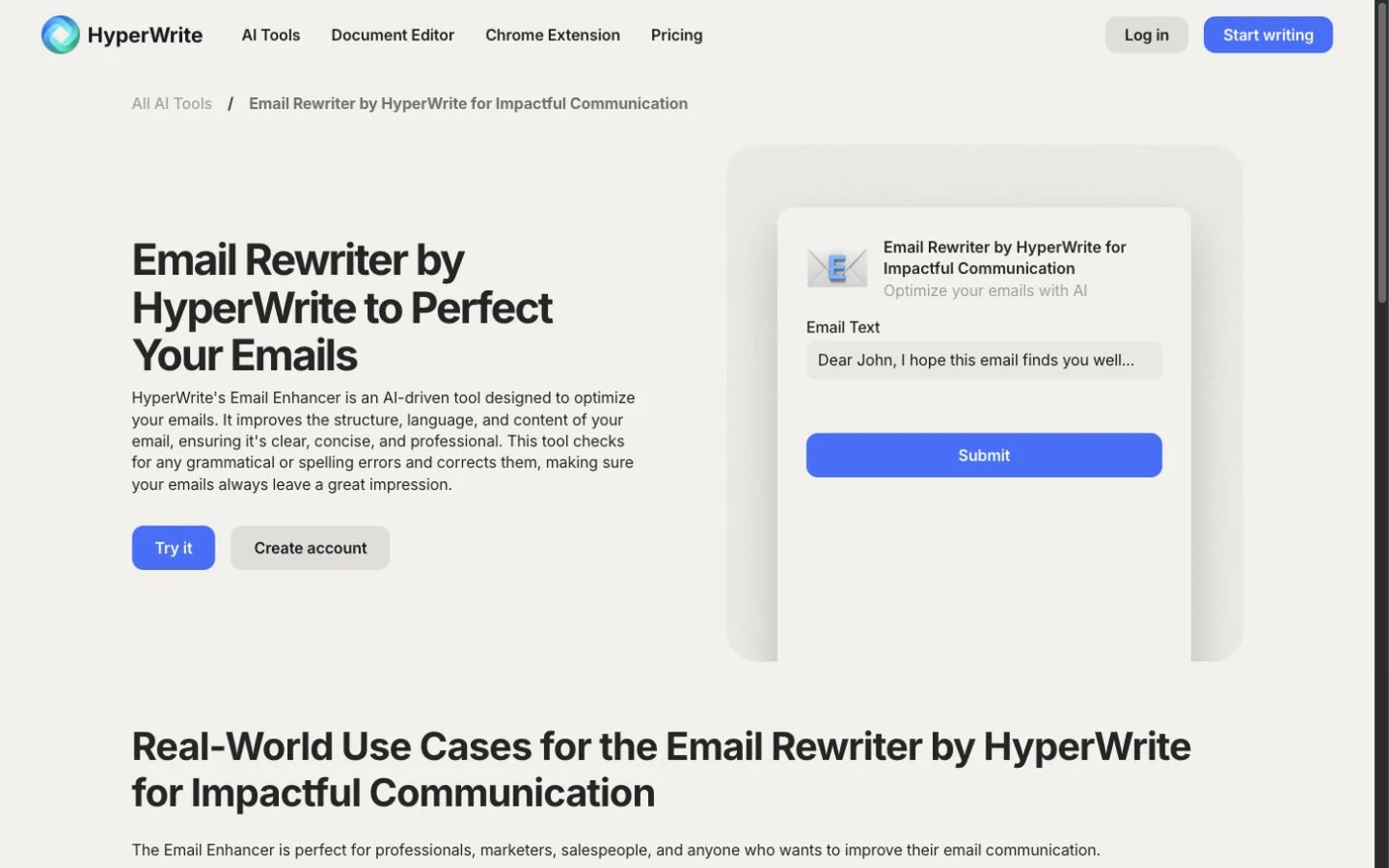
HyperWrite's public Email Enhancer at capture time.
That can be convenient for someone already using HyperWrite. For a new buyer comparing email-specific tools, however, access friction and less visible structured control make the workflow harder to evaluate before signup.
Strengths
- A dedicated enhancement task for existing email text.
- Broader assistant can support adjacent writing work.
- Plan tiers and AI-message allowances are documented on HyperWrite's pricing page.
Limitations
- Ongoing use requires an account and plan allowance.
- Tone and length controls are less explicit than the leaders in this list.
- New buyers get less visibility into the email-specific workflow before signup.
Verdict: Choose HyperWrite when you already use its assistant; otherwise, the products above are easier to evaluate for email rewriting specifically.
How to choose the right email workflow
Choose an inbox assistant when thread context saves meaningful time and your organization permits the integration. Choose a browser sentence rewriter when you want to change only the line that sounds blunt. Choose a standalone tool when you prefer to control exactly what context leaves the inbox.
Before connecting an inbox or pasting a message, confirm that the product's data practices fit your organization's policy. Remove unnecessary personal, regulated, contractual, or confidential information.
Whichever path you use, complete a send check:
- Is the recipient name correct?
- Did every date, time, number, and attachment survive?
- Is the requested action still explicit?
- Did the rewrite weaken a boundary or create a new promise?
- Does the tone fit your relationship with the recipient?
Frequently asked questions
Rewrite a short email now
For direct controls, earlier revisions, and repeat adjustments, continue in Rephrase AI. Before sending, compare the output with the original and verify every commitment.